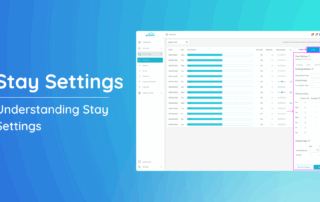
Understanding Stay Settings

Navigating through this tool will empower you to fine-tune your property's pricing and optimize stay durations. Follow the steps outlined below to make the most of these powerful functionalities. Accessing Stay Adjustment: 1. Head to the left-side menu bar. 2.

By Alexis Rosello|2026-06-13T01:07:38+00:00August 14th, 2025|Help Center Article|Comments Off on Understanding Stay Settings

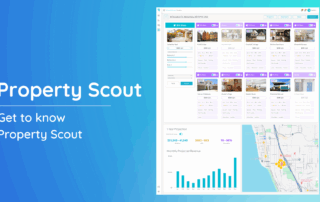
Property Scout

Property Scout is Quibble’s advanced forecasting tool designed to help property managers evaluate the revenue potential of new or prospective properties for short-term rental. Property Scout leverages the full Quibble pricing engine to produce detailed, data-driven rent projections. This gives property managers a significant advantage when:

By Alexis Rosello|2026-06-13T01:08:22+00:00August 8th, 2025|Help Center Article|Comments Off on Property Scout

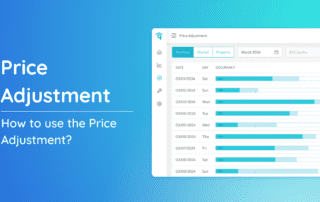
How to use the Price Adjustment?

Ensuring your property's pricing aligns with market dynamics is key to staying competitive. Our Price Adjustment feature provides a straightforward method to tailor pricing strategies. Follow these steps to make informed adjustments and optimize your property's performance. Accessing Price Adjustment 1. Head to

By Alexis Rosello|2026-06-13T01:07:17+00:00August 8th, 2025|Help Center Article|Comments Off on How to use the Price Adjustment?

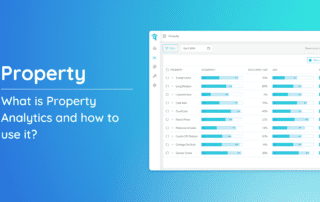
Property Analytics

Property Analytics serves as a dynamic tool empowering users to effortlessly track key metrics like occupancy rate, gap, ADR (Average Daily Rate), revenue, and blocked days at a property level. This feature provides the ability to make precise price adjustments for optimizing each property’s performance.

By Alexis Rosello|2026-06-13T01:08:39+00:00July 31st, 2025|Help Center Article|Comments Off on Property Analytics

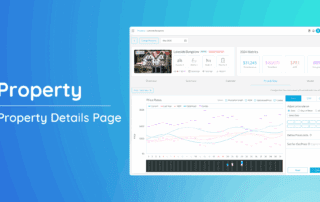
Property Page

The Property Page offers a detailed view of each individual listing in your portfolio, bringing together key performance data, pricing insights, and market context—all in one place. This page is essential for understanding how a specific property is performing and identifying actionable opportunities to optimize its pricing

By Alexis Rosello|2026-06-13T01:08:39+00:00July 23rd, 2025|Help Center Article|Comments Off on Property Page

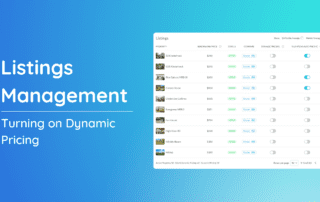
Turning on Dynamic Pricing

Welcome to our comprehensive guide on turning on your dynamic pricing! This article will walk you through the steps to access dynamic pricing, use the silent mode feature, and applying a target rent. Additionally, you'll learn how to compare your property to competitors using the Comparison Model

By Alexis Rosello|2026-06-13T01:08:01+00:00July 3rd, 2025|Help Center Article|Comments Off on Turning on Dynamic Pricing

Generating Bulk Reports

Bulk Reports allow property managers to extract comprehensive data across their entire portfolio using customized report filters. These contains the revenue report of each property for the selected period. What is a Bulk Report? A Bulk Report is a consolidated report that includes data across all

By Alexis Rosello|2026-06-13T01:06:21+00:00June 17th, 2025|Help Center Article|Comments Off on Generating Bulk Reports

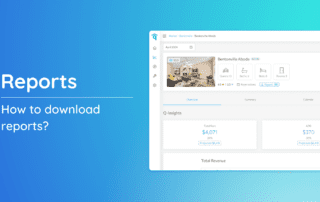
Downloading a Report

Discover how to effortlessly download detailed reports for your properties with our step-by-step guide. Tailor your view preferences and extract valuable insights by following the instructions below. This guide ensures a seamless process for accessing and customizing reports to meet your specific needs.

By Alexis Rosello|2026-06-13T01:06:01+00:00June 11th, 2025|Help Center Article|Comments Off on Downloading a Report

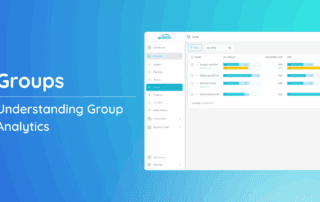
Understanding Group Analytics

What is Group Analytics and how to use it? The Group Analytics Page provides a centralized view of performance metrics for all properties within a group. In addition to reviewing data like occupancy, ADR, and booking trends, you can also make real-time pricing

By Alexis Rosello|2026-06-13T01:09:20+00:00May 30th, 2025|Help Center Article|Comments Off on Understanding Group Analytics

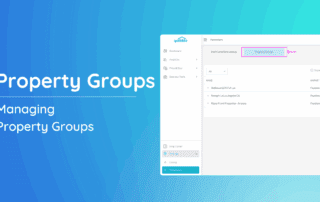
Managing Property Groups

Groups allow property managers to organize properties into custom collections, enabling bulk control over pricing, availability rules, and booking policies. Instead of updating each property individually, you can apply changes to all properties within a Group at once — saving time and ensuring consistency. What are

By Alexis Rosello|2026-06-13T01:10:29+00:00May 29th, 2025|Help Center Article|Comments Off on Managing Property Groups
Go to Top