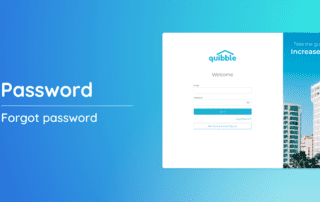
Forgot Password

This guide will walk you through the simple steps of recovering your password using the "Forgot Password?" feature. 1. Head to the sign-in page, and click on “Forgot Password?” 2. On the prompted screen, provide your email address. Once entered, click

By Jessica Ente|2026-06-13T01:09:54+00:00March 14th, 2024|Help Center Article|Comments Off on Forgot Password

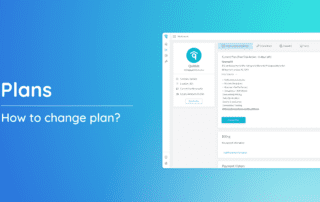
How to change plan?

Your needs evolve, and so should your plan. If you're ready to make adjustments to your subscription, follow these straightforward steps. 1. Start by clicking on your name or profile in the upper right corner of the screen. 2. From the dropdown, navigate

By Jessica Ente|2026-06-13T01:05:58+00:00March 14th, 2024|Help Center Article|Comments Off on How to change plan?

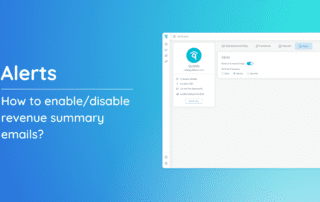
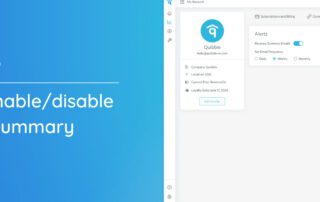
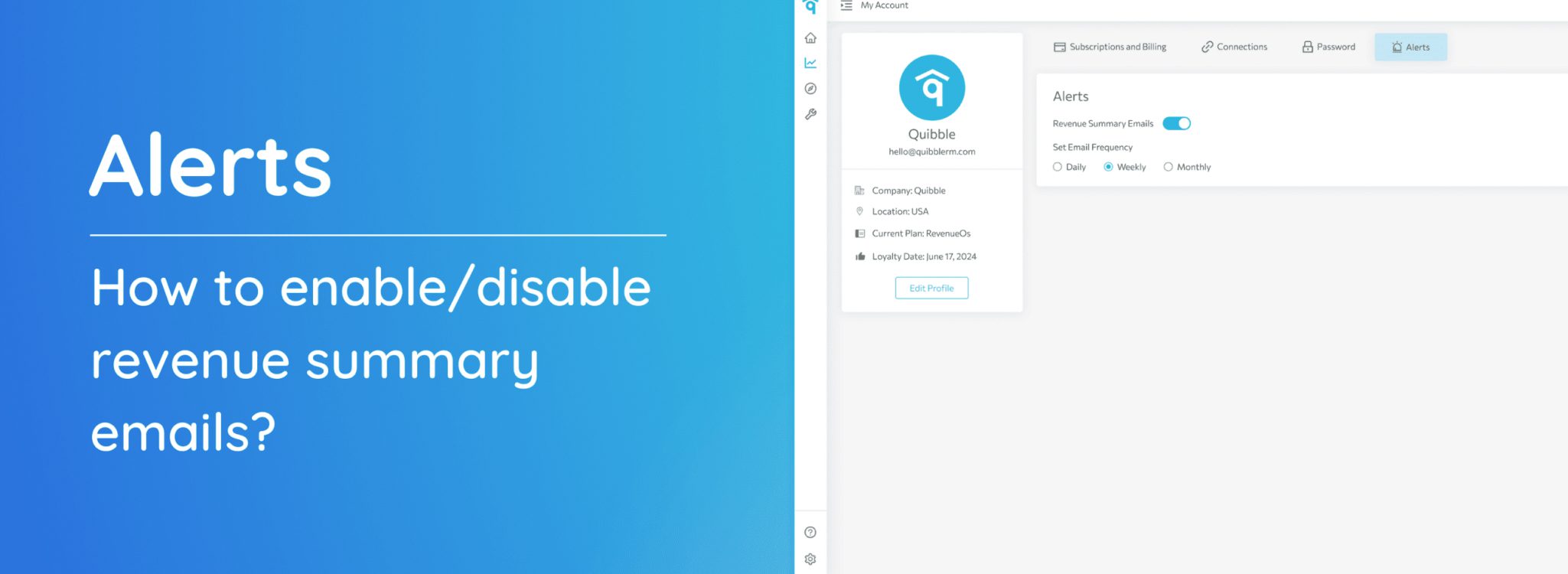
How to enable/disable revenue summary emails?

Take control of your inbox by customizing how you receive revenue summaries. Whether you prefer regular updates or a less frequent approach, these steps guide you through enabling or disabling revenue summary emails according to your preference. 1. Start by navigating to the upper right corner

By Jessica Ente|2026-06-13T01:05:59+00:00March 14th, 2024|Help Center Article|Comments Off on How to enable/disable revenue summary emails?
Go to Top