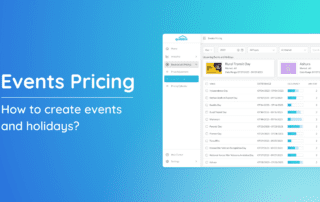
Events & Holidays Pricing

Setting customized pricing for special events and holidays can significantly impact your revenue. This guide will show you how to access the Events Pricing feature and walk you through creating, customizing, and applying dynamic pricing to events and holidays to optimize your revenue strategy.

By Jessica Ente|2026-06-13T01:08:02+00:00April 27th, 2024|Help Center Article|Comments Off on Events & Holidays Pricing

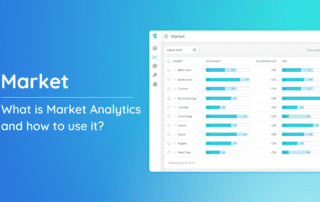
Market Analytics

What is Market Analytics and how to use it? What's on this page: > Accessing Market Analytics > Occupancy Gap > Reviews > Blocked Days > Show Same Store > Active Properties Only > Checking Forecasted Occupancy, ADR, and

By Jessica Ente|2026-06-13T01:08:40+00:00April 1st, 2024|Help Center Article|Comments Off on Market Analytics

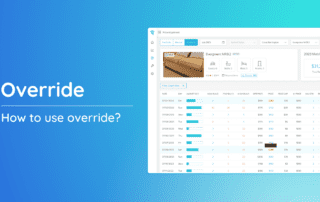
How to Override?

Explore the functionality of the Override feature with our comprehensive guide. This tool empowers you to customize pricing and stay values effortlessly at various levels. By following the steps outlined below, you can tailor your property's pricing and stay duration according to your specific needs.

By Jessica Ente|2026-06-13T01:07:36+00:00March 19th, 2024|Help Center Article|Comments Off on How to Override?

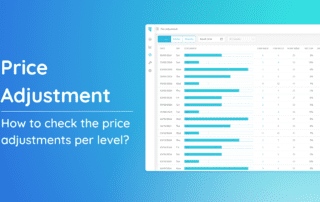
How to check the price adjustments per level?

Understand how to review price adjustments across different levels for your properties. Price adjustments can be made at three distinct levels, offering flexibility and customization: Portfolio, Market, and Property. Checking Price Adjustments per Level: Portfolio Level: Adjustments applied to all properties under your portfolio. Market

By Jessica Ente|2026-06-13T01:06:22+00:00March 19th, 2024|Help Center Article|Comments Off on How to check the price adjustments per level?

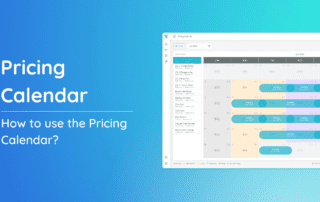
How to use the Pricing Calendar?

Pricing calendar is a tool designed to provide you a comprehensive view of your property prices per night, along with reservations and demand insights. This guide will walk you through the steps to effortlessly access and utilize the Pricing Calendar for effective pricing and reservation management.

By Jessica Ente|2026-06-13T01:08:00+00:00March 19th, 2024|Help Center Article|Comments Off on How to use the Pricing Calendar?

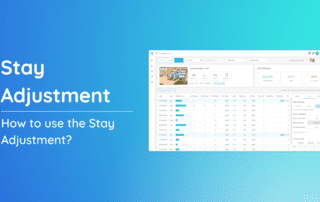
How to use the Stay Adjustment?

The Stay Adjustment feature proves beneficial across portfolio, market, and property levels. Portfolio Use the Portfolio level to apply changes across all properties. This is ideal for broad strategies that impact your entire portfolio. 1. From the Price & Stay dropdown, click “Portfolio”.

By Alexis Rosello|2026-06-13T01:07:37+00:00March 18th, 2024|Help Center Article|Comments Off on How to use the Stay Adjustment?

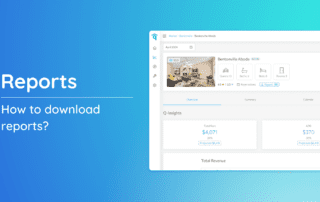
How to download a report?

Discover how to effortlessly download detailed reports for your properties with our step-by-step guide. Tailor your view preferences and extract valuable insights by following the instructions below. This guide ensures a seamless process for accessing and customizing reports to meet your specific needs.

By Jessica Ente|2026-06-13T01:06:00+00:00March 18th, 2024|Help Center Article|Comments Off on How to download a report?

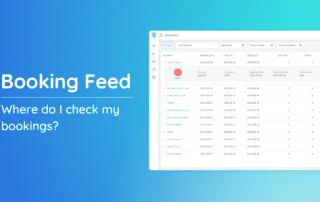
Booking Feed

Where do I check my bookings? The Booking Feed stands out as one of the frequently utilized features, offering a comprehensive view of all bookings for your properties. Accessing Booking Feed: 1. Navigate to the left-side menu bar.

By Jessica Ente|2026-06-13T01:04:09+00:00March 15th, 2024|Help Center Article|Comments Off on Booking Feed

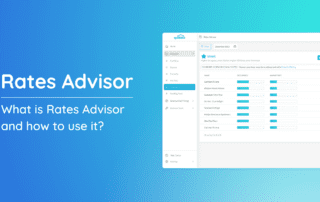
Rates Advisor

What is Rates Advisor and how do I use it? Rates Advisor is a valuable tool designed to help you optimize property revenue by offering actionable pricing recommendations tailored to your properties. Accessing Rates Advisor: 1. Head to the

By Jessica Ente|2026-06-13T01:08:21+00:00March 15th, 2024|Help Center Article|Comments Off on Rates Advisor

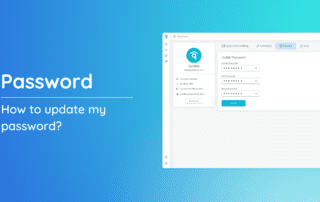
How to update my password?

Ensuring your account's safety is of utmost importance, and updating your password is a key way to do it. Here's a quick guide to help you update your password easily and keep your account secure. 1. Begin by clicking on the dropdown option in the

By Jessica Ente|2026-06-13T01:10:28+00:00March 15th, 2024|Help Center Article|Comments Off on How to update my password?
Go to Top