Generating Bulk Reports
A bulk report consolidates revenue data across every property in your portfolio for a chosen timeframe.
1
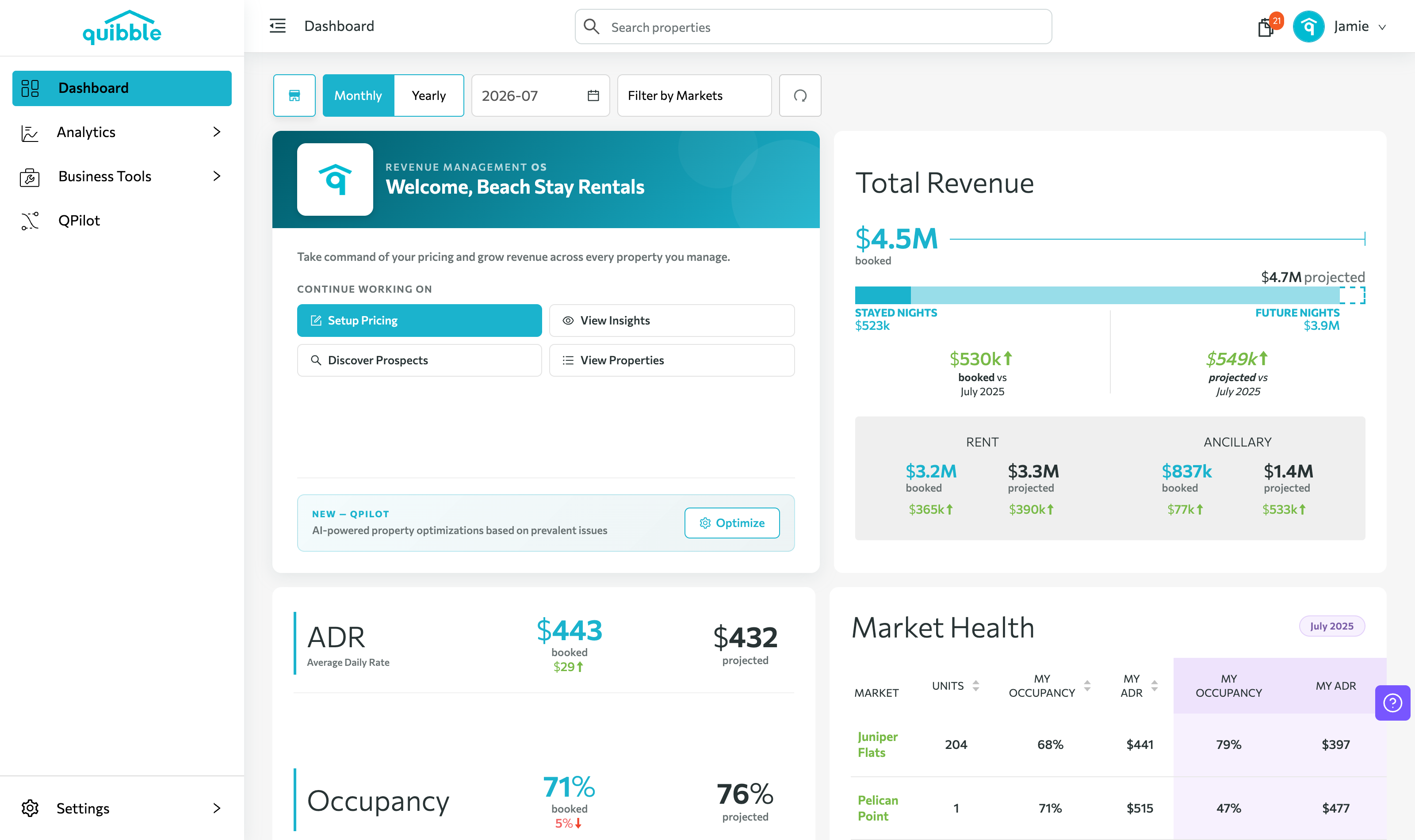
From the dashboard, open your avatar (upper right) and select My Account.
2
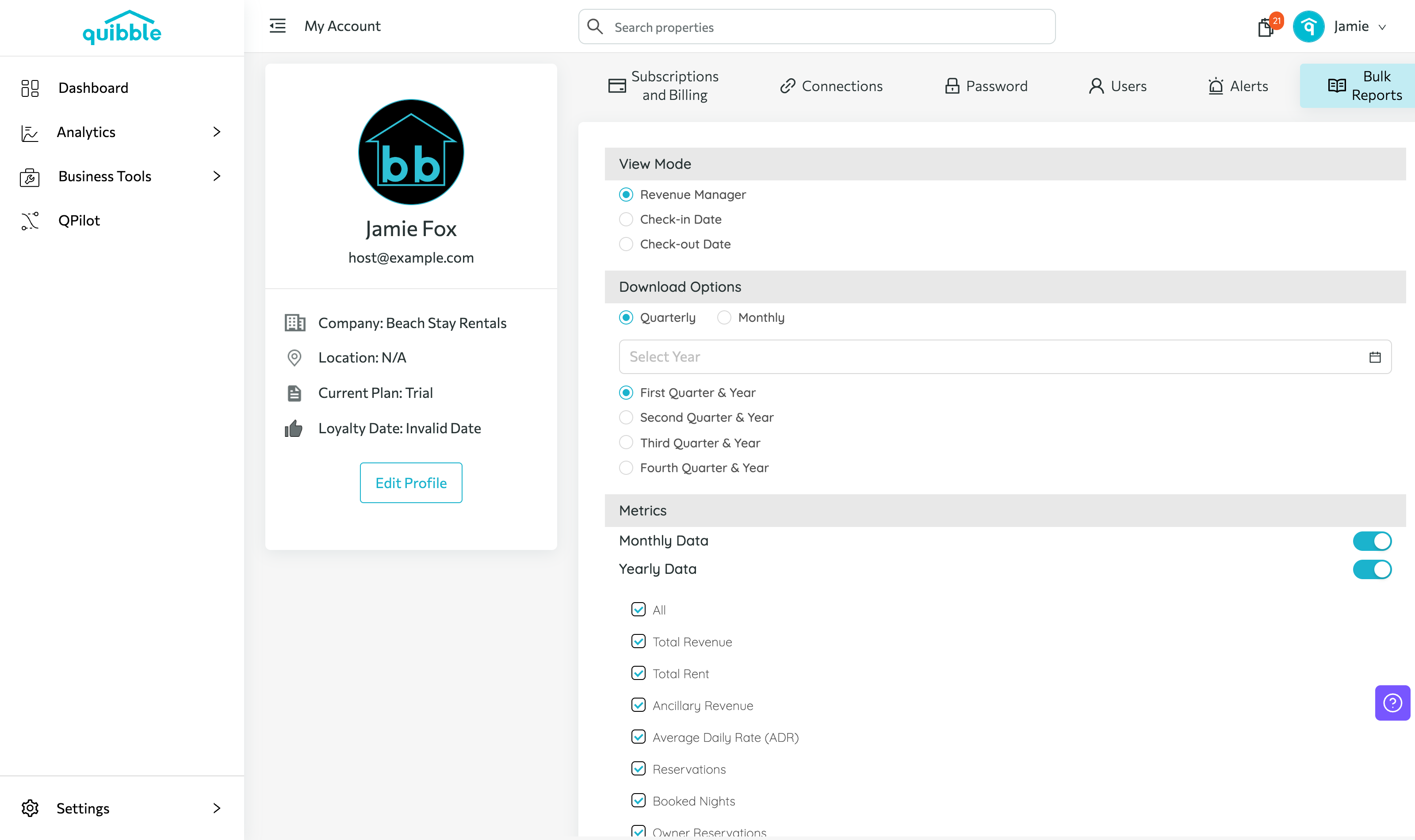
Click the Bulk Reports tab.
3
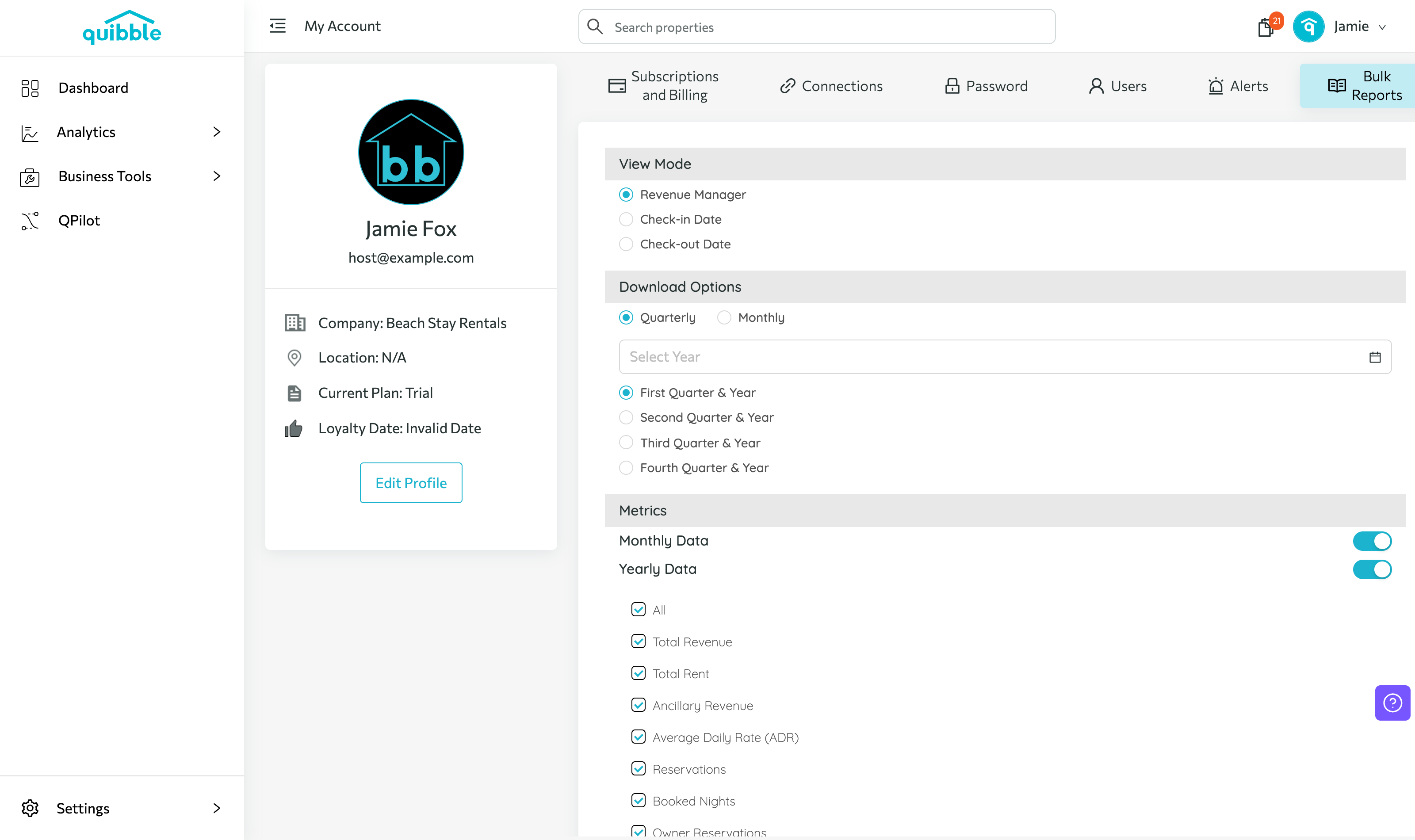
Choose the view mode, download options, and metrics you need.
4
Click Request at the bottom to kick off the bulk report generation.
5
When it’s done, you’ll get an email with the download link.
Didn’t find what you needed? Contact us.