How to add to the Price Adjustment Queue
The Price Adjustment Queue lets you batch properties and step through their adjustments in sequence.
1
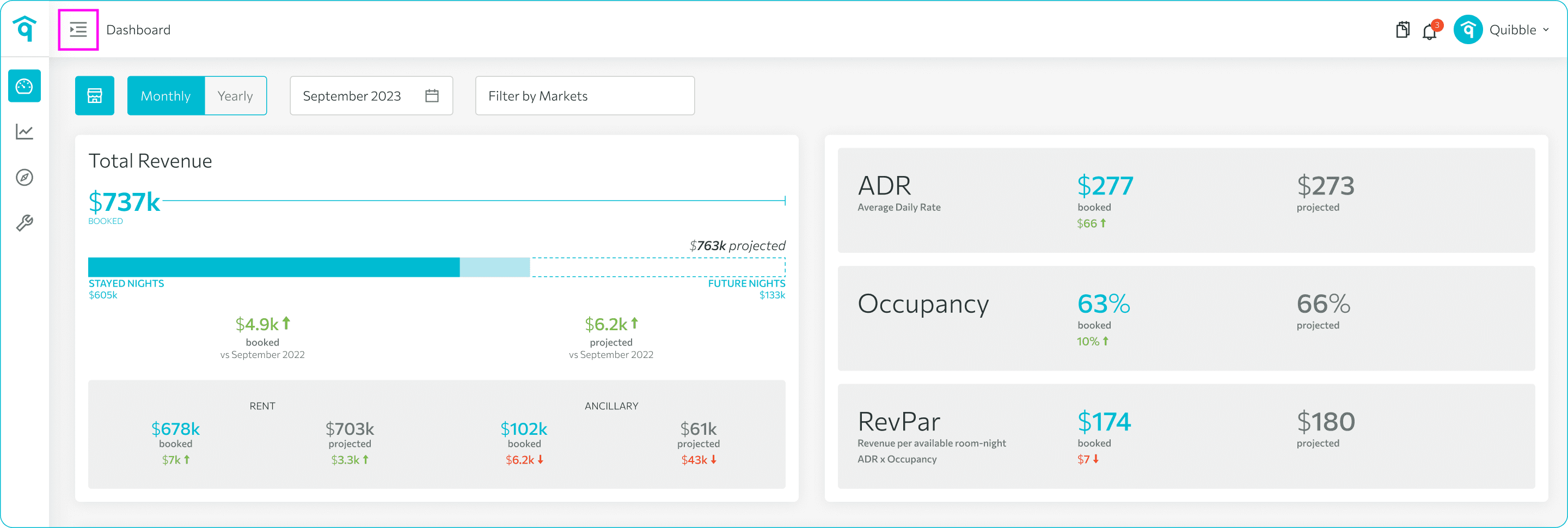
Open the left-side menu bar.
2
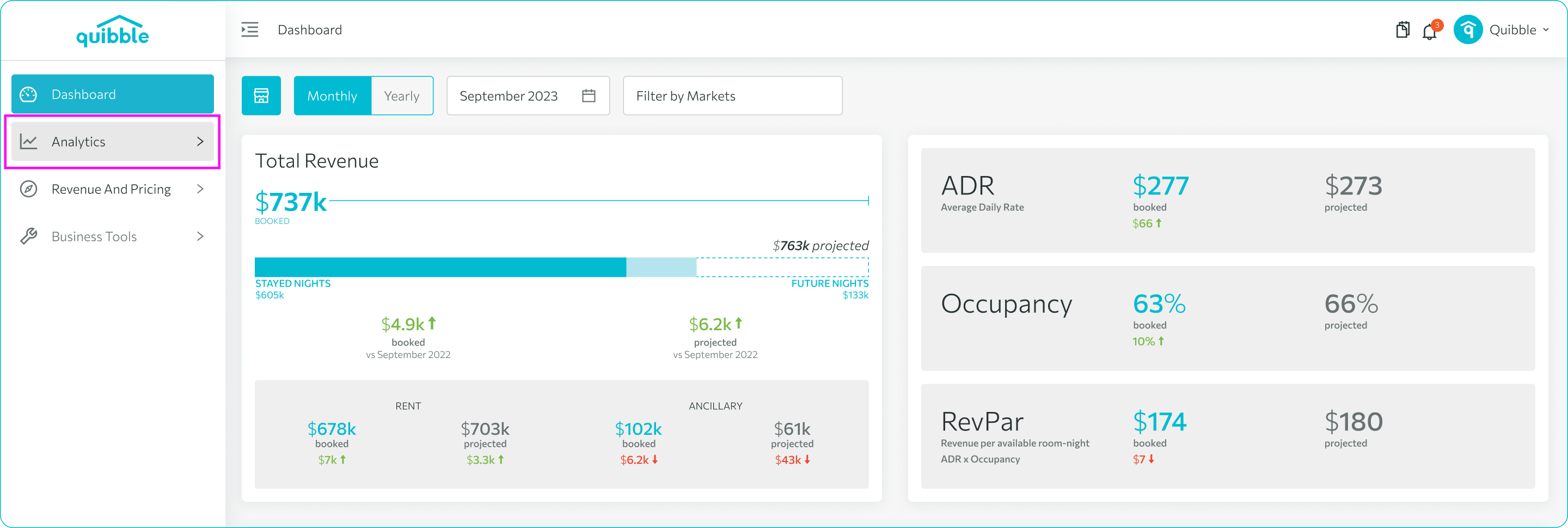
Click the Analytics dropdown, then open Rates Advisor.
3
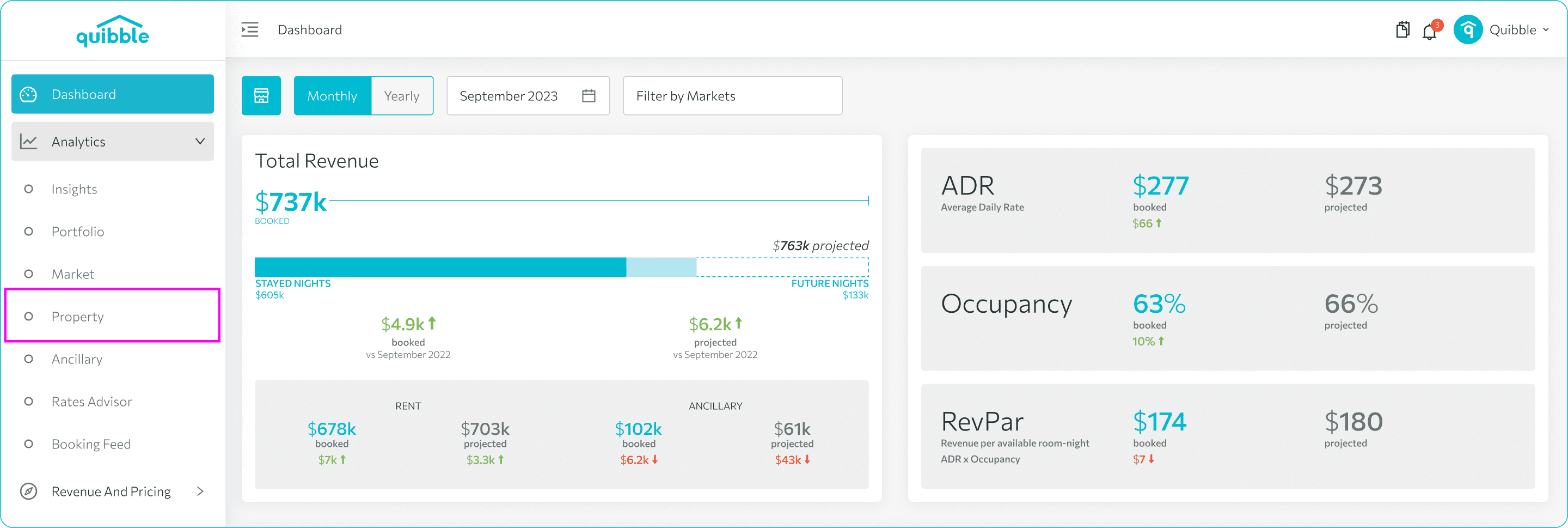
Select Property.
4
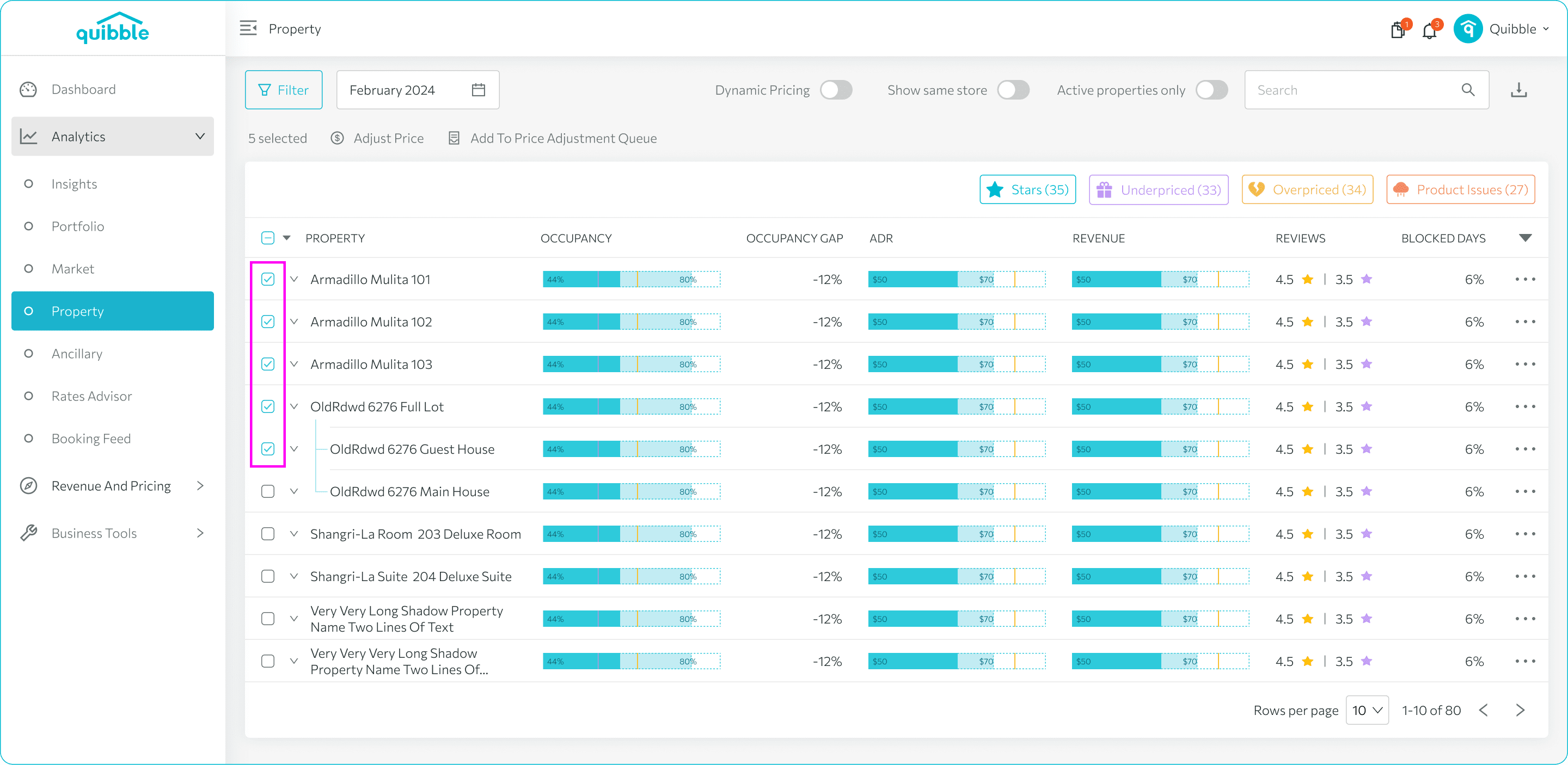
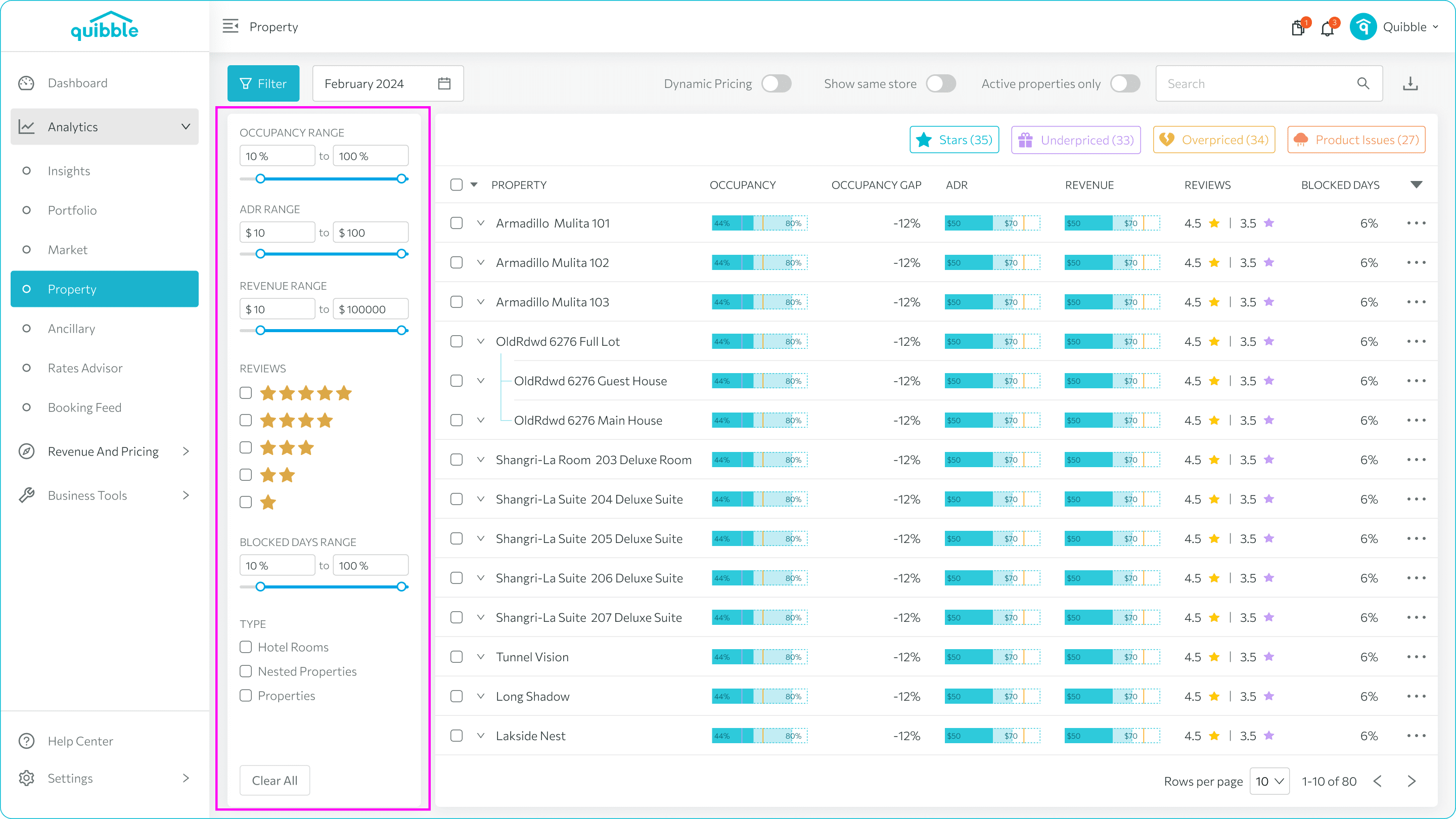
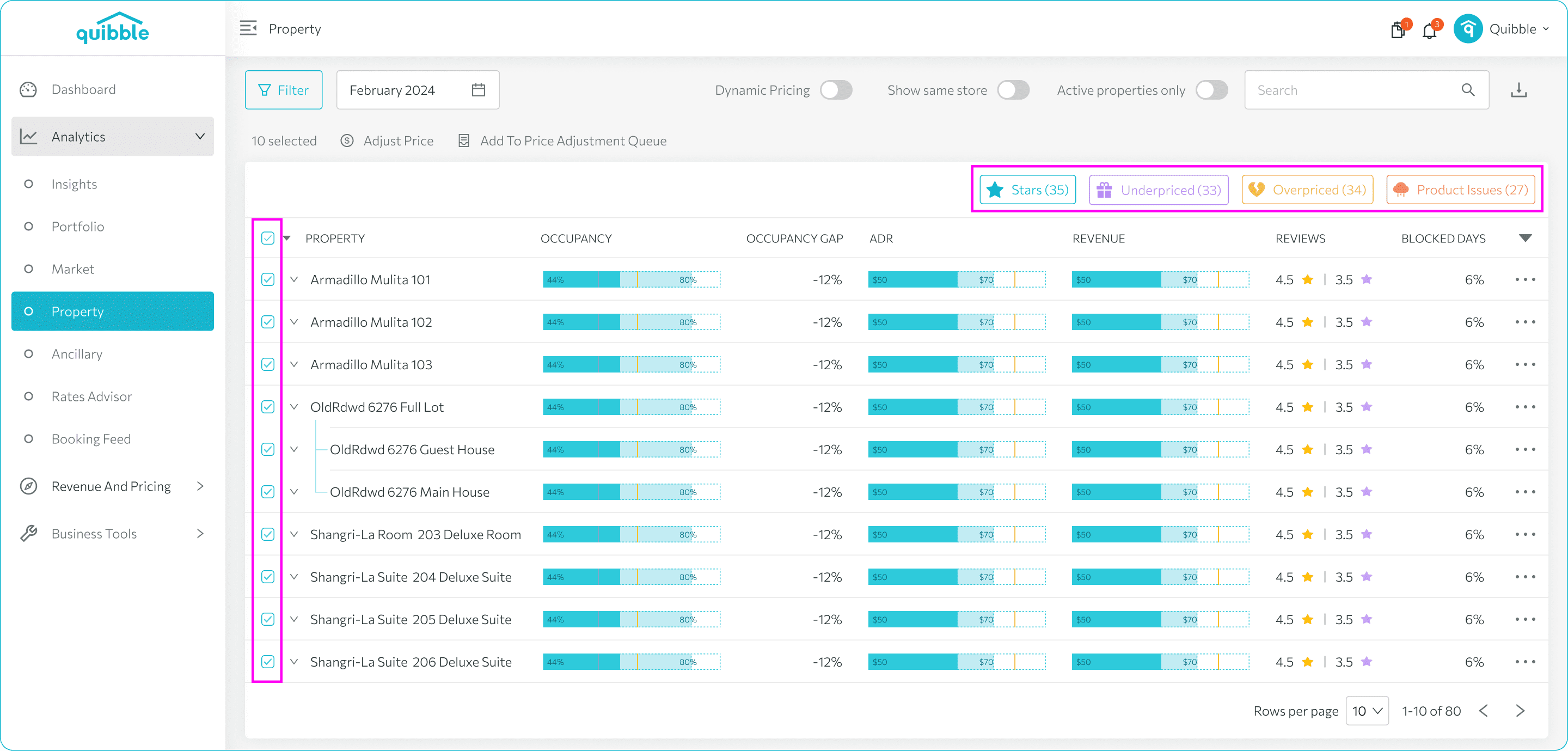
Select properties — manually, by applying filters, or by checking the Property box to select a whole category.
5
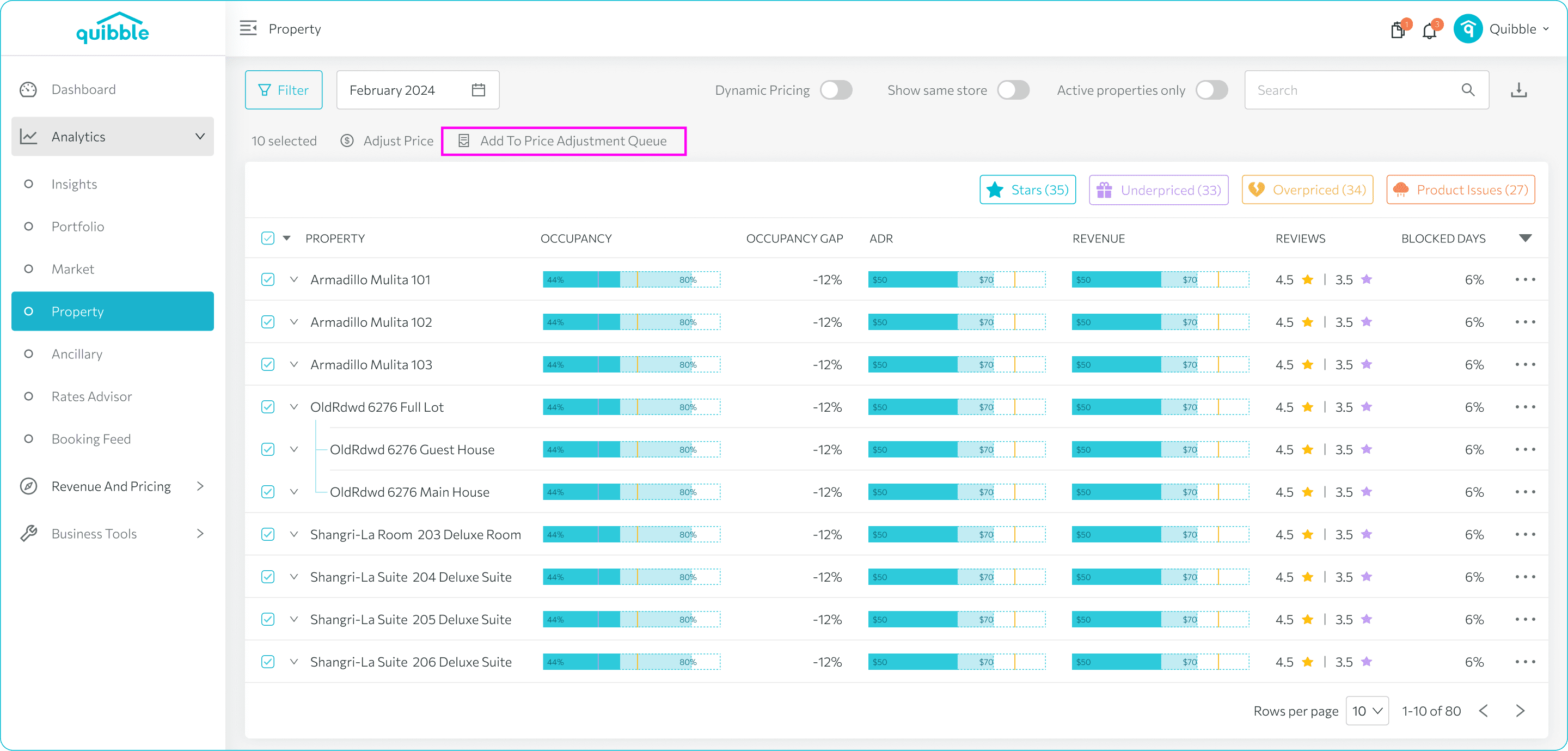
Click Add to Price Adjustment Queue.
6
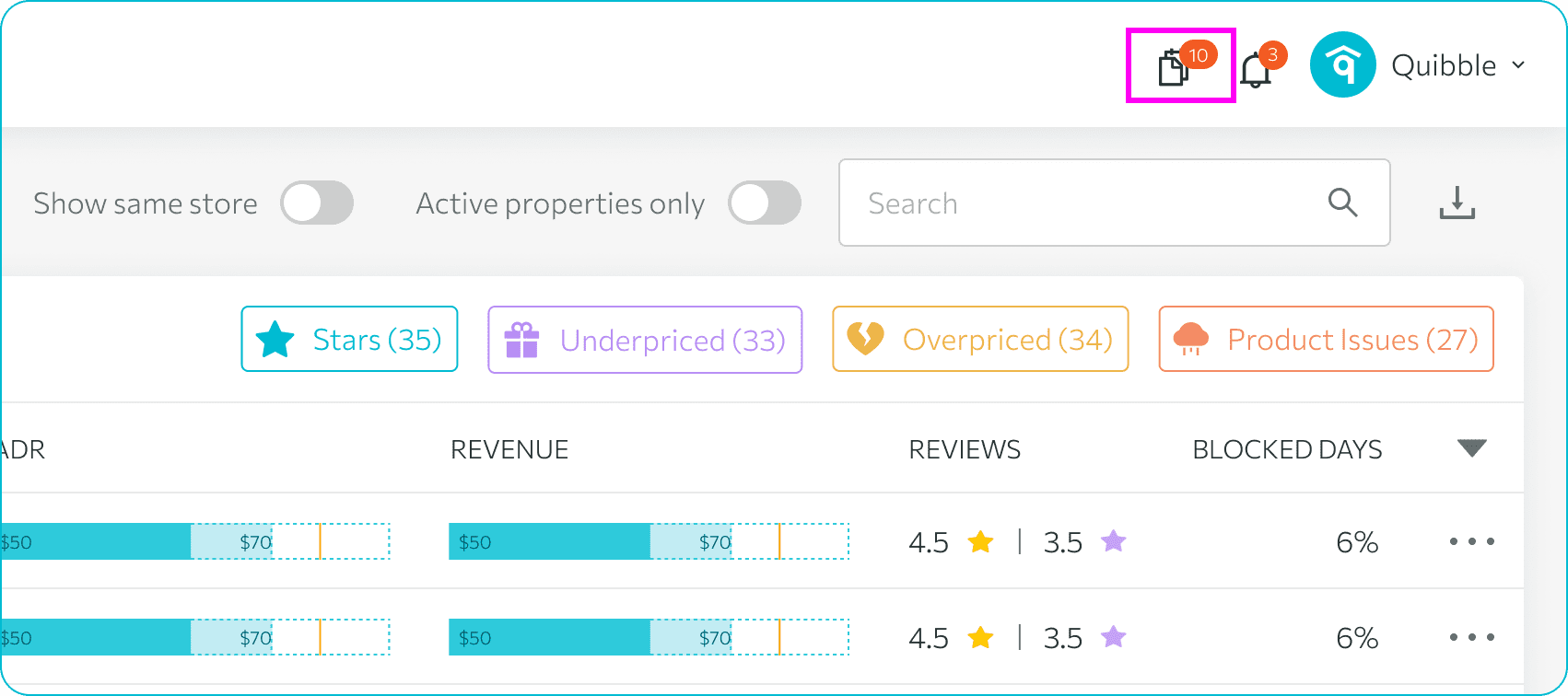
Watch the notification icon for the queue count.
7
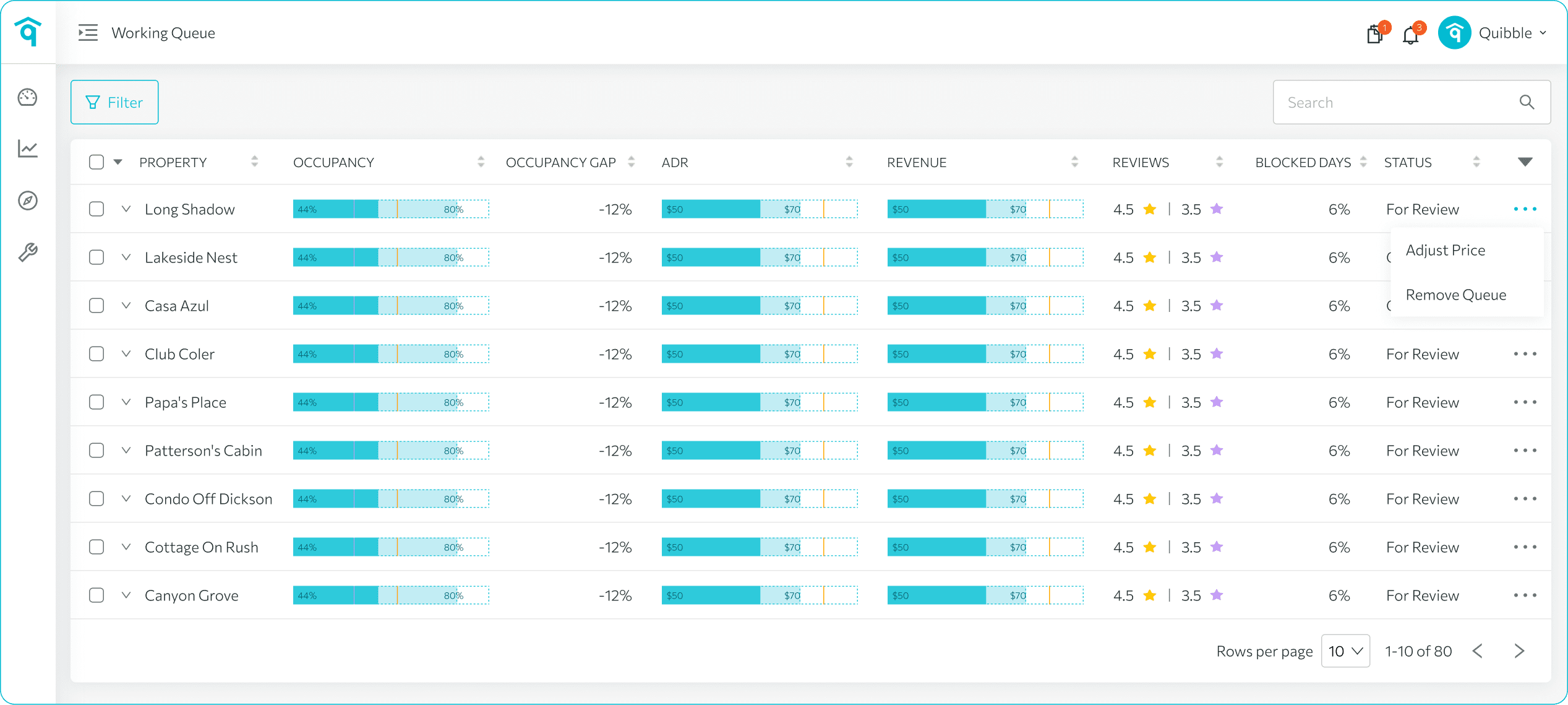
Click the notification icon to open the queue.
8
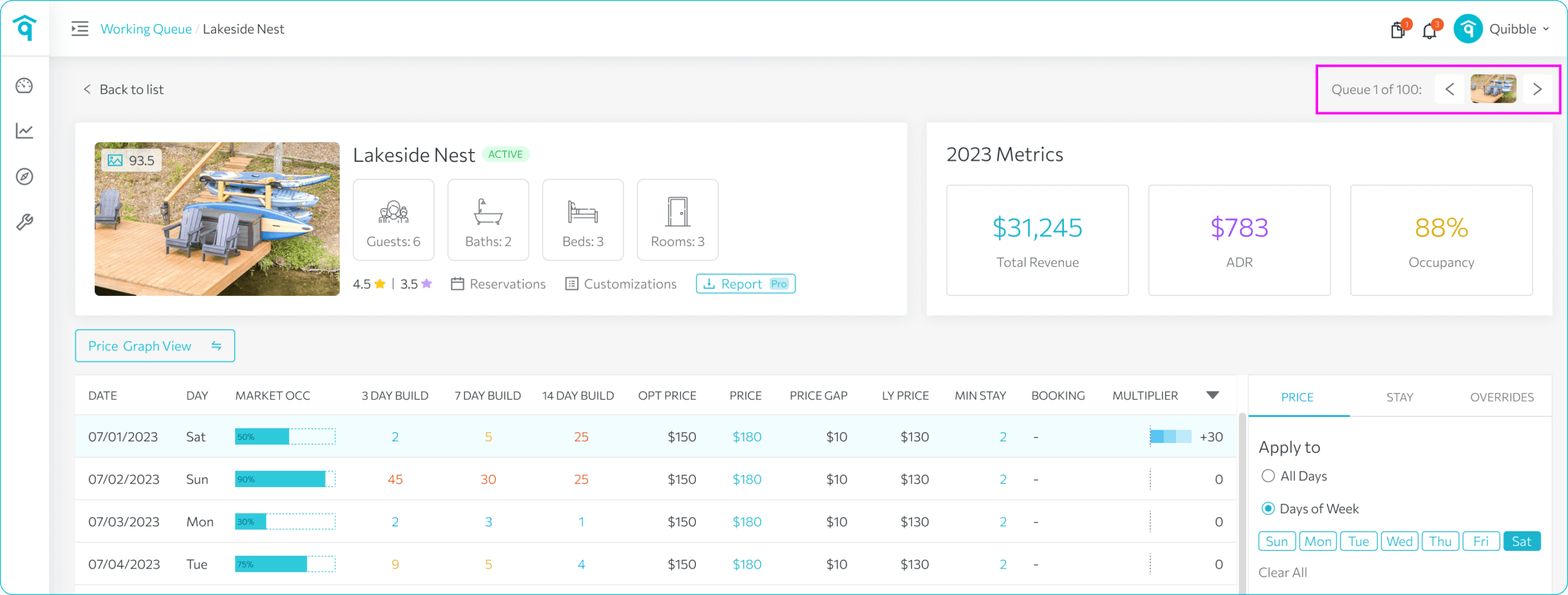
Click the first property to start; the system advances through the rest automatically.
9
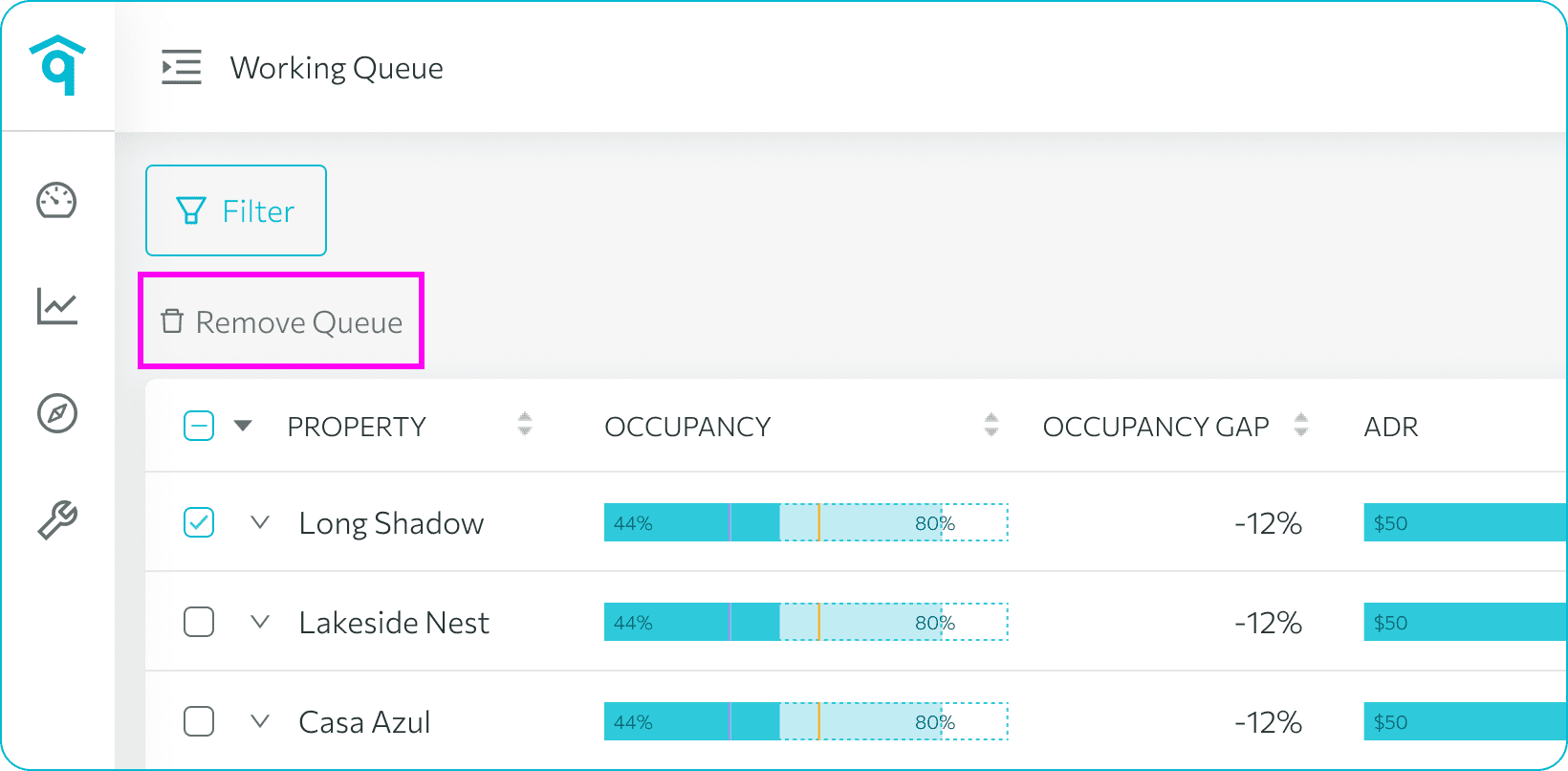
Clear the queue by deleting the list once you’ve finished all properties.
Didn’t find what you needed? Contact us.