How to download Property Key Metrics
Downloading key metrics to Excel is a great way to dig into a property’s performance.
1
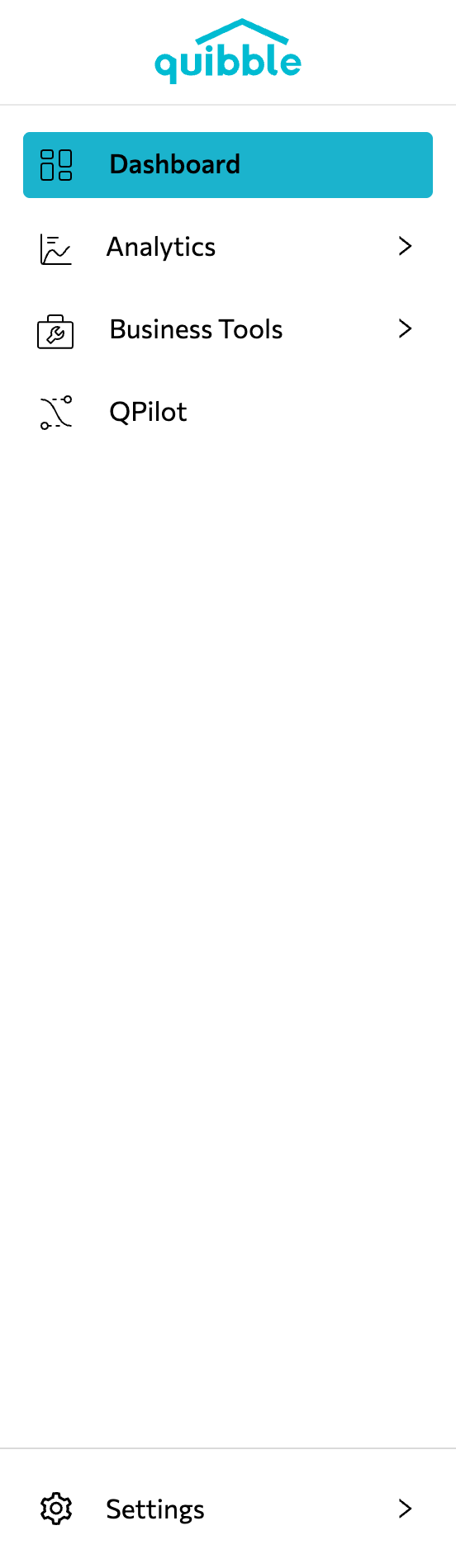
Open the left-side menu bar.
2
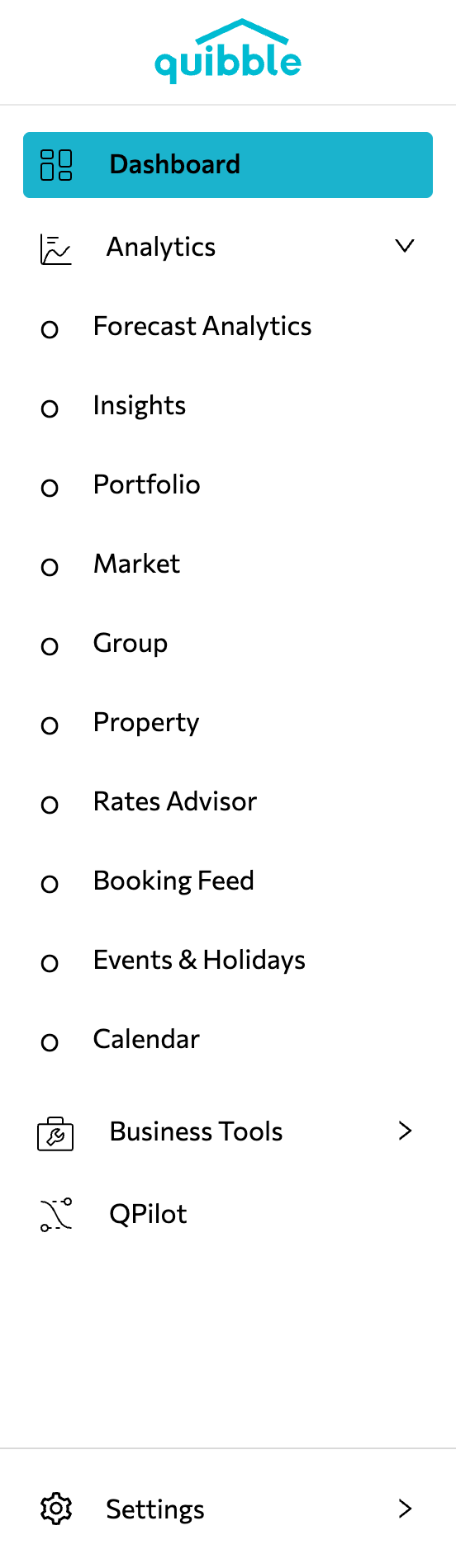
Click the Analytics dropdown and select Property.
3
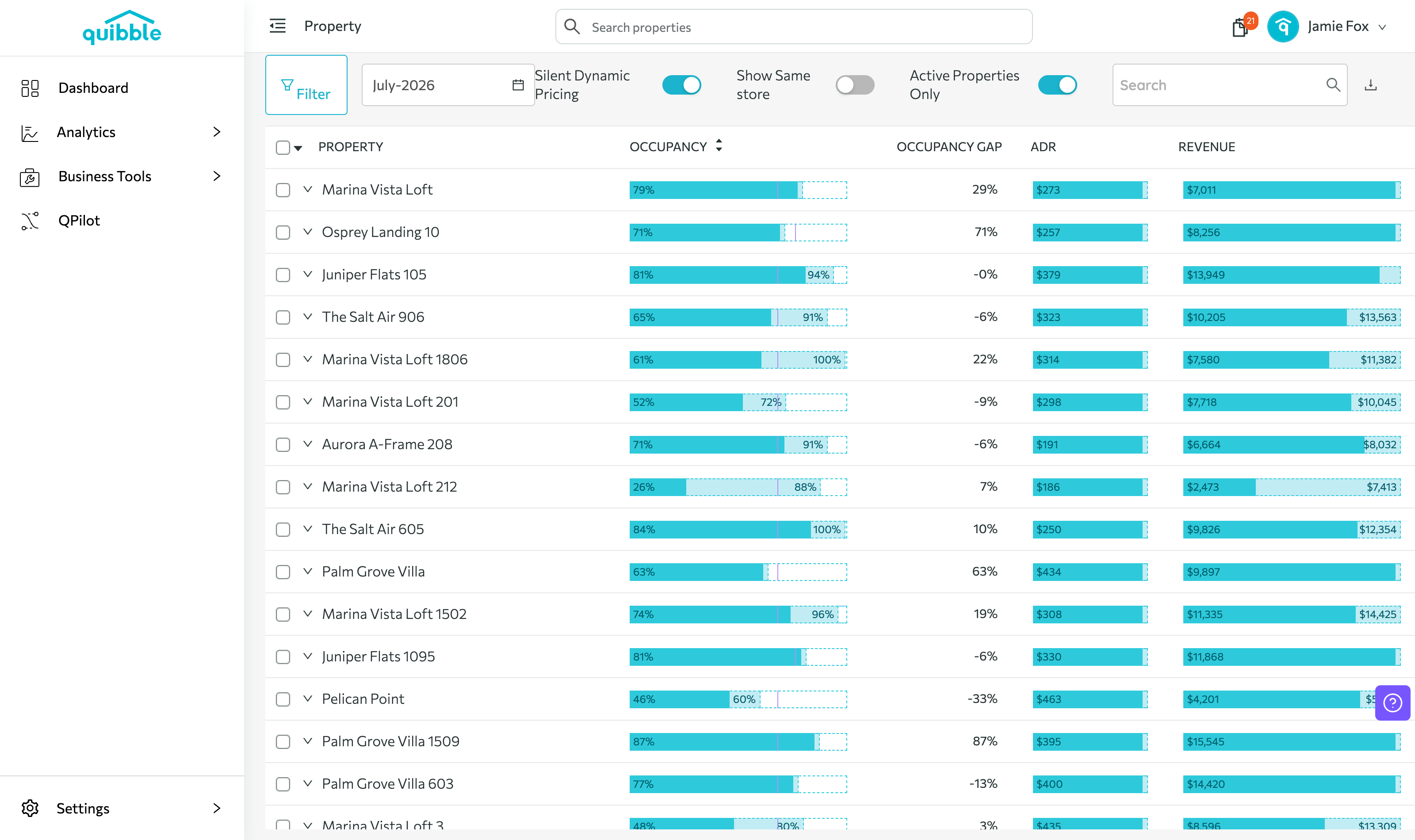
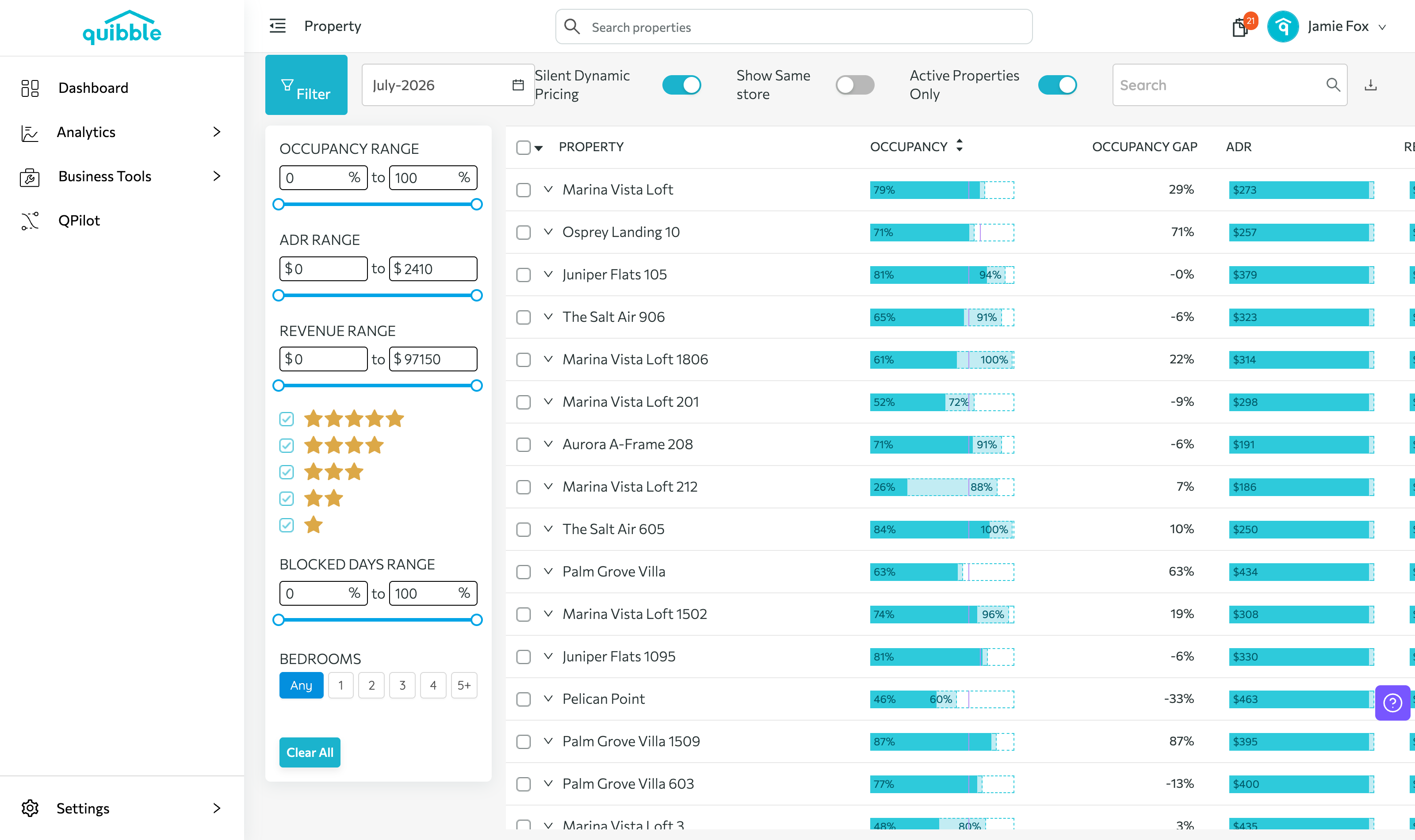
The property list opens with the key metrics for every listing.
4
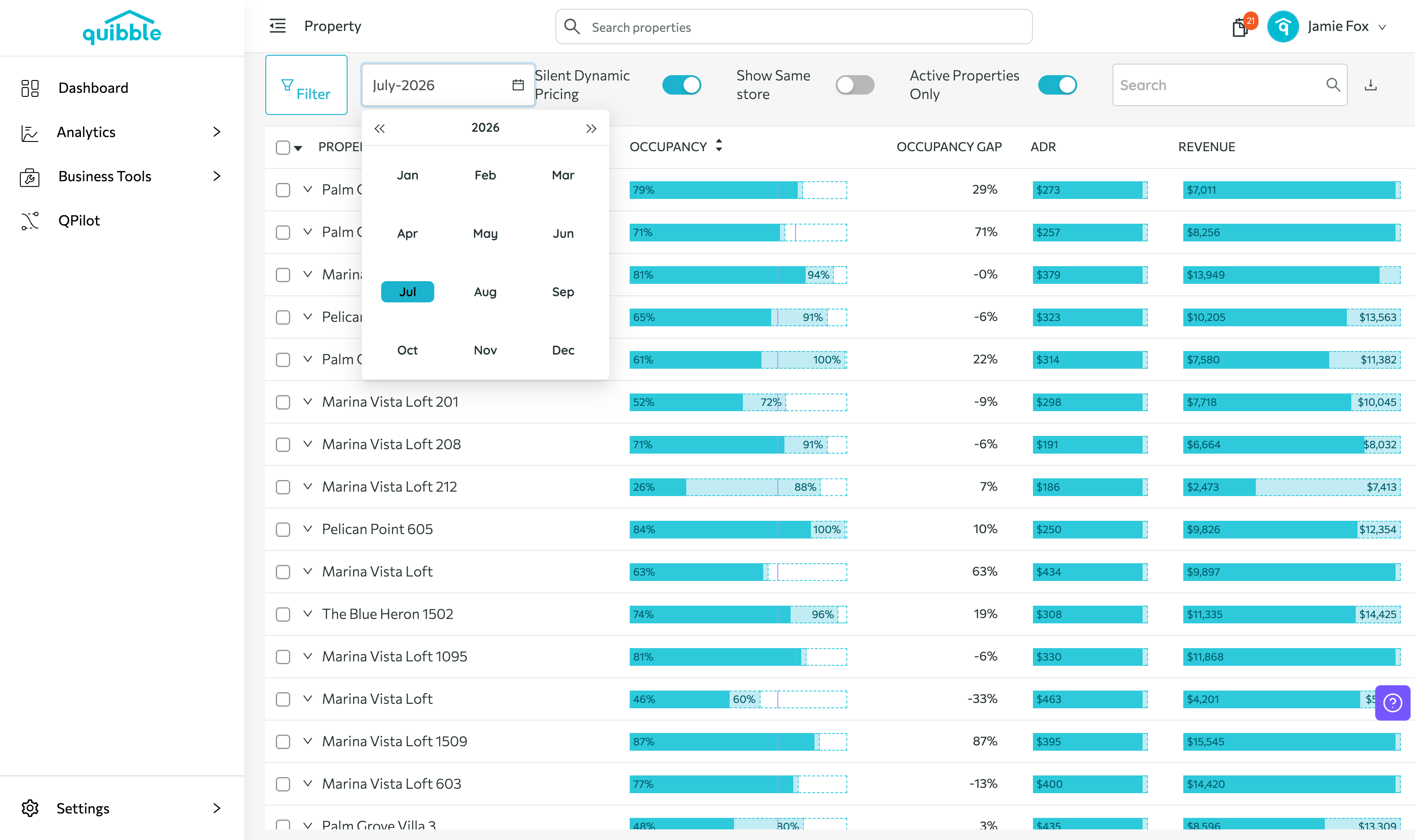
Choose the month and year for the download.
5
Use the Filter button to pick which metrics to include.
6
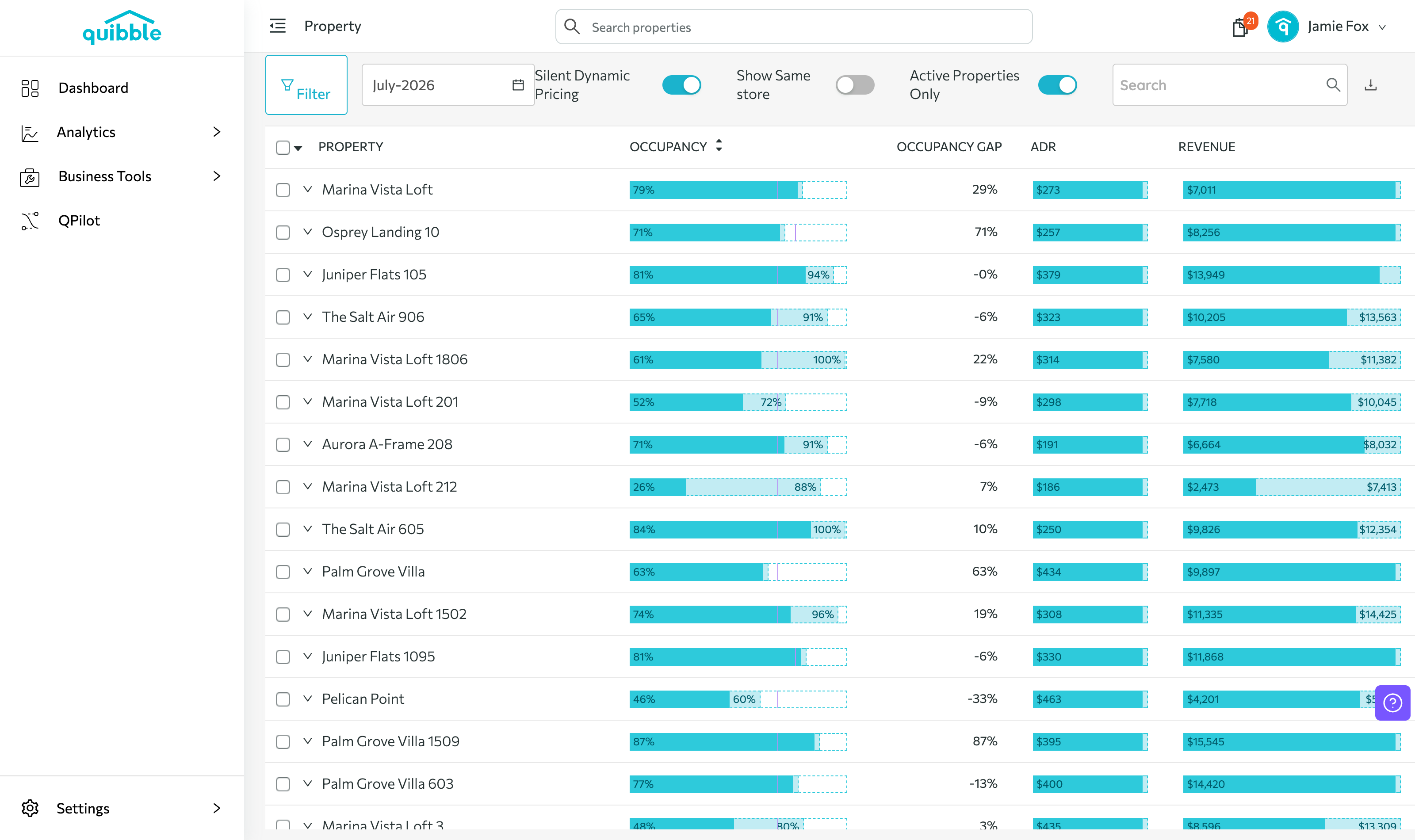
Once your date range and metrics are set, click the download icon in the upper right.
Didn’t find what you needed? Contact us.