How to set the Far Out Price
The Far Out Price protects far-in-advance dates from being booked too cheaply before real demand develops.
1
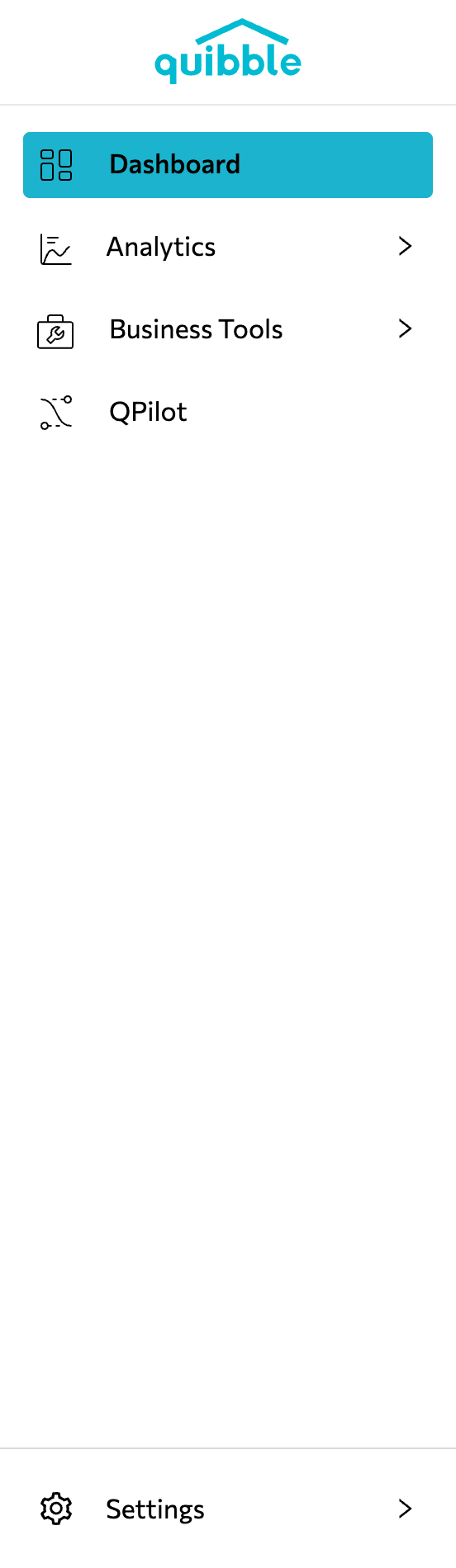
Open the left-side menu bar.
2
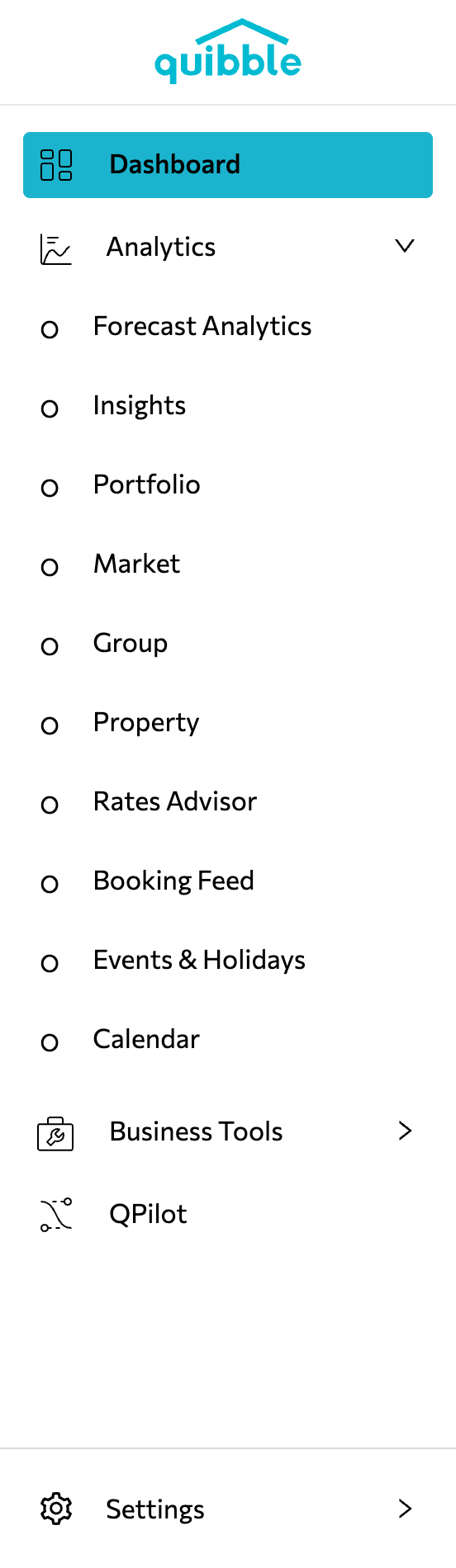
Click the Analytics dropdown and select Property.
3
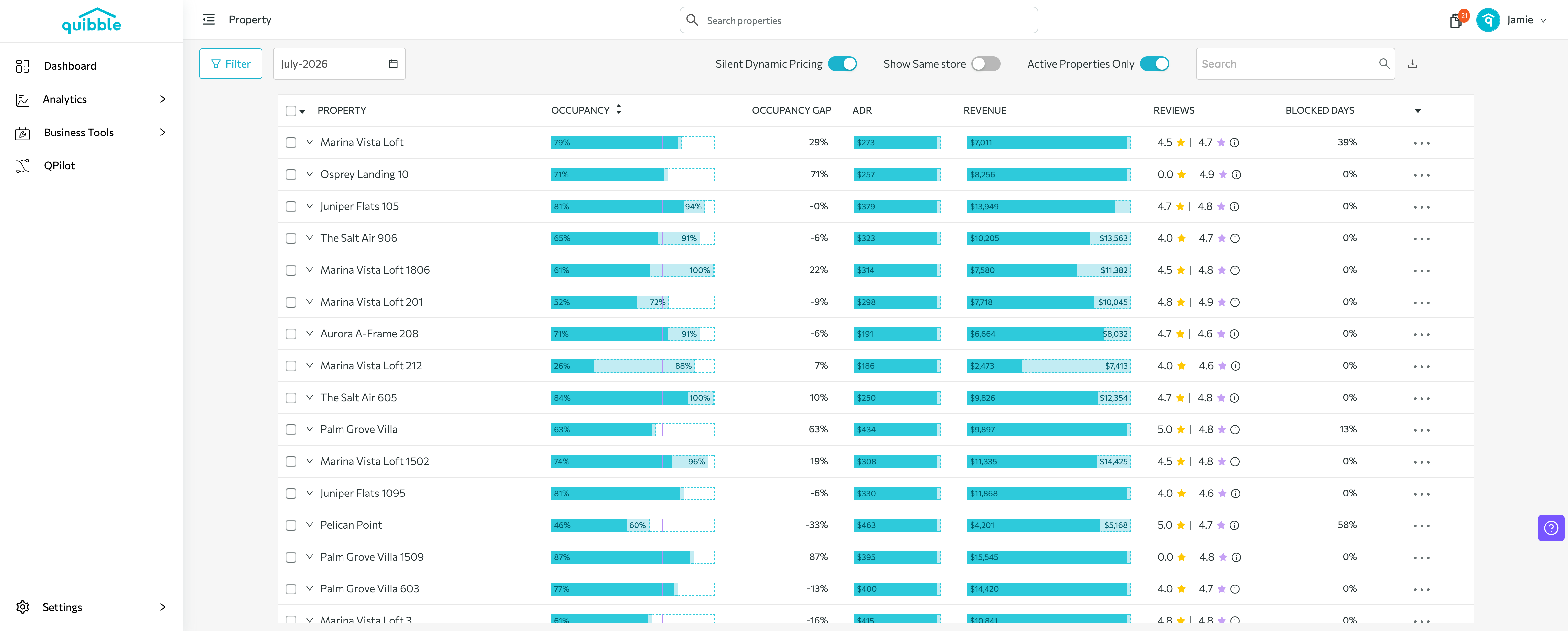
Click the property you want to set the Far Out Price for.
4
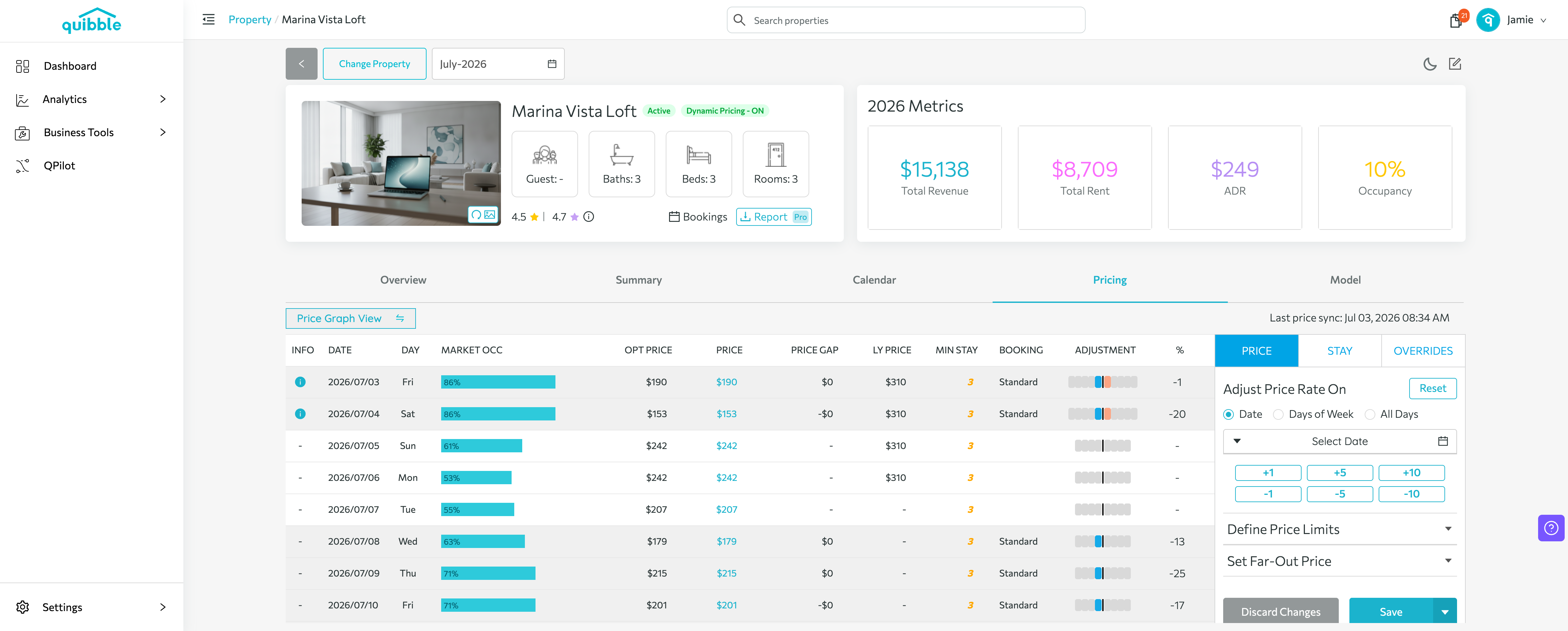
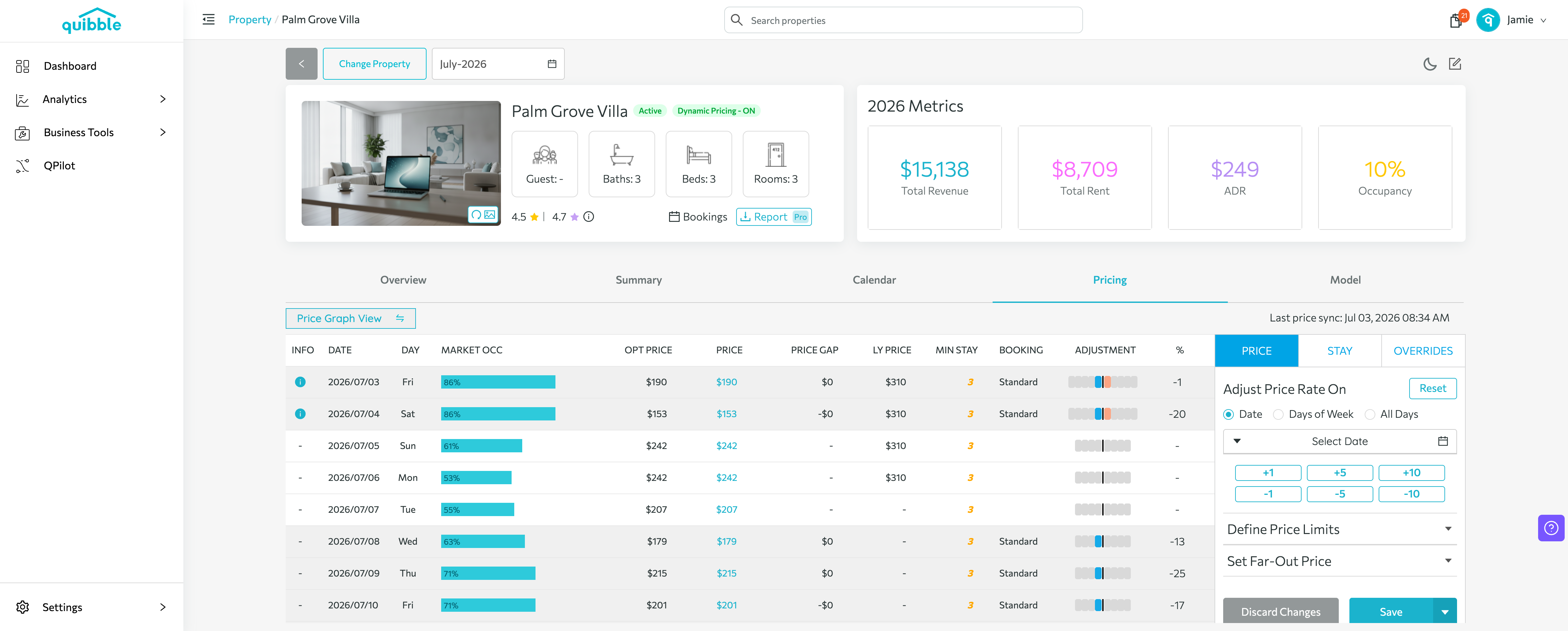
Open the Pricing tab — the adjustment panel appears on the right, with the PRICE section selected.
5
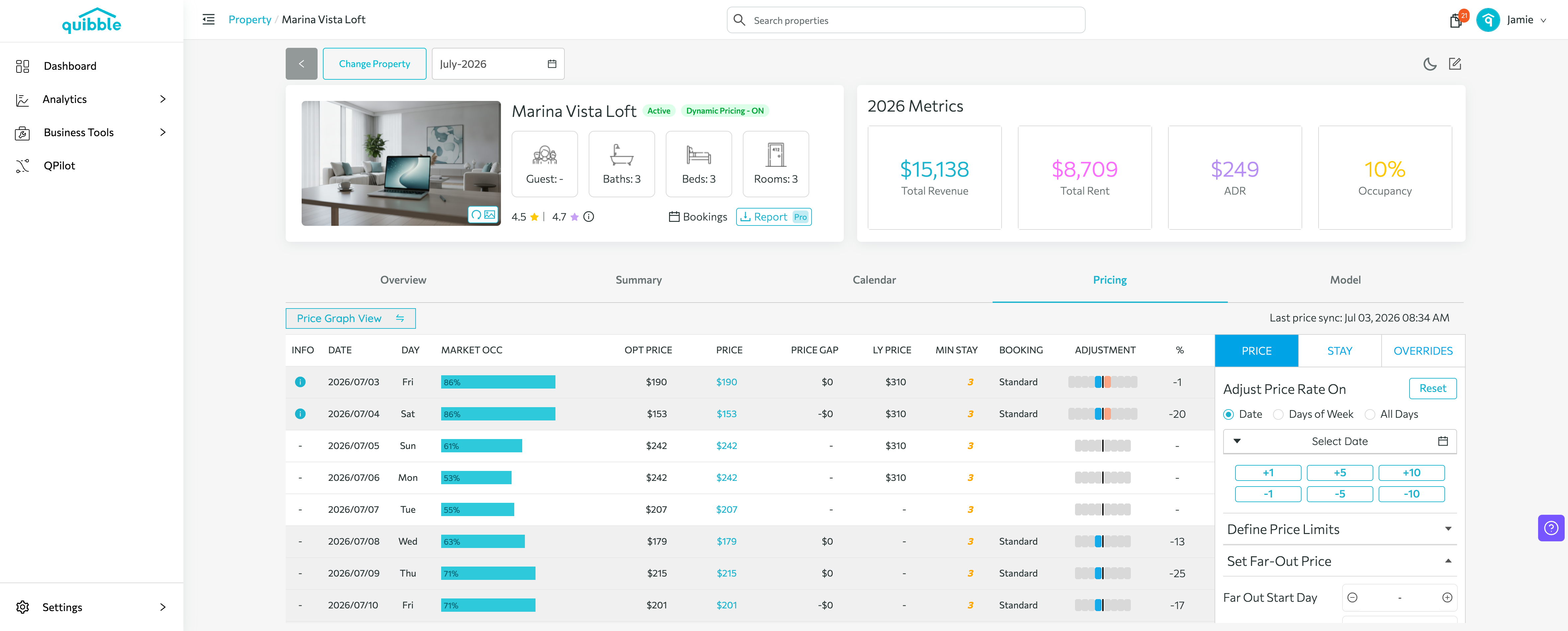
Expand Set Far-Out Price and set the Far Out Start Day (how many days out it begins) and the Min Price (the lowest you’ll accept that far ahead).
6
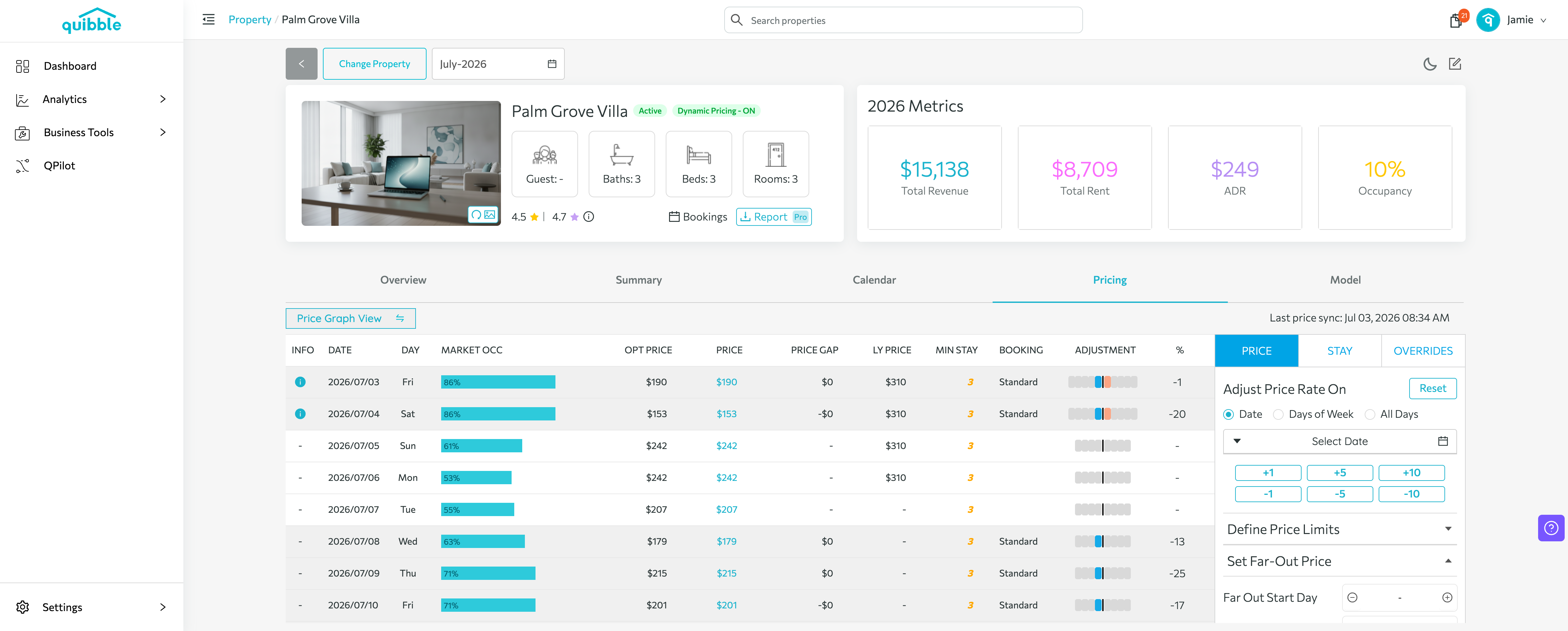
Click Save to apply at end of day, or Save and Send for immediate application.
Didn’t find what you needed? Contact us.