How to use the Price Adjustment
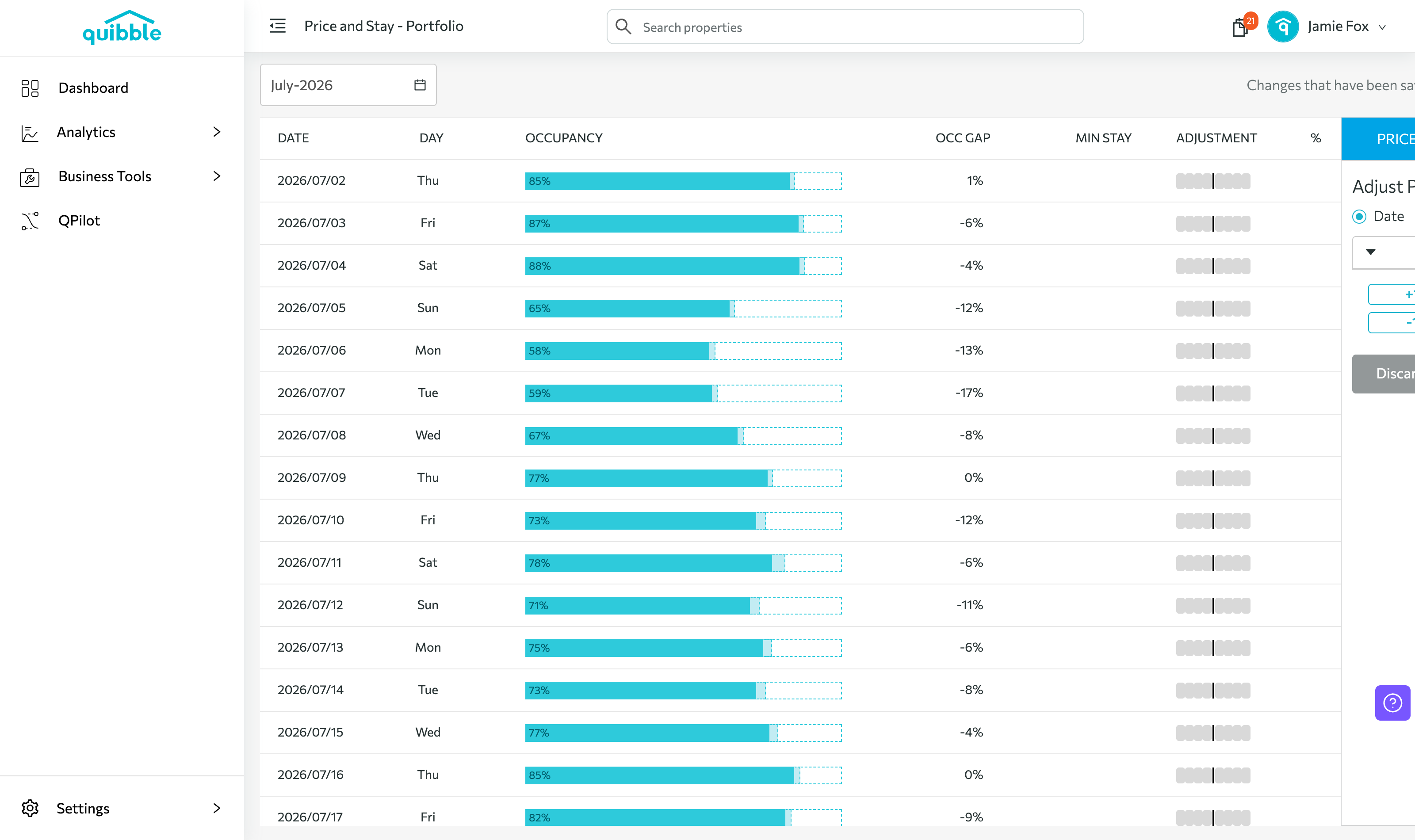
Price Adjustment lets you apply a multiplier on top of Quibble’s optimized prices at whatever level fits — Portfolio, Market, Group, or Property.
Accessing Price Adjustment
1
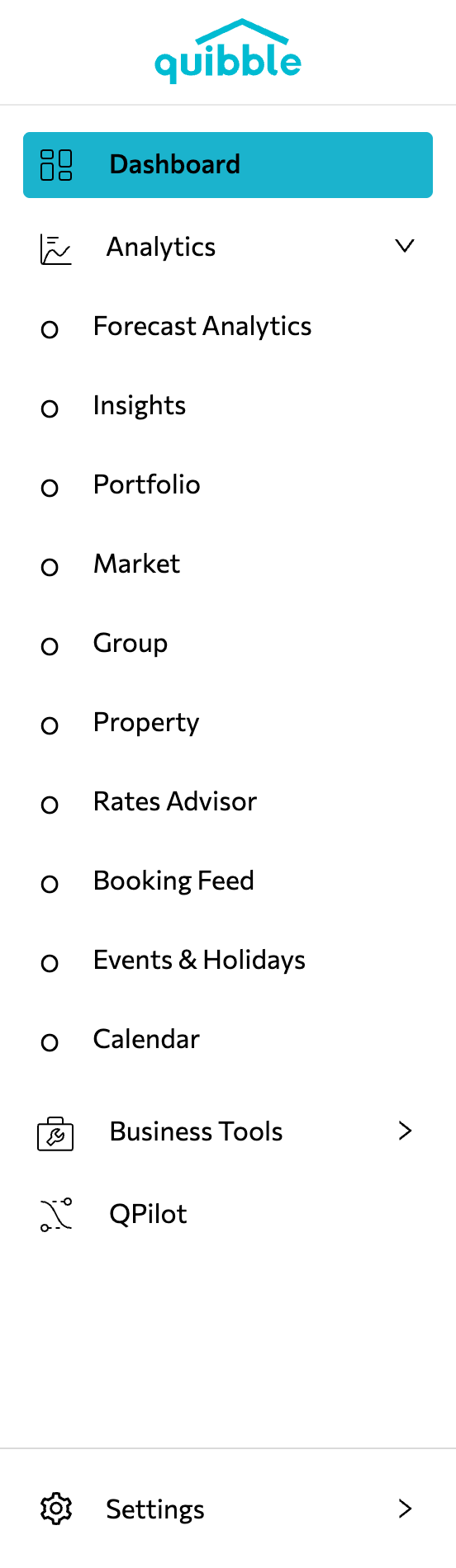
Open the left-side menu bar.
2
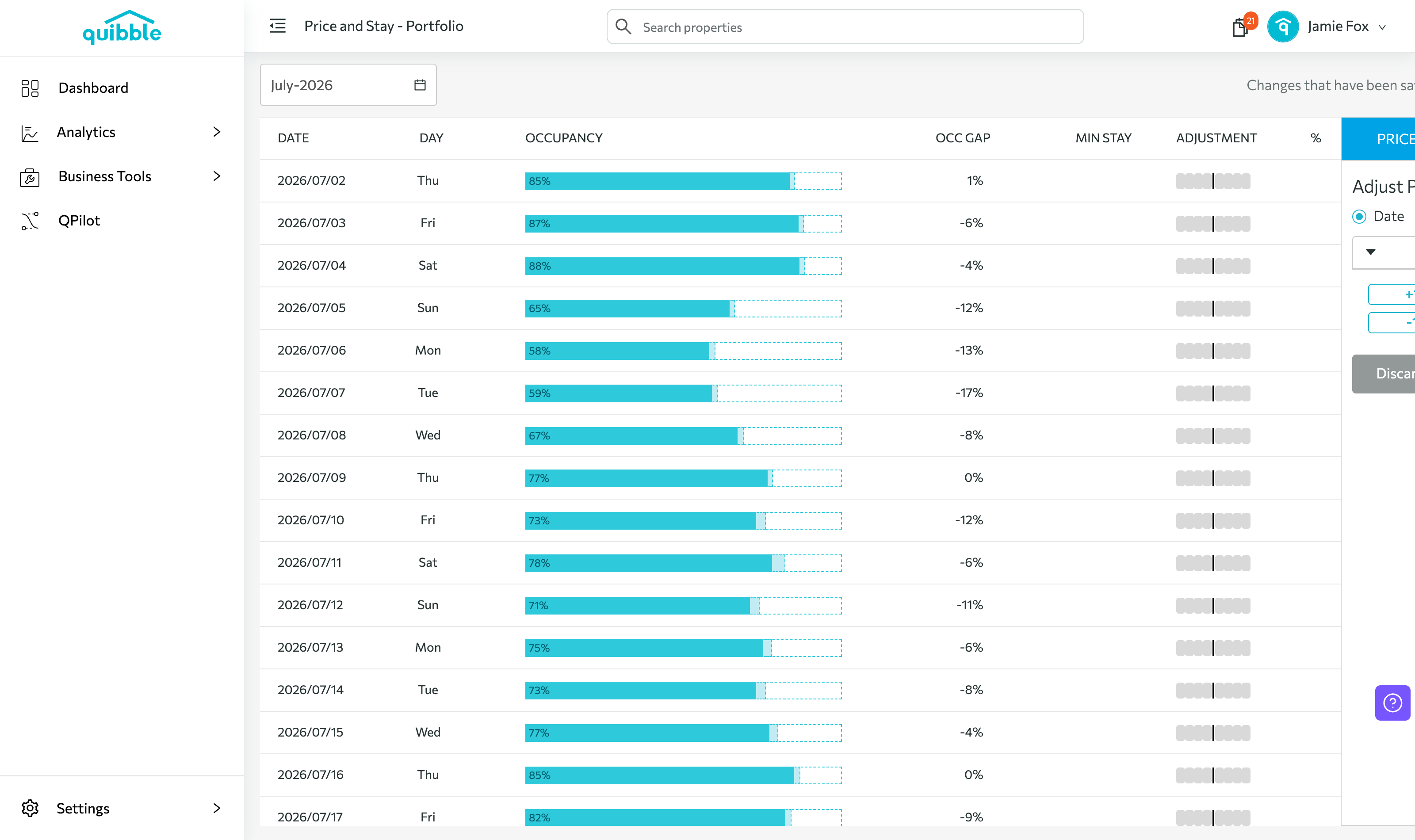
Open the Price & Stay dropdown.
3
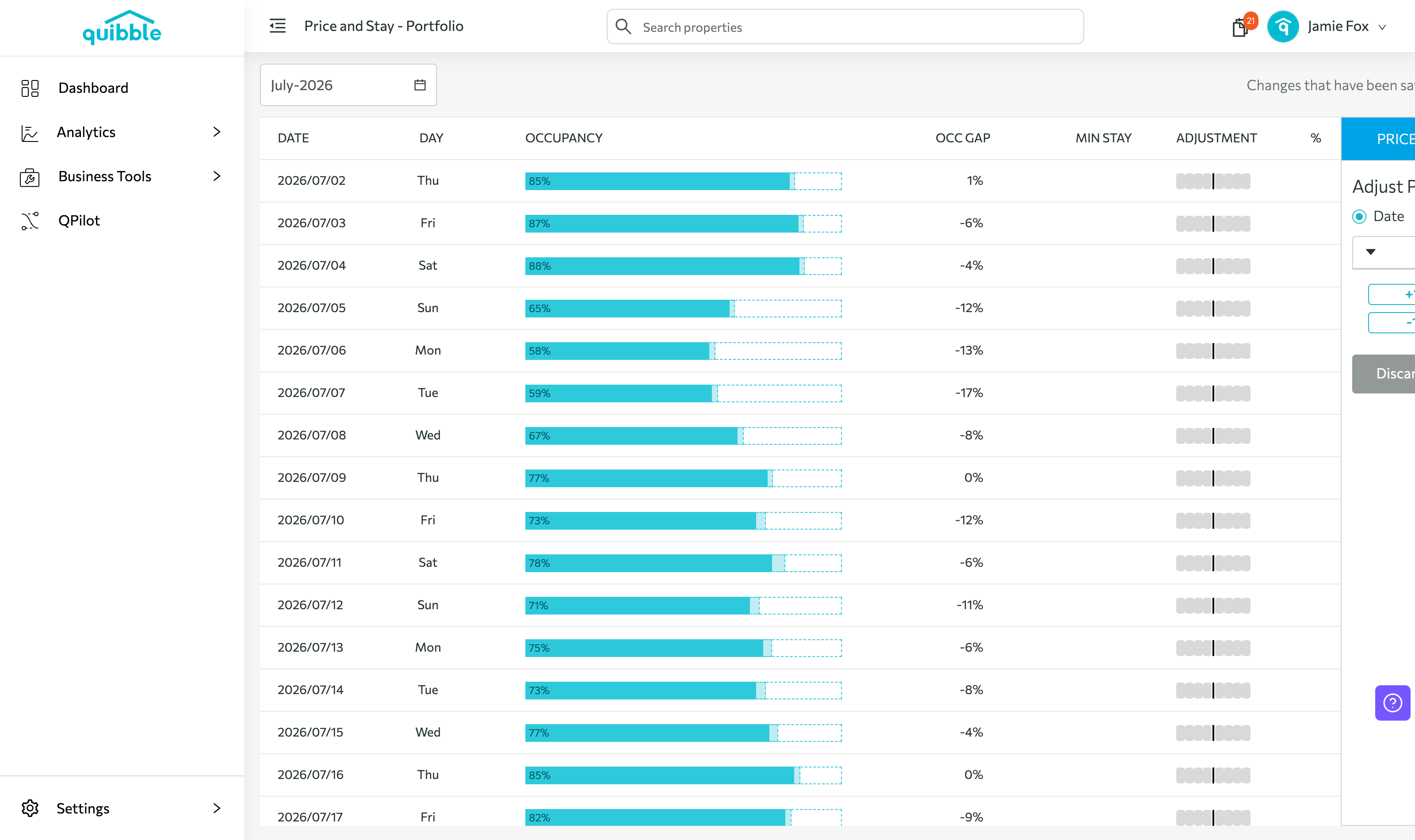
Choose your adjustment level — Portfolio, Market, Group, or Property.
Applying an adjustment
1
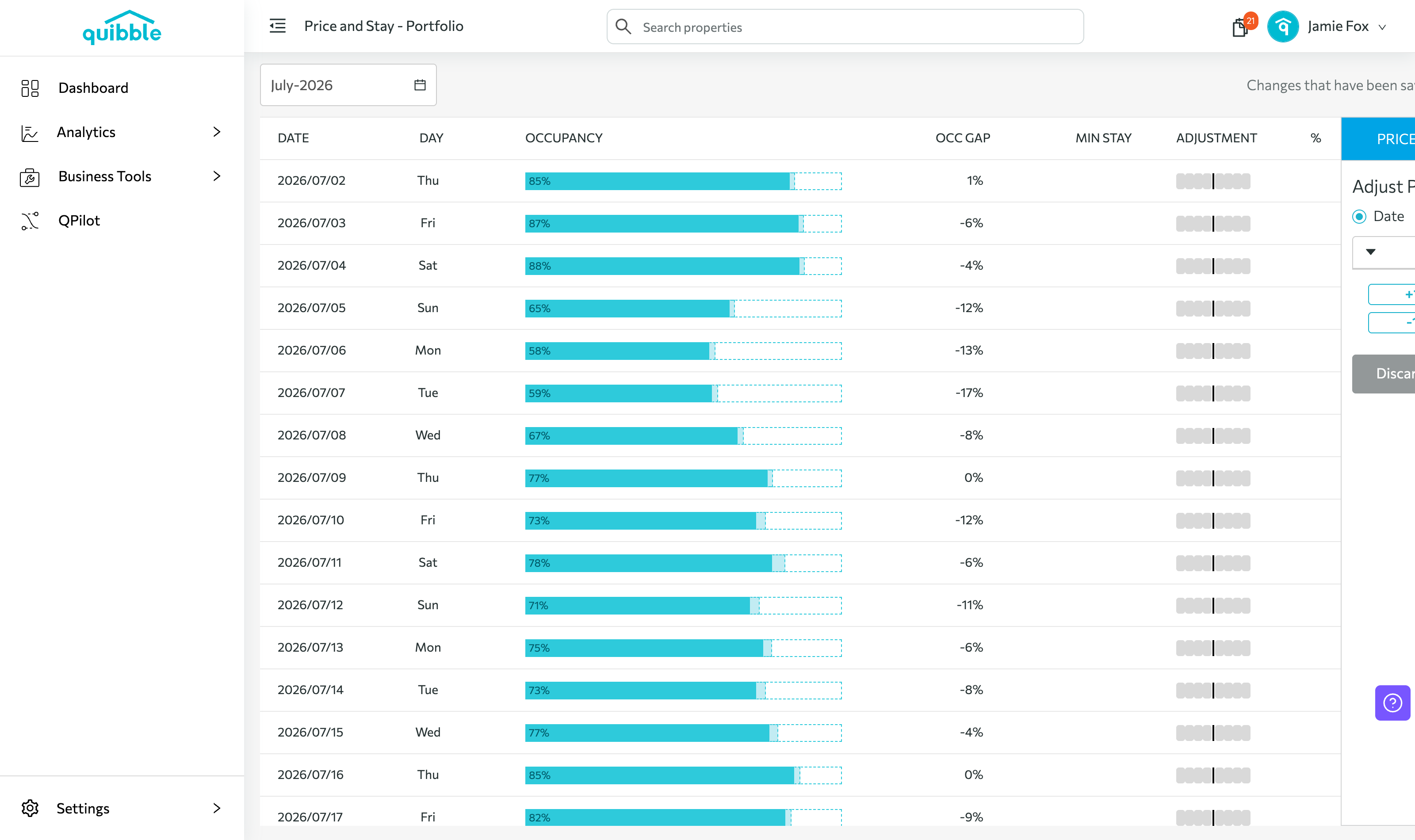
Select the level to apply to, then pick the month.
2
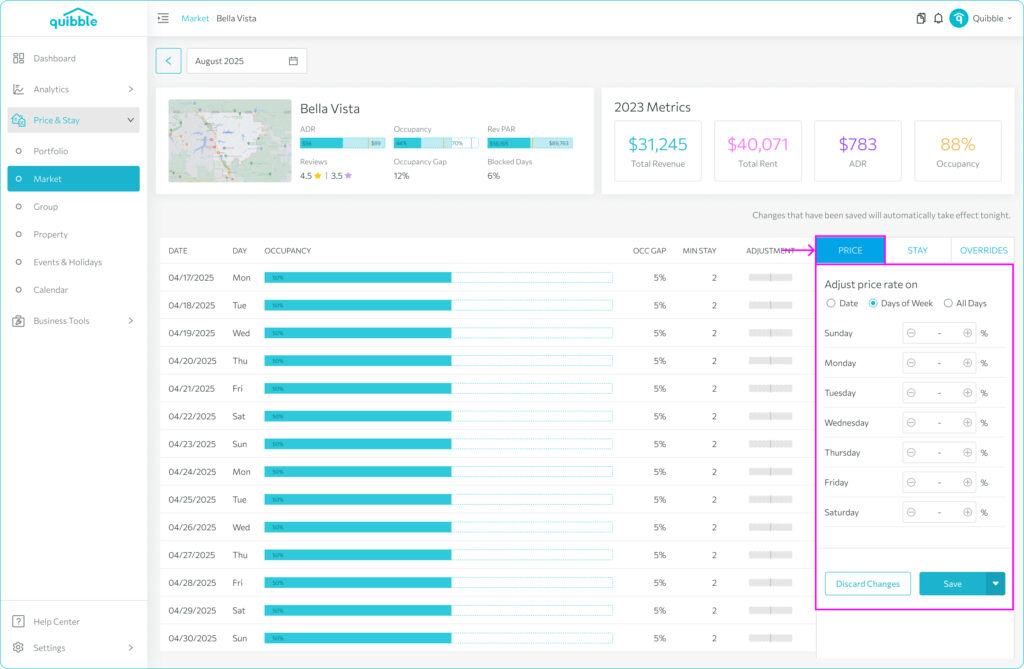
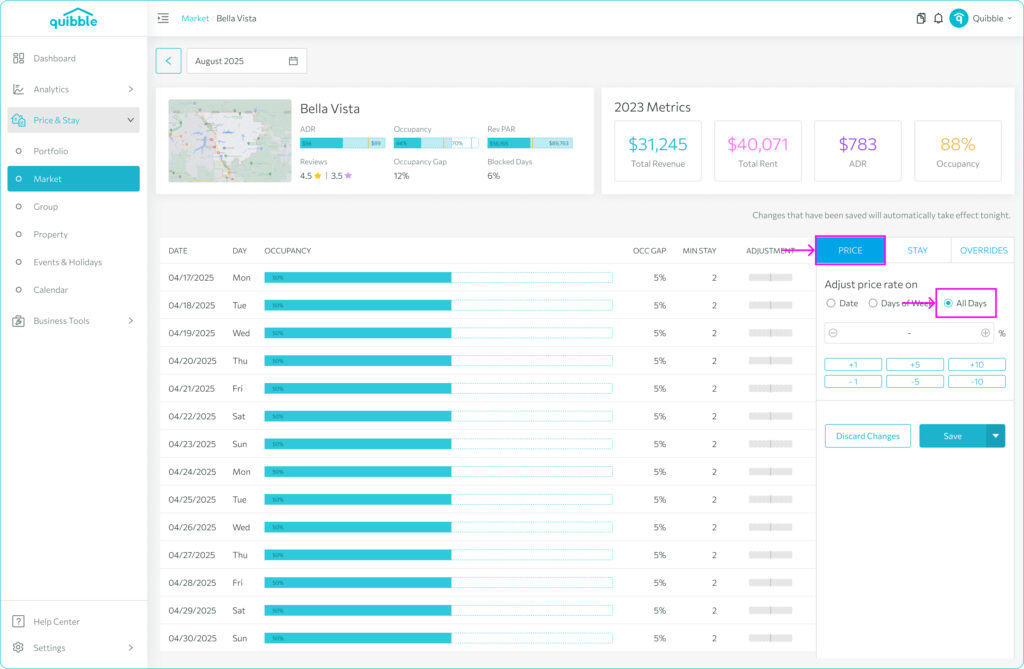
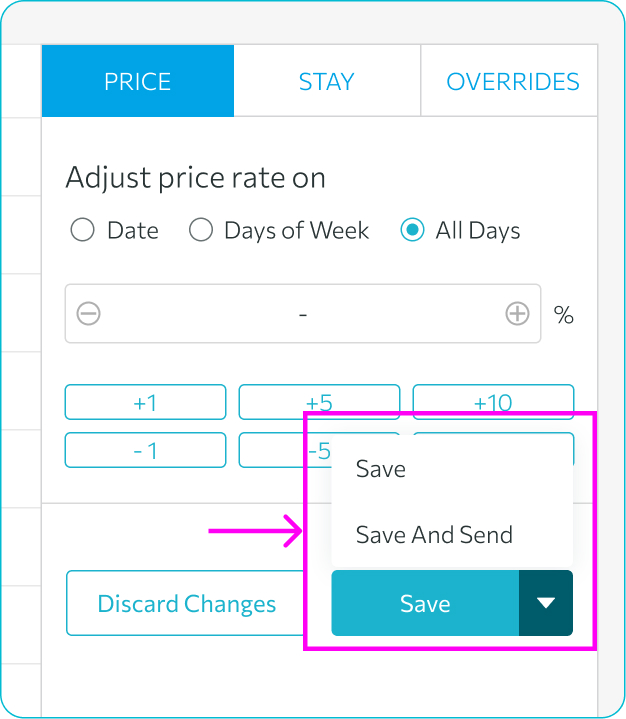
On the right, open Price adjustment and choose your dates or days — specific dates, days of the week, or all days.
3
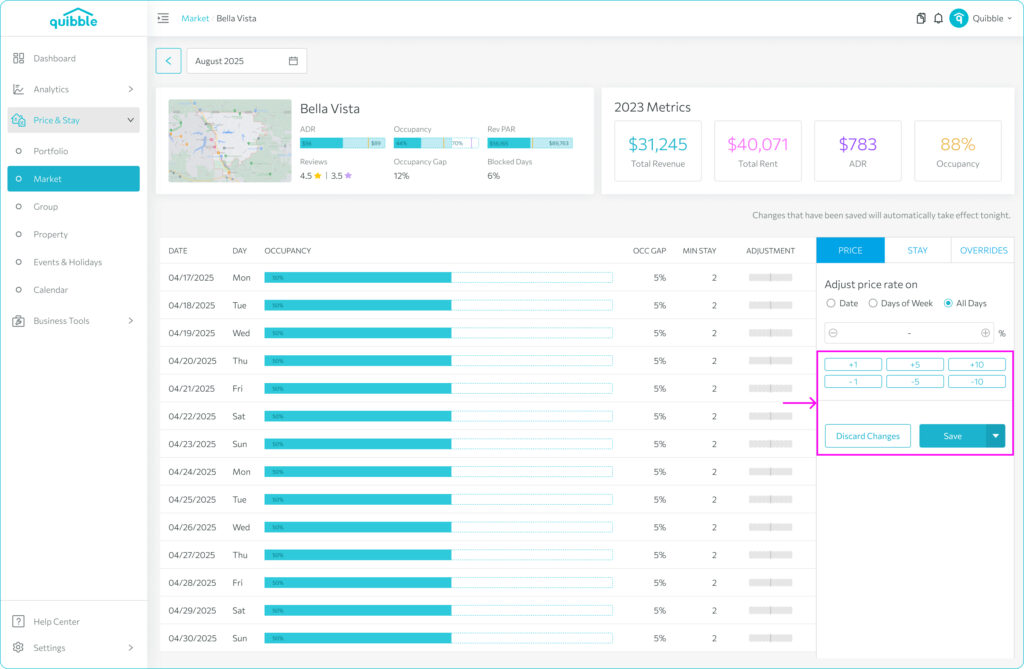
Select a multiplier to apply against the optimized price.
4
Click Save to apply at end of day, or Save and Send to push immediately.
At the Property level, you can also set minimum or maximum prices by month.
Didn’t find what you needed? Contact us.