How to use the Pricing Calendar
The Pricing Calendar shows your property prices per night together with reservations and demand insights.
Opening the calendar
1
Open the left-side menu bar, click Analytics, then open Rates Advisor and select Calendar.
Using the calendar
1
Choose the month you want to view.
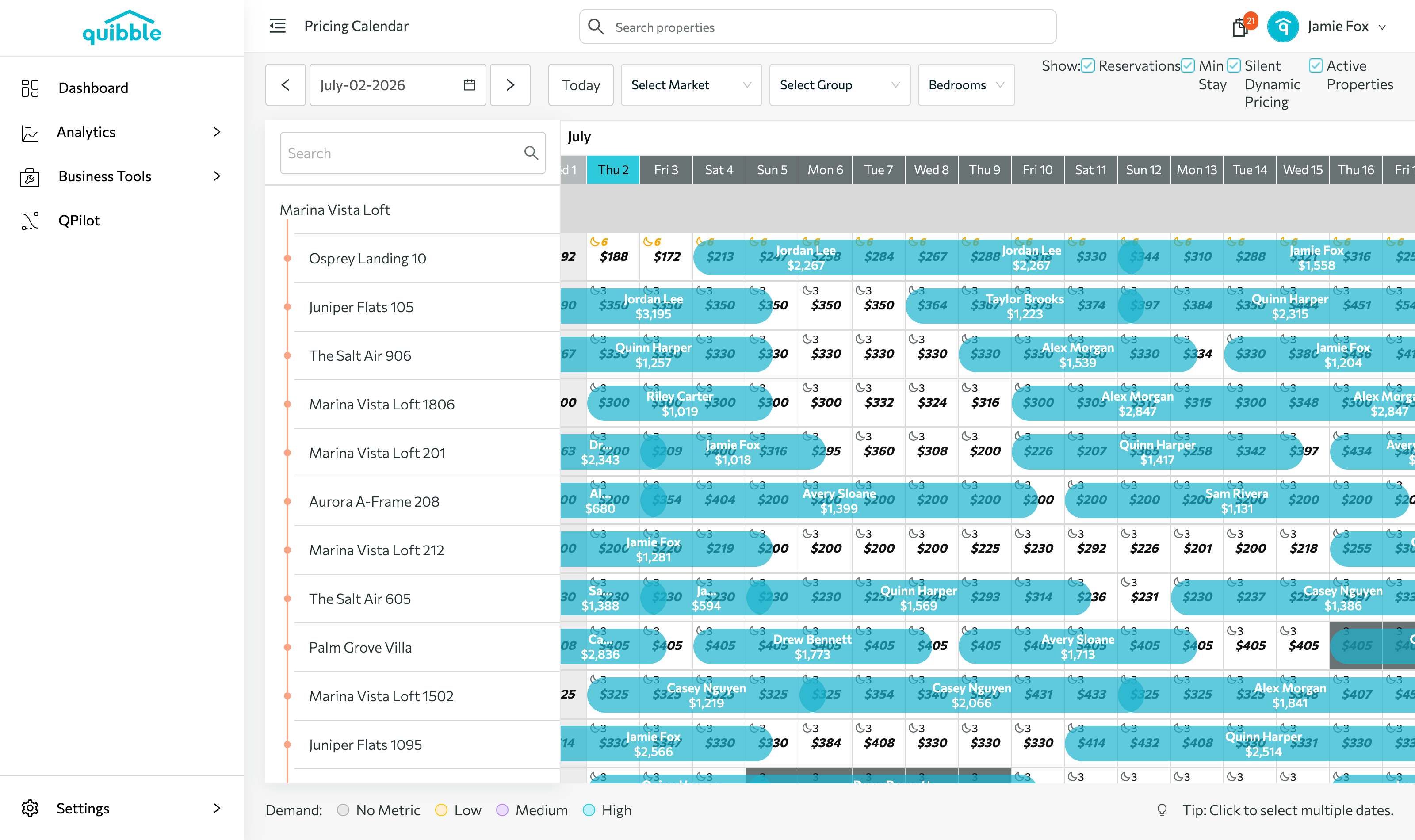
2
Use the search bar to find properties by name or keyword.
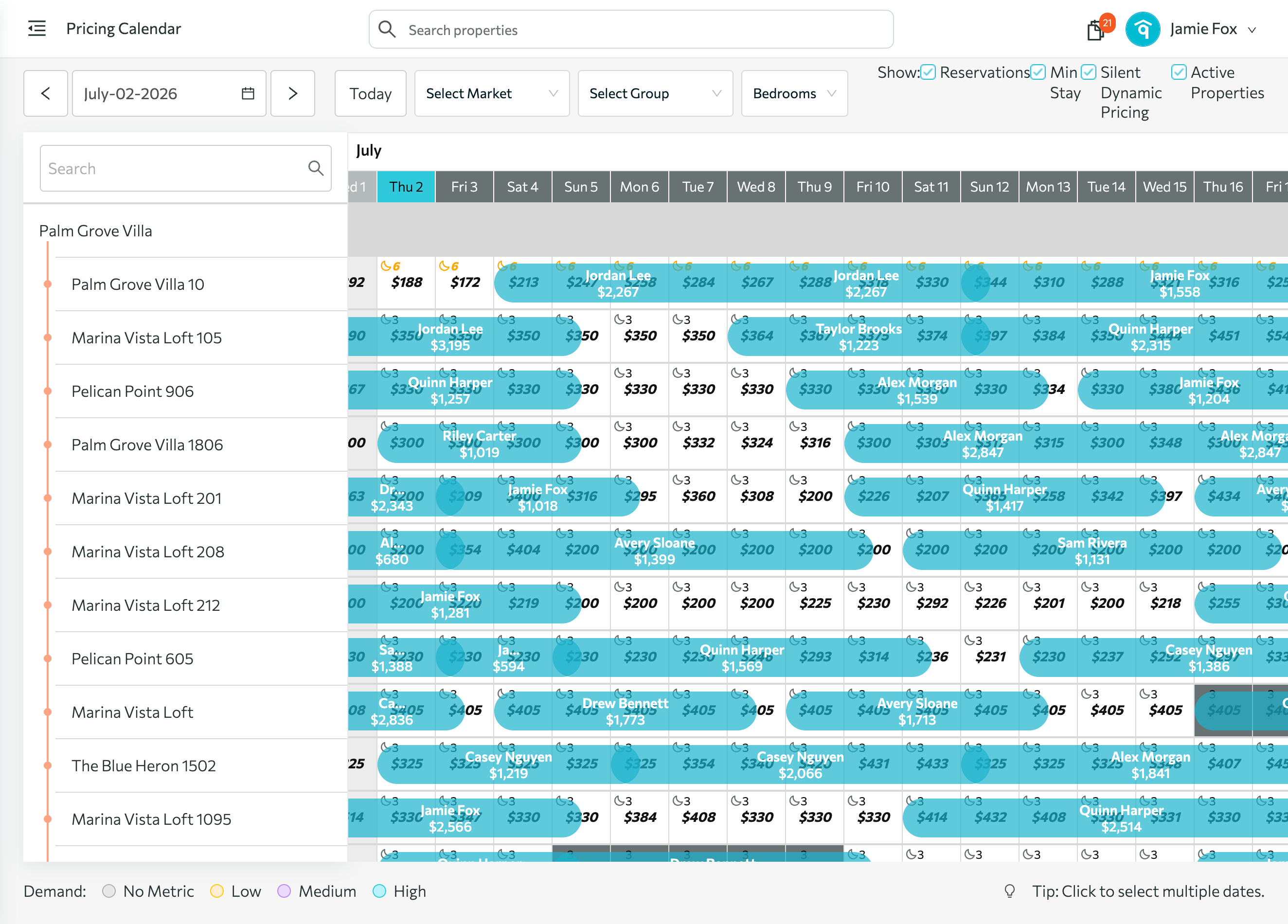
3
Use the Market dropdown to filter by market.
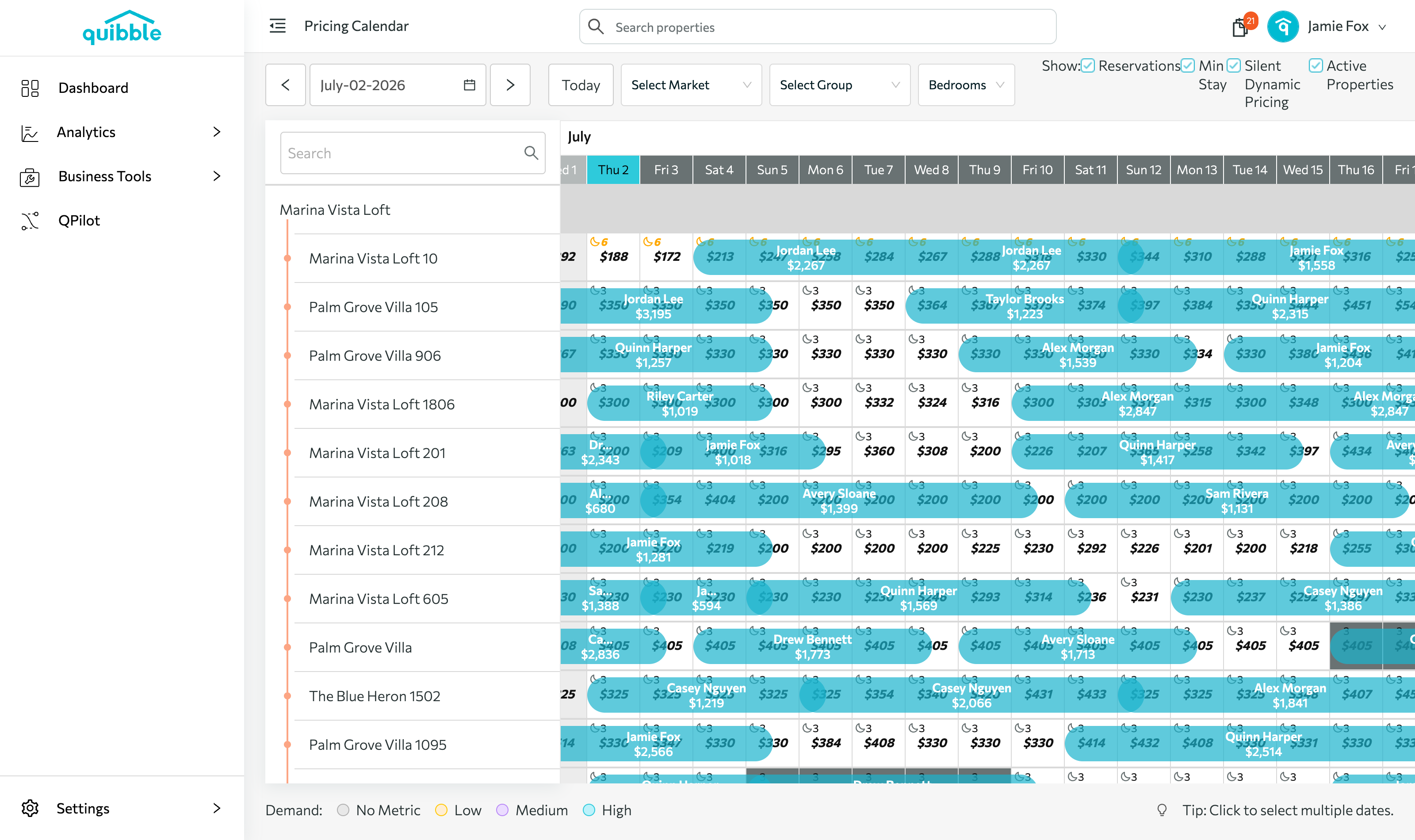
4
Toggle the Show buttons in the upper-right to display dynamic-pricing-enabled listings, active properties, reservations, or minimum-stay requirements.
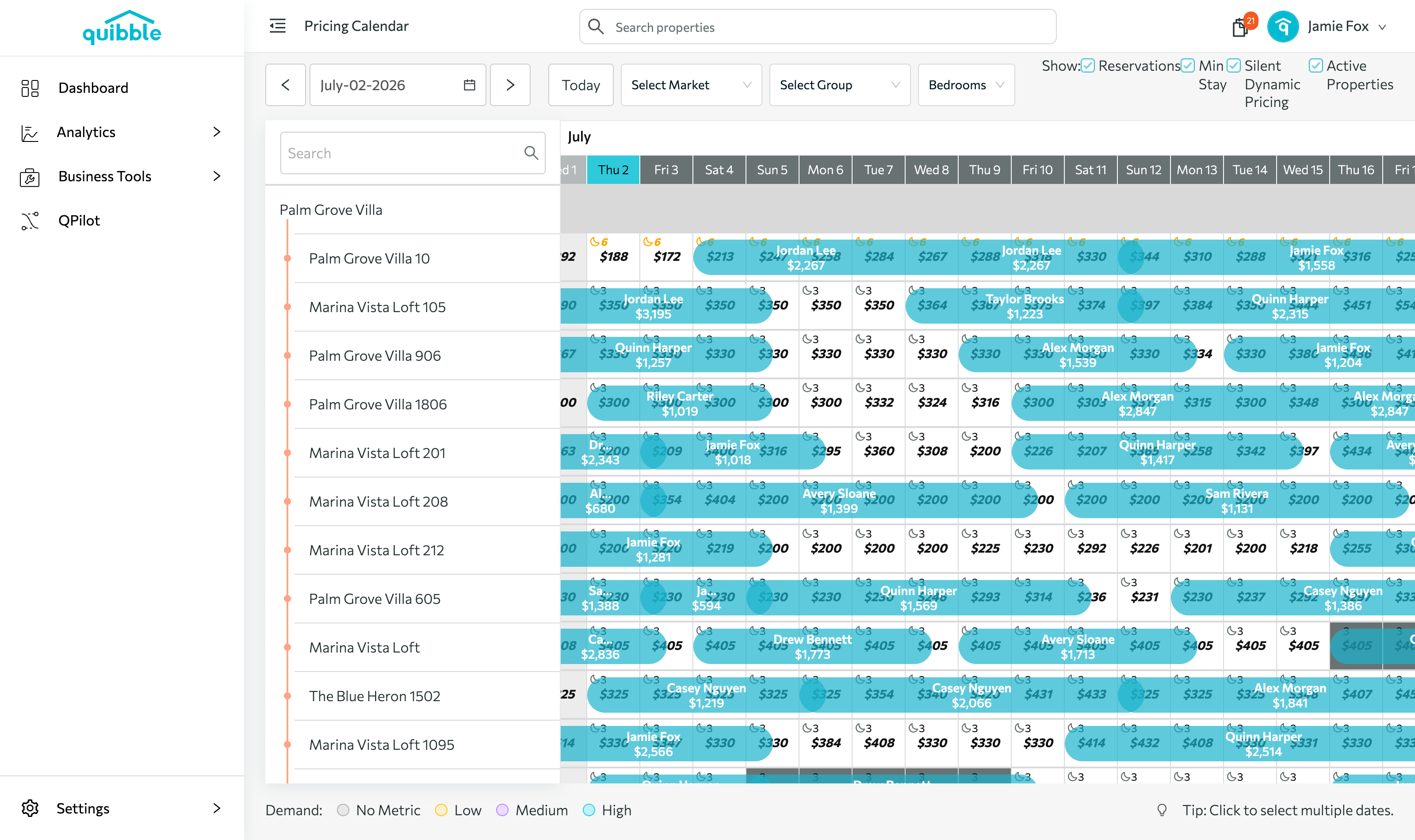
Didn’t find what you needed? Contact us.