How to use the Stay Adjustment
Stay Adjustment works the same way at the Portfolio, Market, and Property levels — pick the level, set the month, and configure your stay rules.
1
From the Price & Stay dropdown, select your level — Portfolio, Market, or Property — and, if needed, the specific market or property.
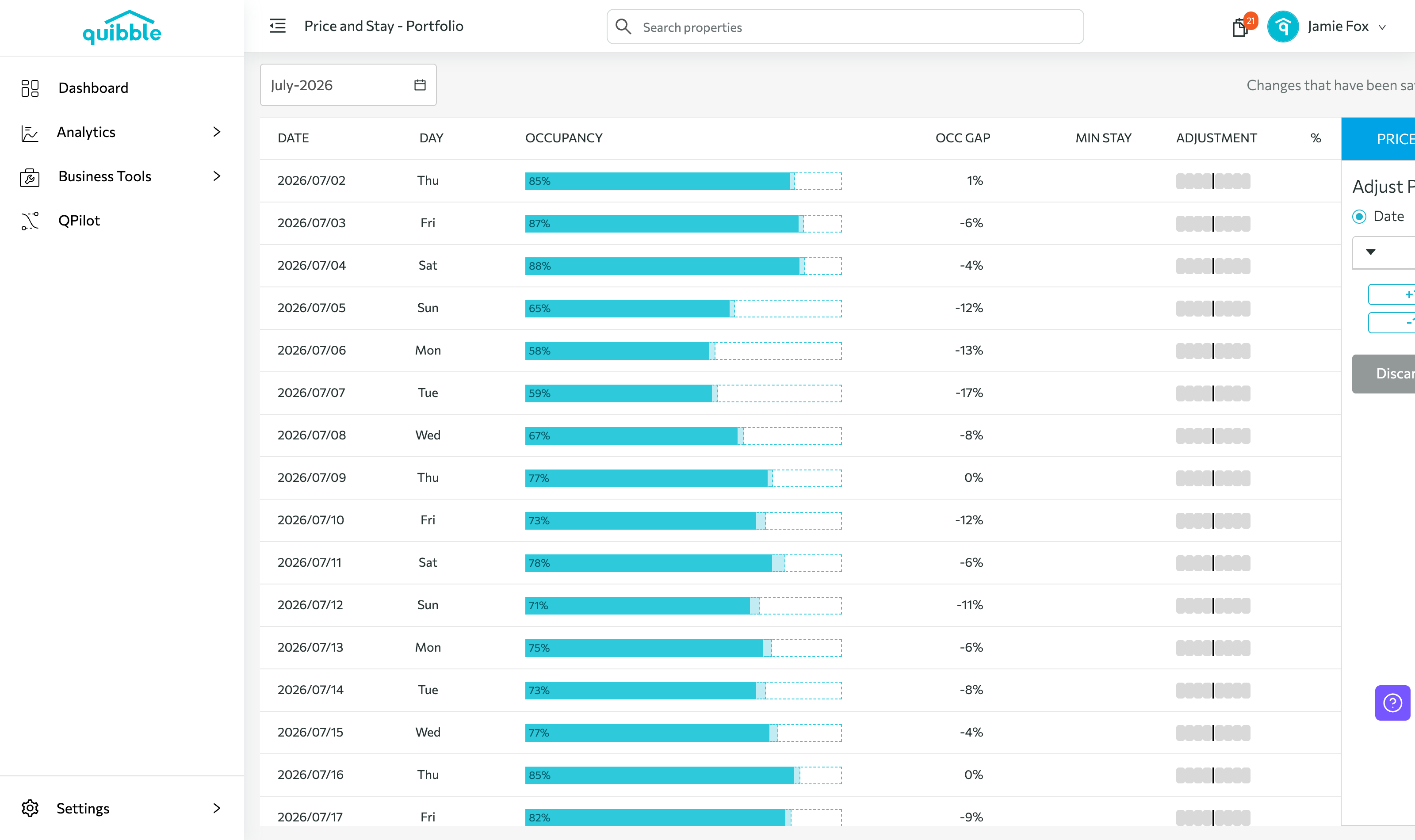
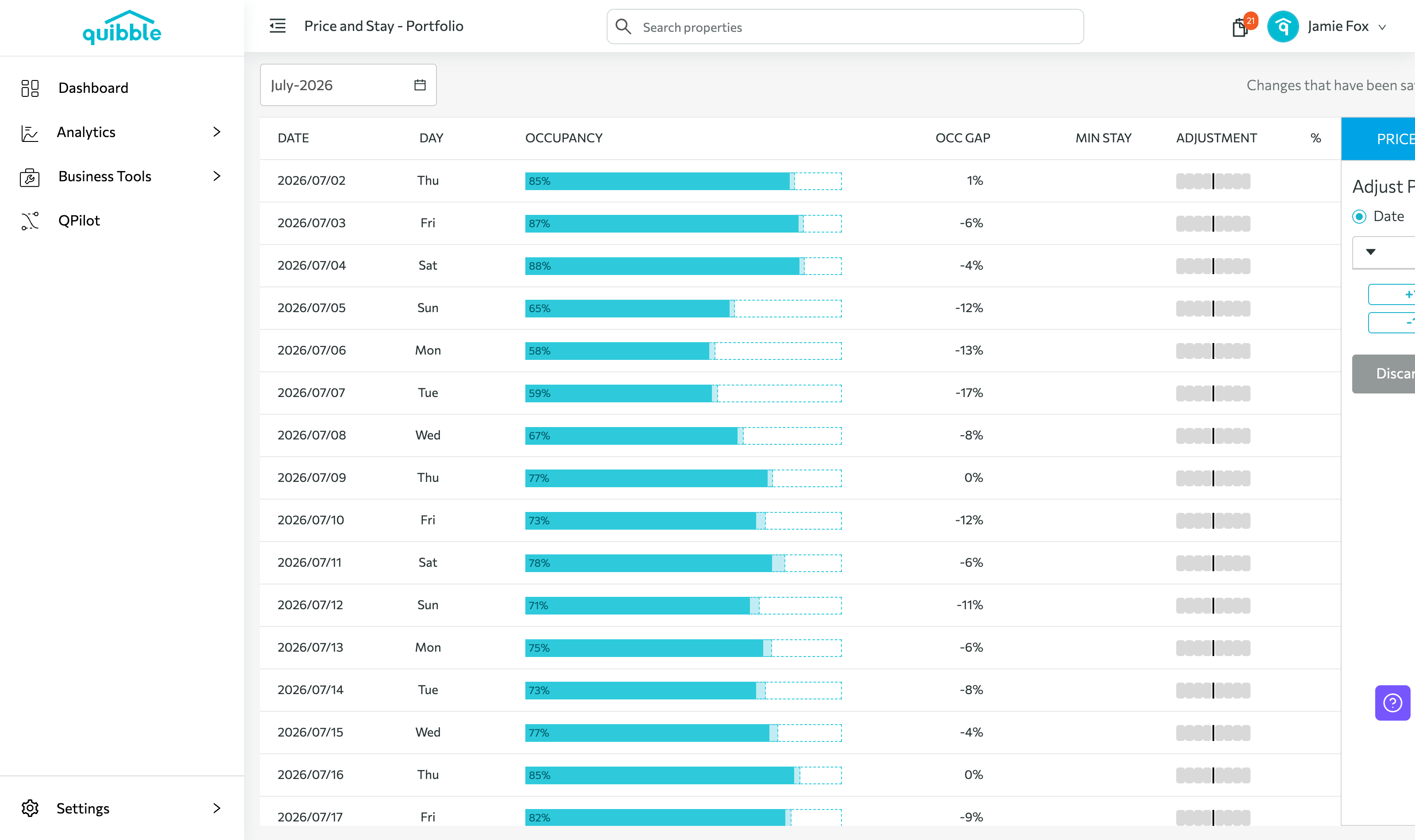
2
Choose the month and year.
3
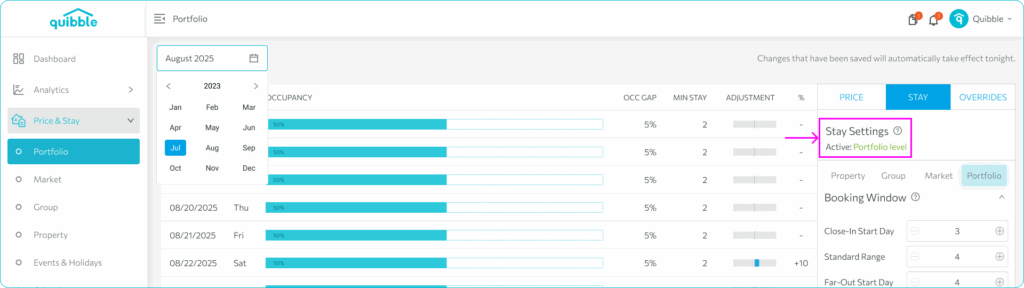
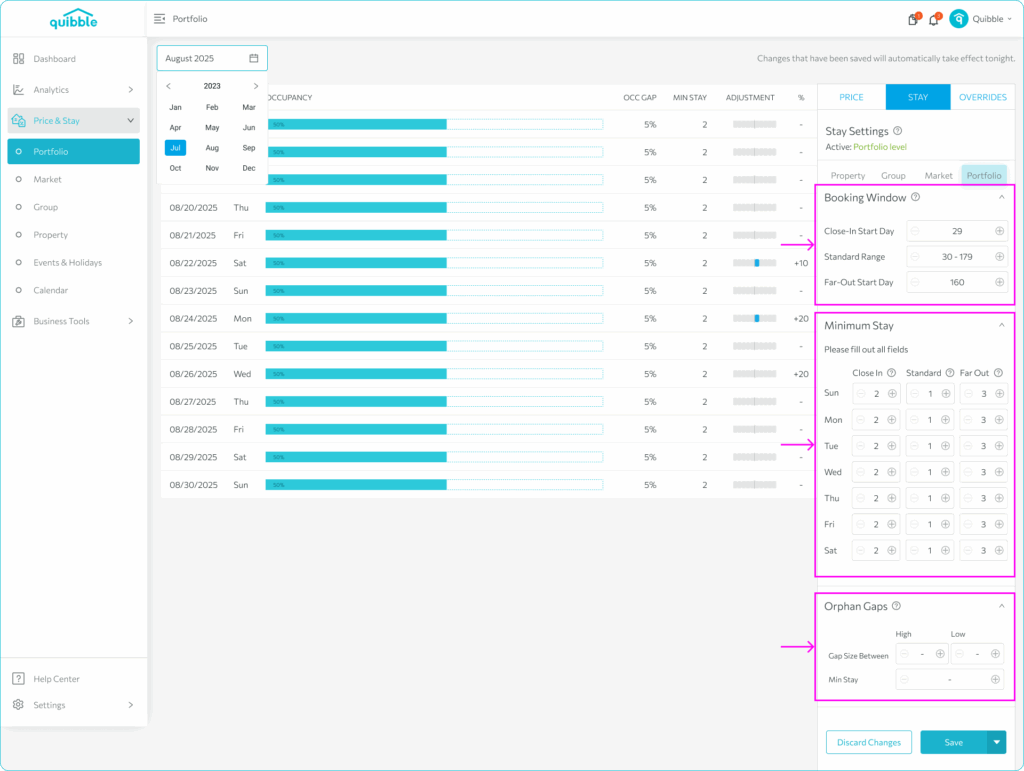
Find Stay Settings on the right (it shows the active level) and configure the Booking Window, Minimum Stay, and Orphan Gaps.
4
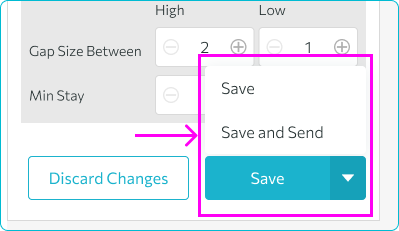
Click Save to apply at end of day, or Save and Send for real-time application.
Property-level stay controls are also available via Analytics → Property.
Didn’t find what you needed? Contact us.