How to view reservations by source
Knowing where reservations originate helps you optimize your booking strategy. The Insights page breaks bookings down by channel.
1
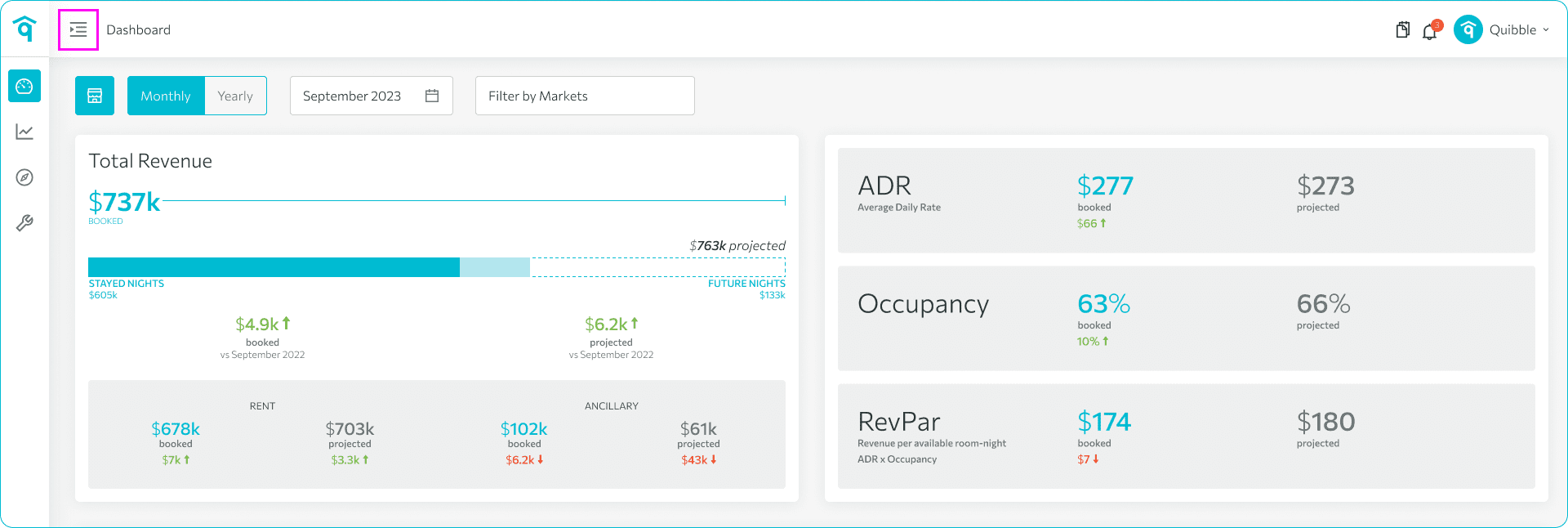
Open the left-side menu bar.
2
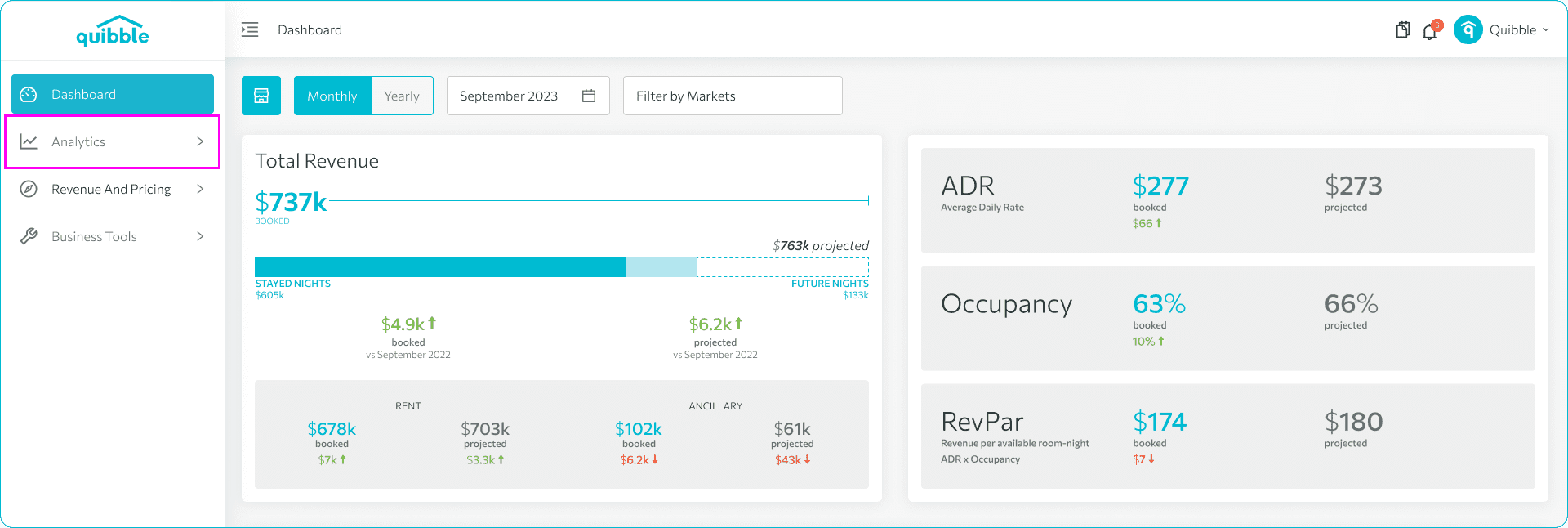
Click the Analytics dropdown, then open Rates Advisor.
3
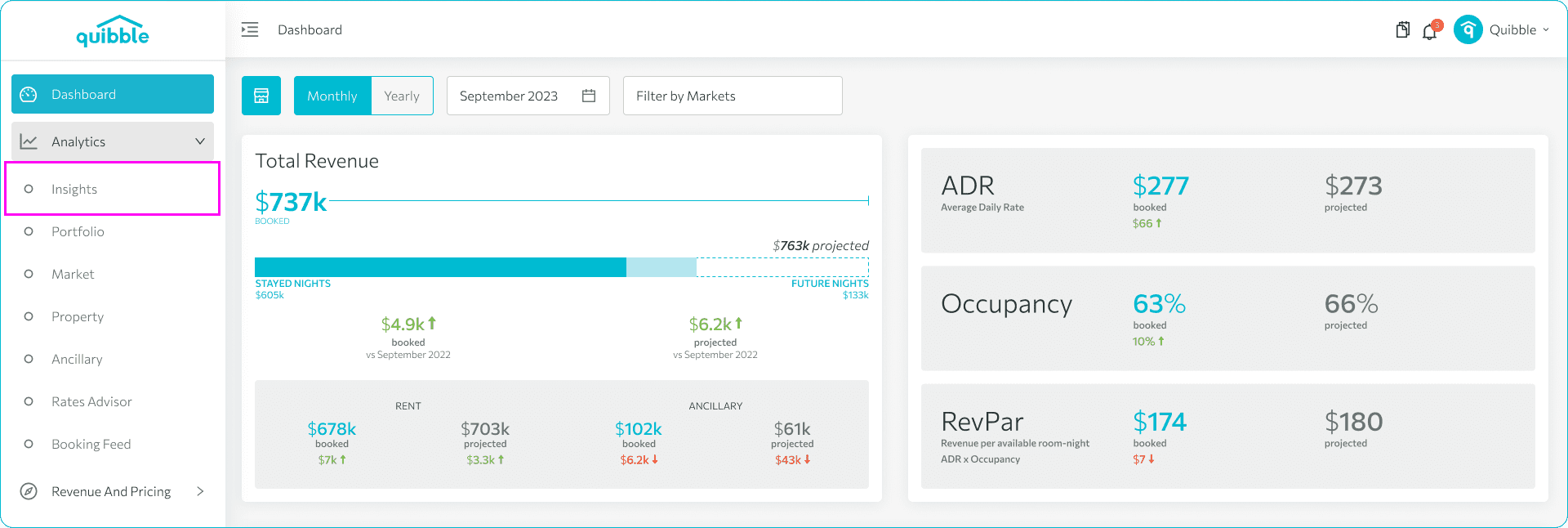
Choose Insights.
4
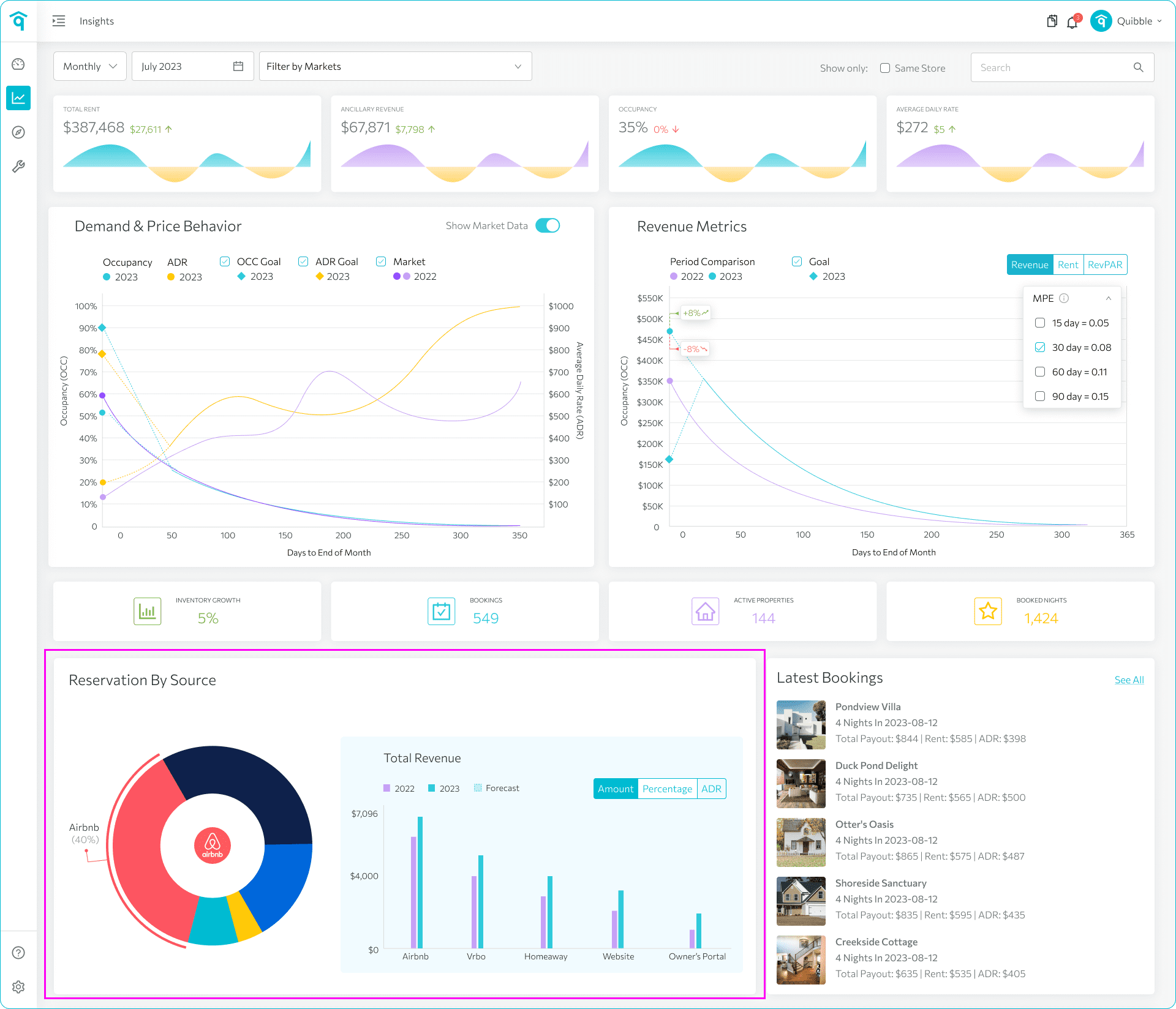
View the pie chart on the lower left showing reservation distribution by source.
5
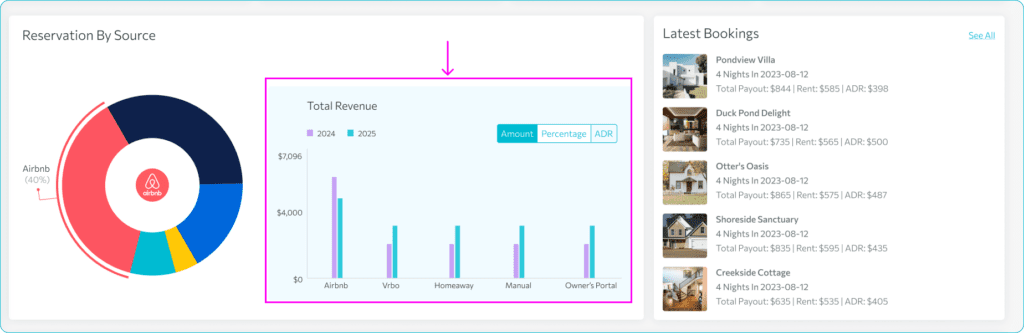
To the right of the pie chart, compare total revenue, percentage of bookings, and ADR per source.
6
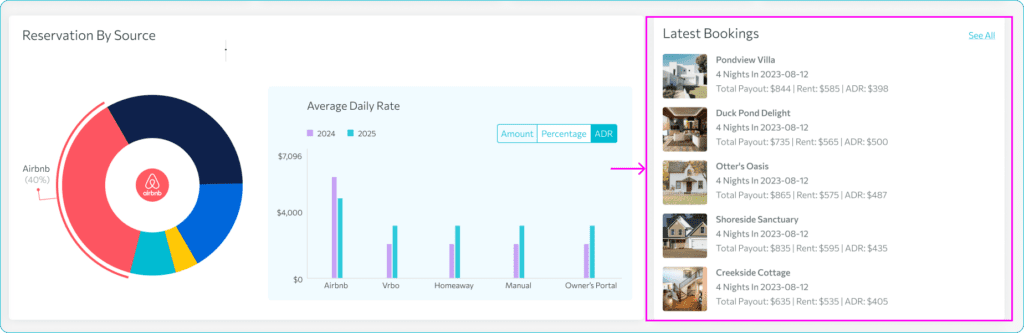
The Latest Bookings section on the right shows your five most recent reservations with key details.
7
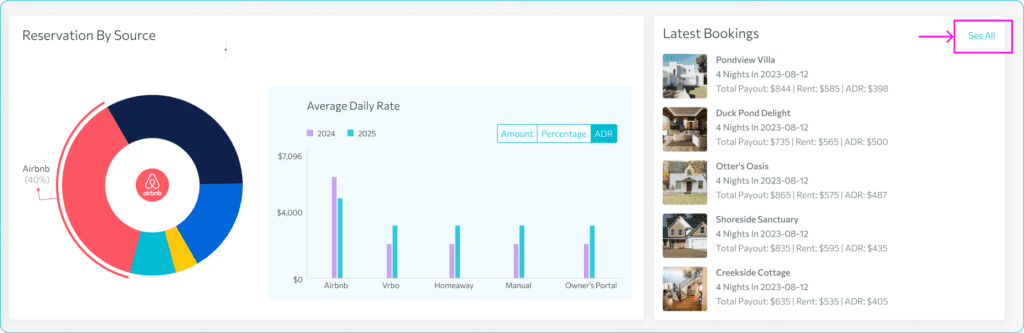
Click See All to open the Booking Feed for the full booking list.
Didn’t find what you needed? Contact us.