Navigating Portfolio Analytics
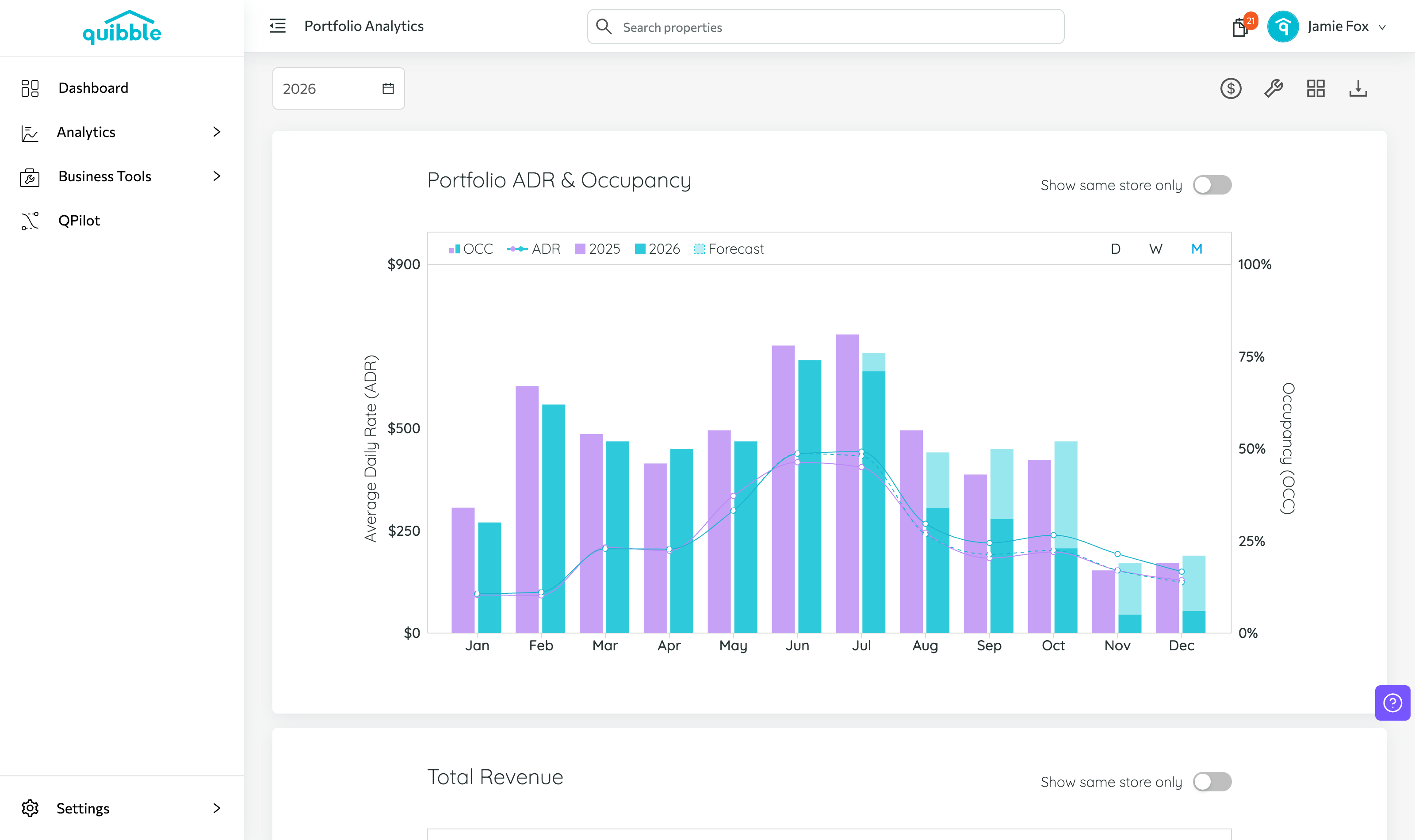
Portfolio Analytics gives a top-level view of your whole portfolio’s performance, with year-over-year comparison.
1
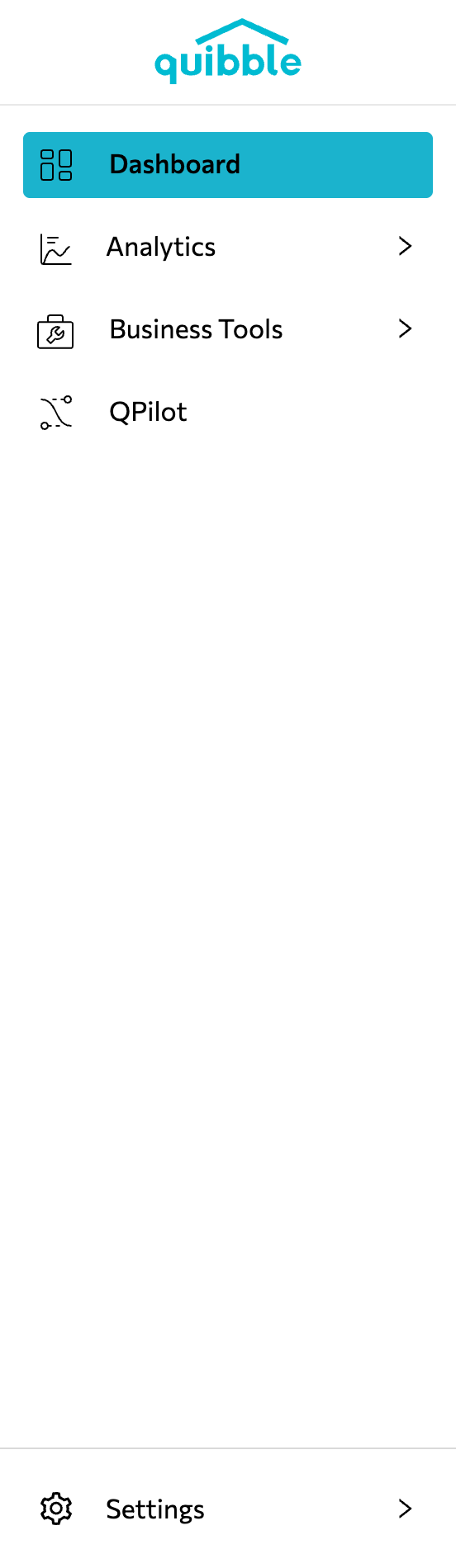
Open the left-side menu bar.
2
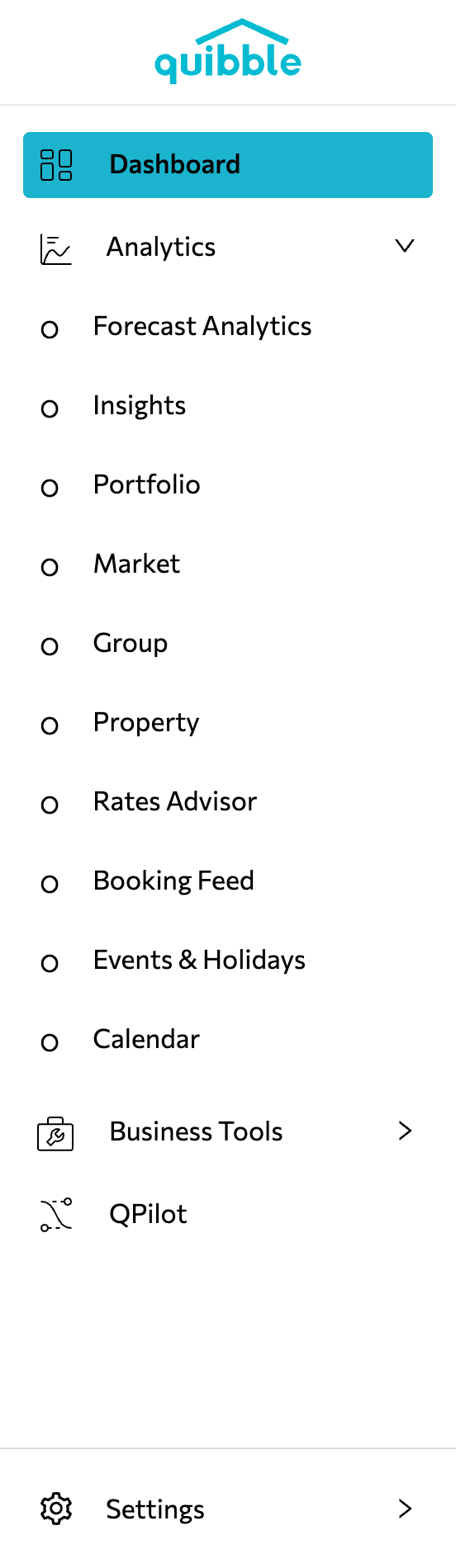
Select the Analytics dropdown and choose Portfolio.
3
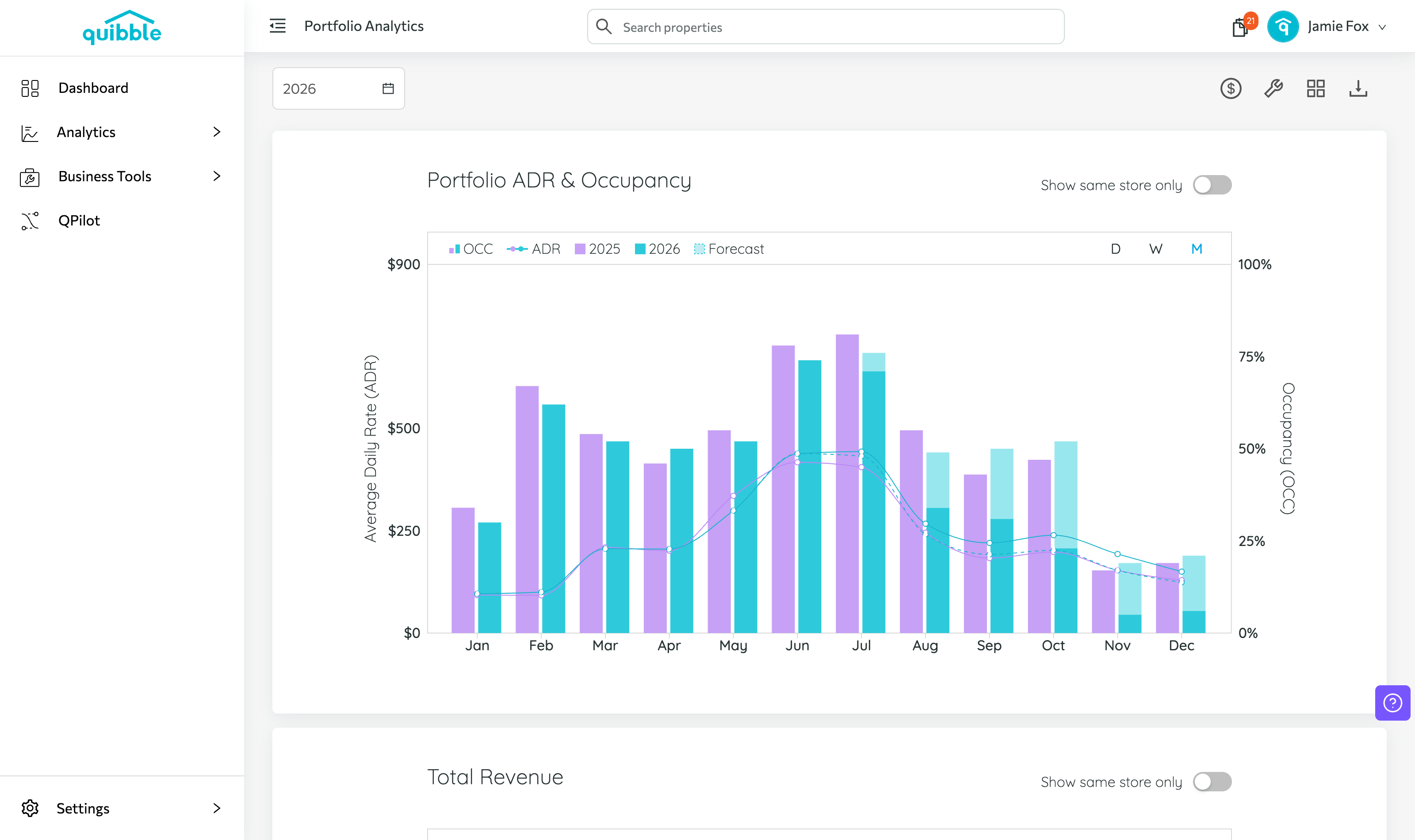
The page defaults to the current year, with comparison data from the previous year.
4
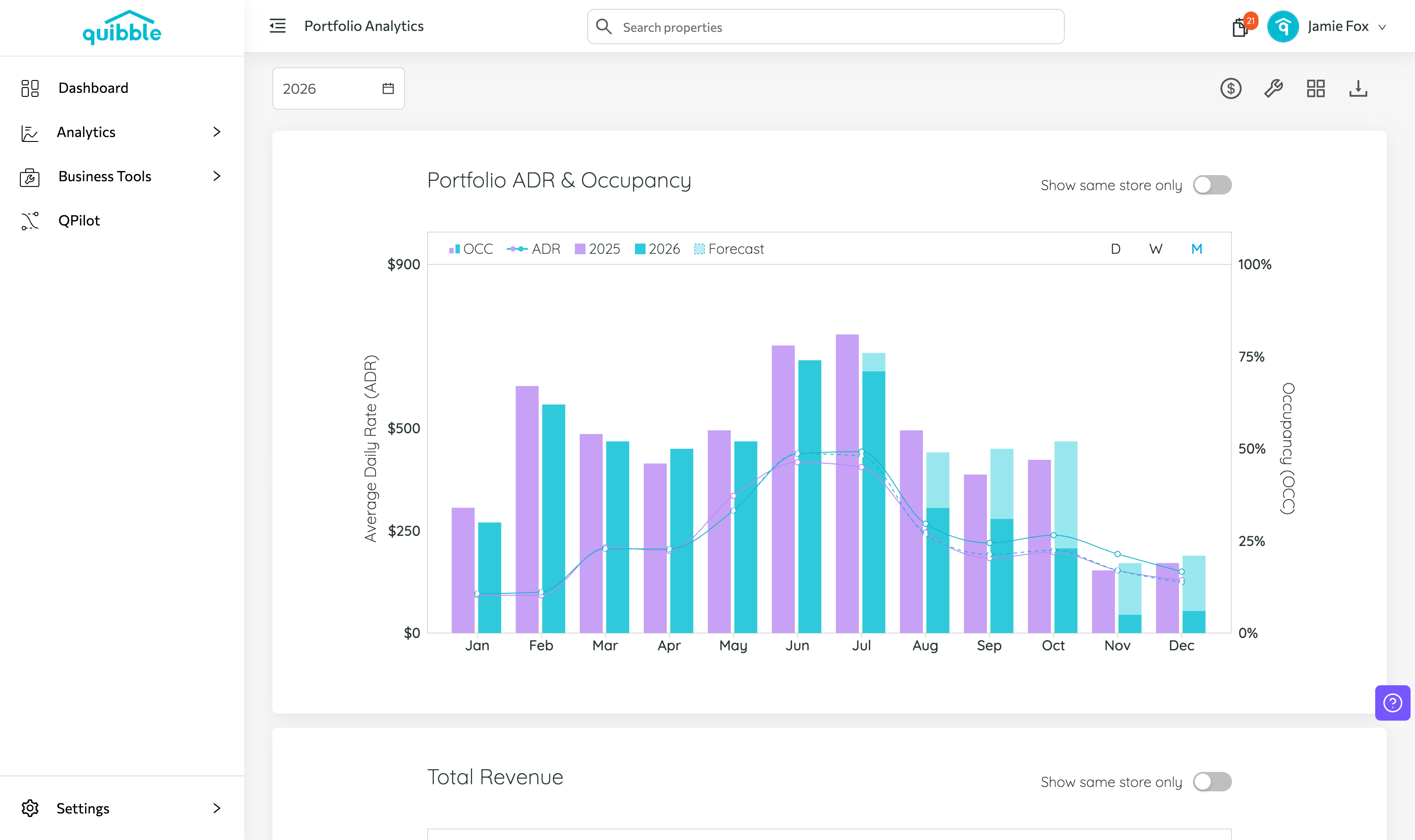
Use the Layout button to filter metrics into one or two columns.
5
Choose what to display with the Configure Charts button.
6
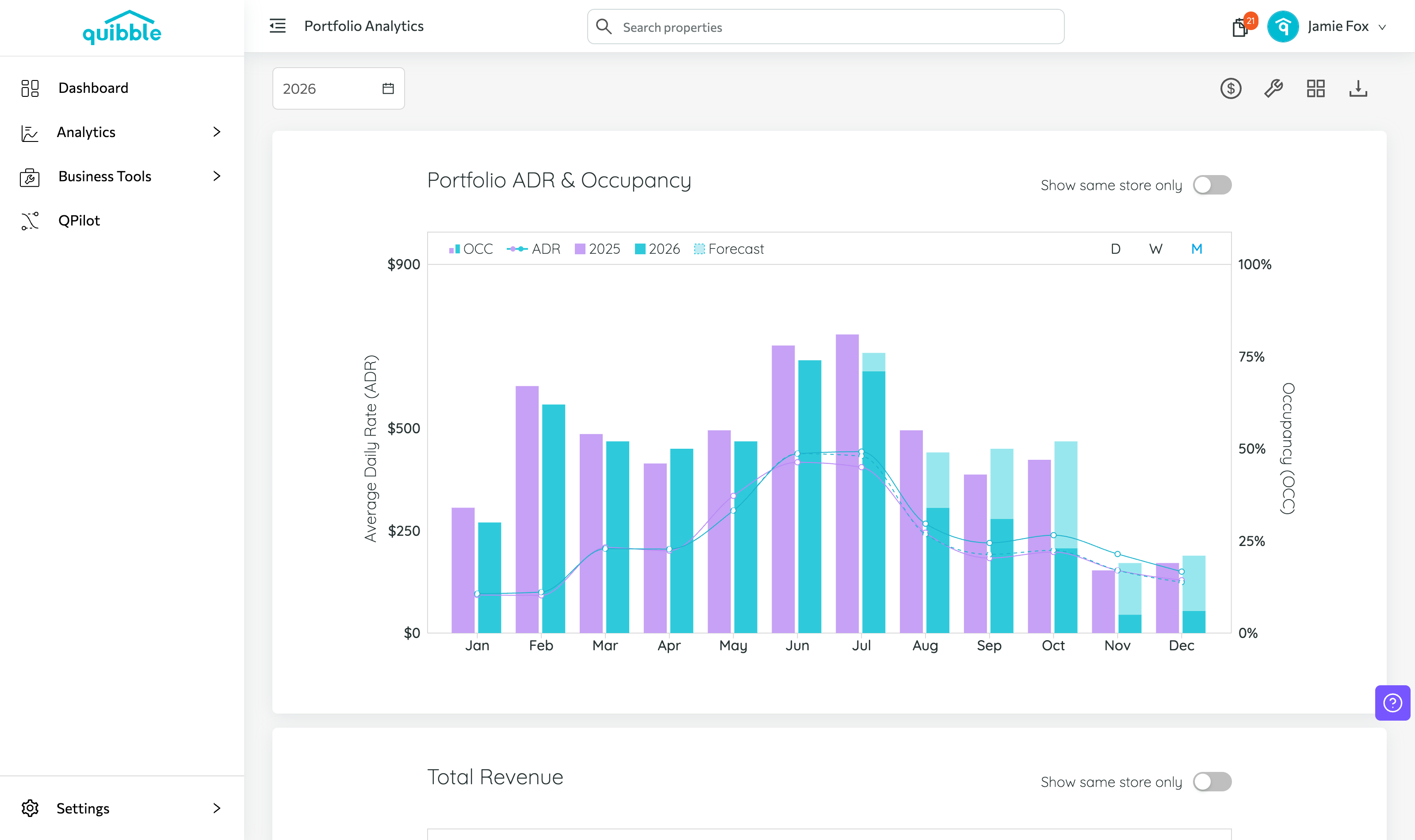
Toggle Show Same Store Only to focus on properties present in both years.
7
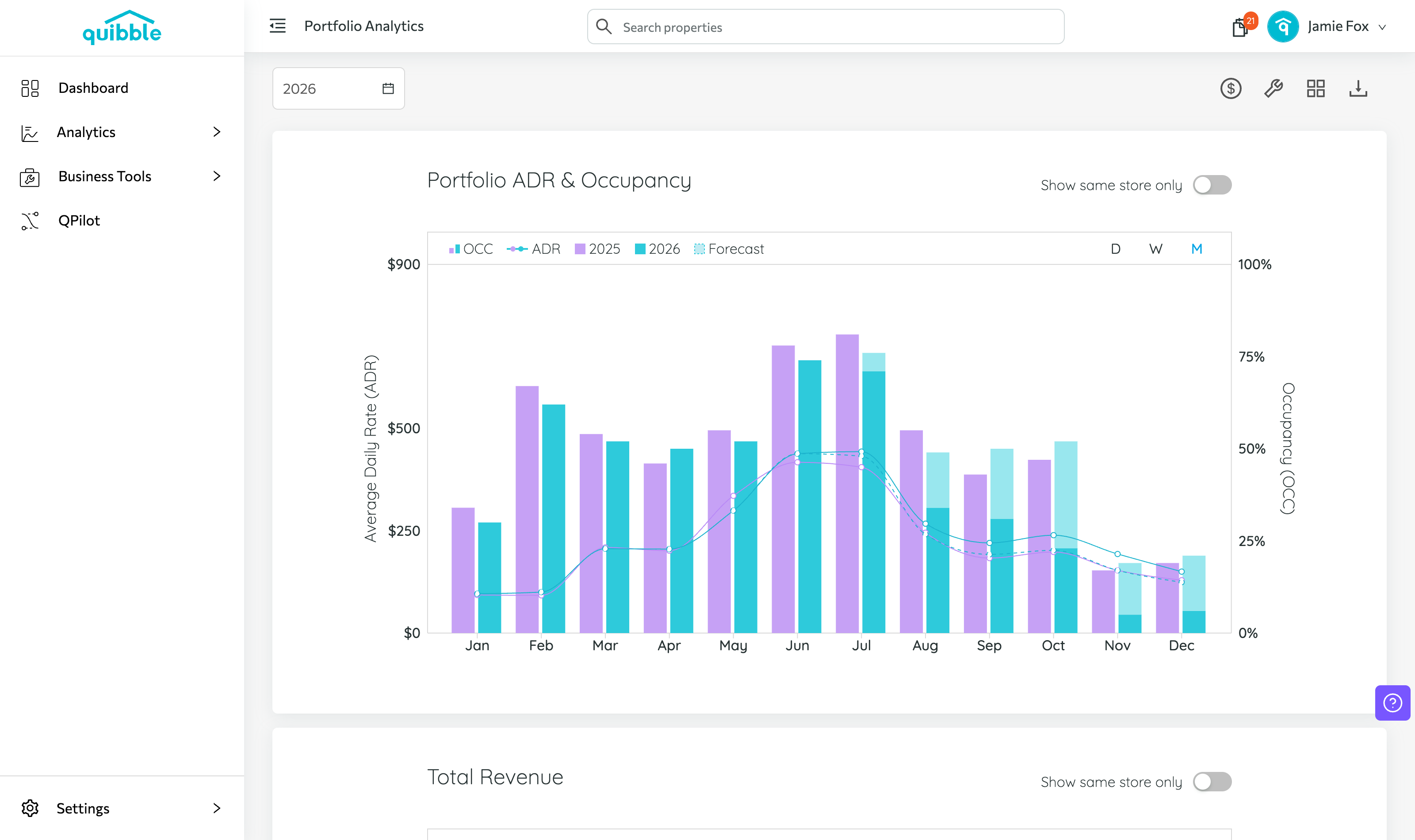
Filter metrics to daily, weekly, or monthly insights.
Didn’t find what you needed? Contact us.