QPilot: AI Portfolio Steering
QPilot is Quibble’s AI copilot. It continuously reviews every listing for prevalent issues — occupancy gaps, blocked days, rating drags — and proposes optimizations you can review and act on from one place.
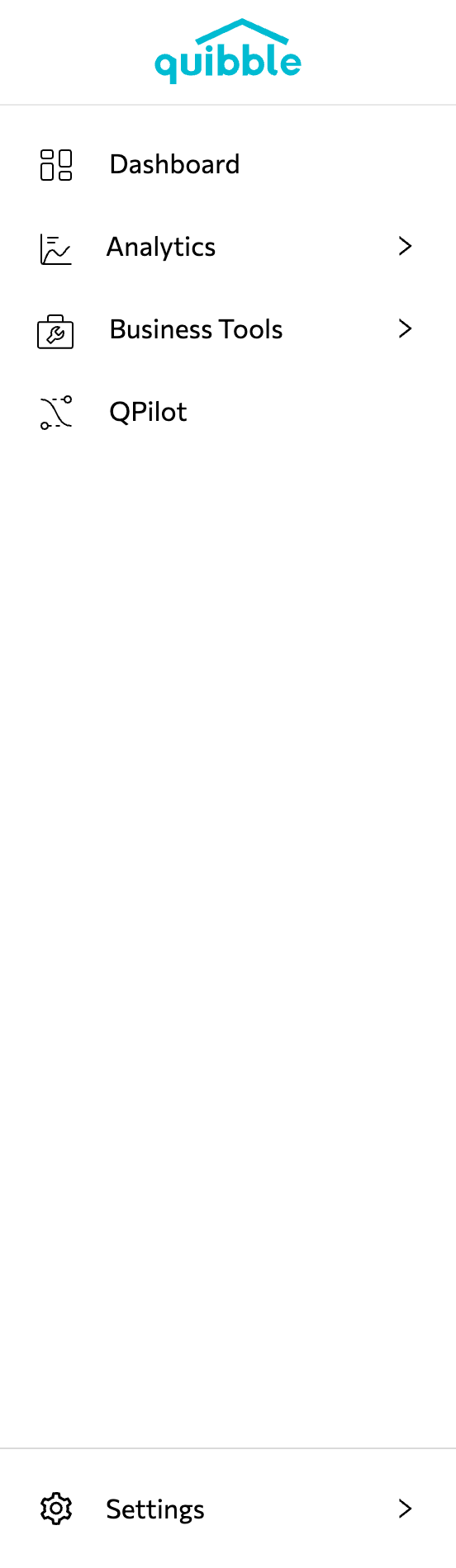
Open QPilot from the left-side menu — it has its own section below Business Tools.
The Steering tab lists every property with its average available price, occupancy, blocked days, rating, and QPilot status.
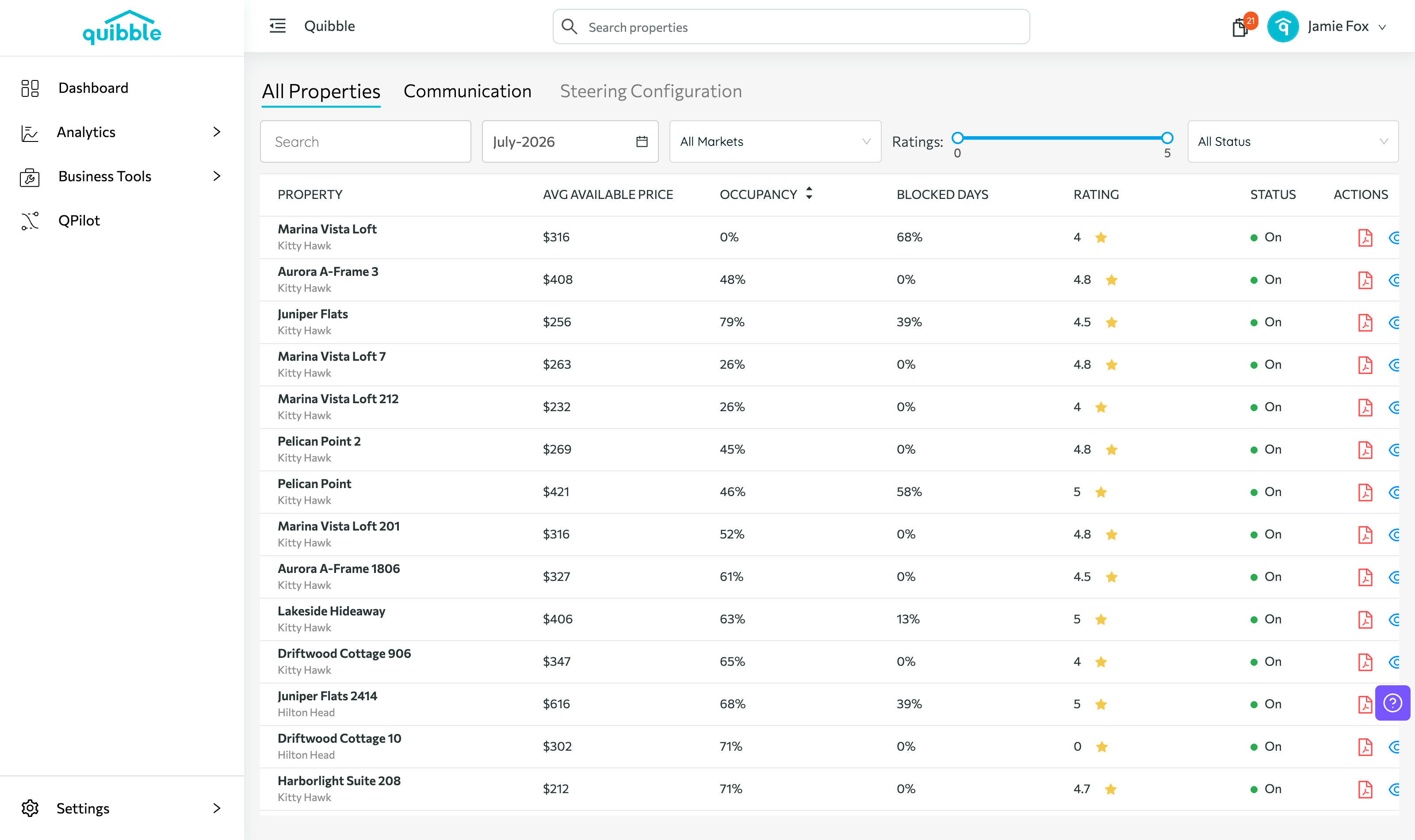
Filter by market, rating range, or status to focus on the properties that need attention.
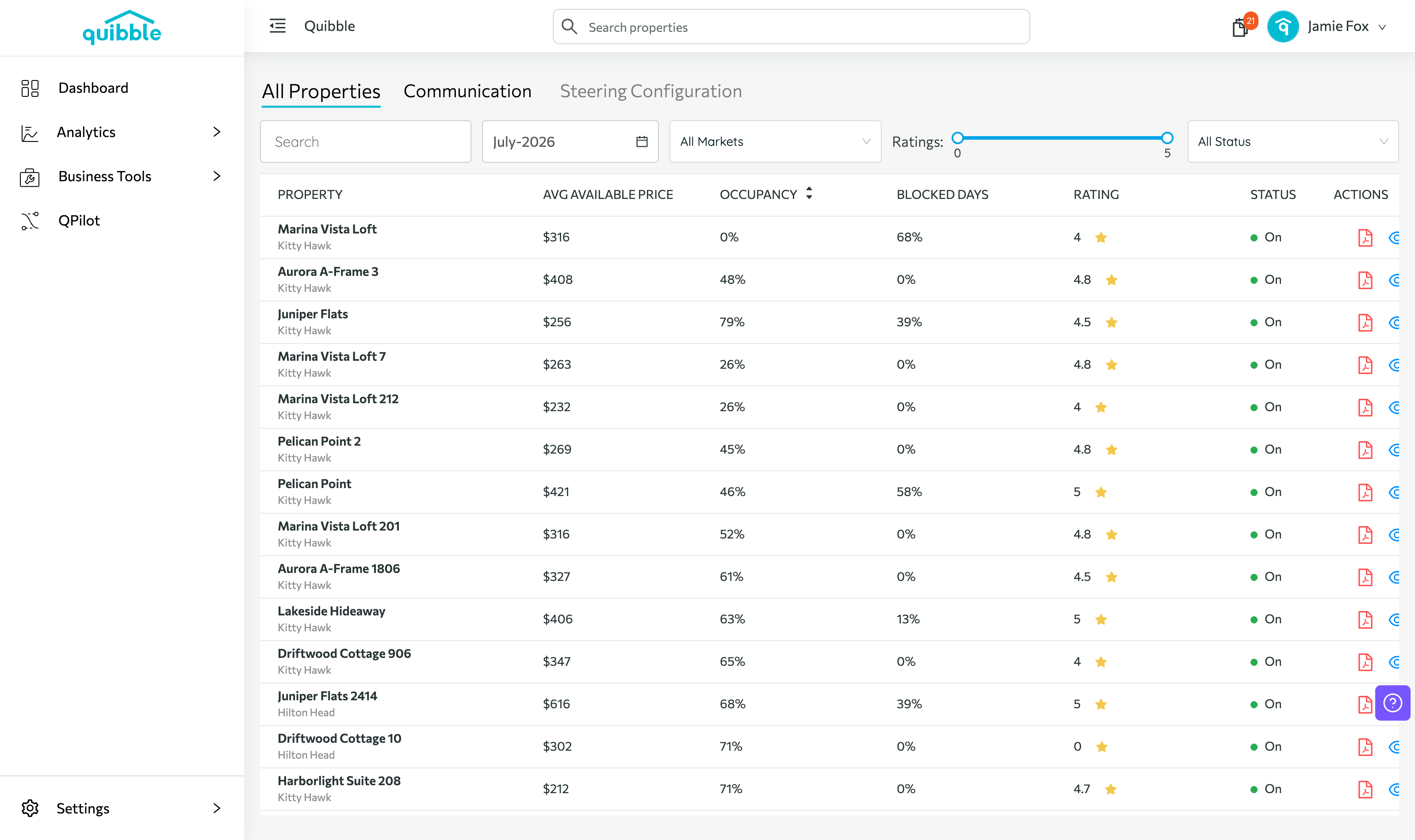
The Communication tab controls how QPilot’s findings reach you.
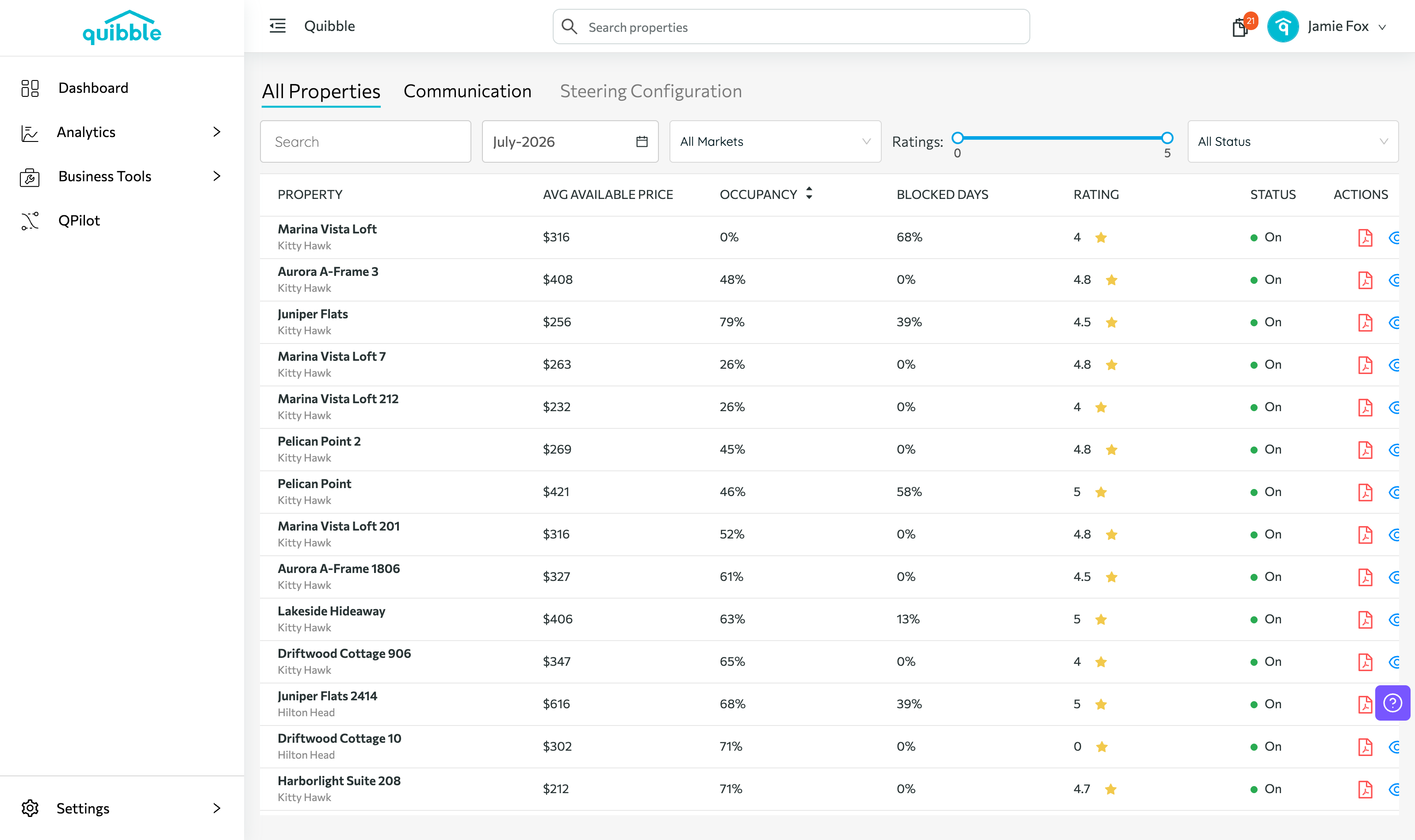
The Configuration tab sets how hands-on QPilot is for each property.
QPilot is an add-on. If your plan doesn’t include it yet, you’ll see a Subscribe option on this page — or build a quote on our pricing page.