Understanding Group Analytics
The Group Analytics page rolls up performance across all properties in a group, with real-time pricing adjustments.
1
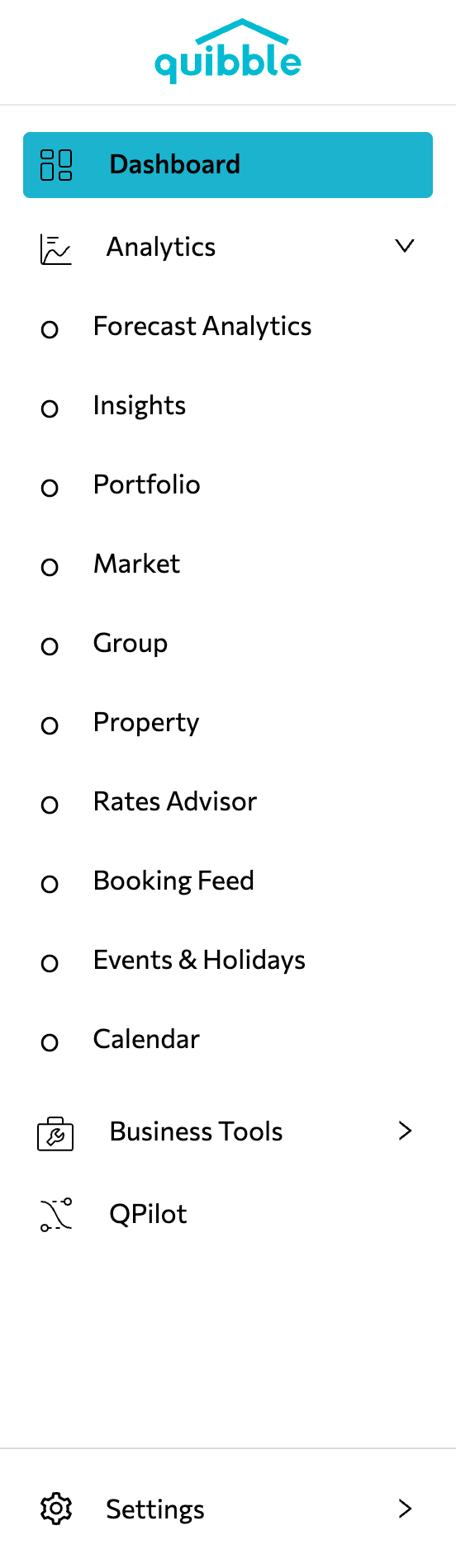
Open the left-hand menu.
2
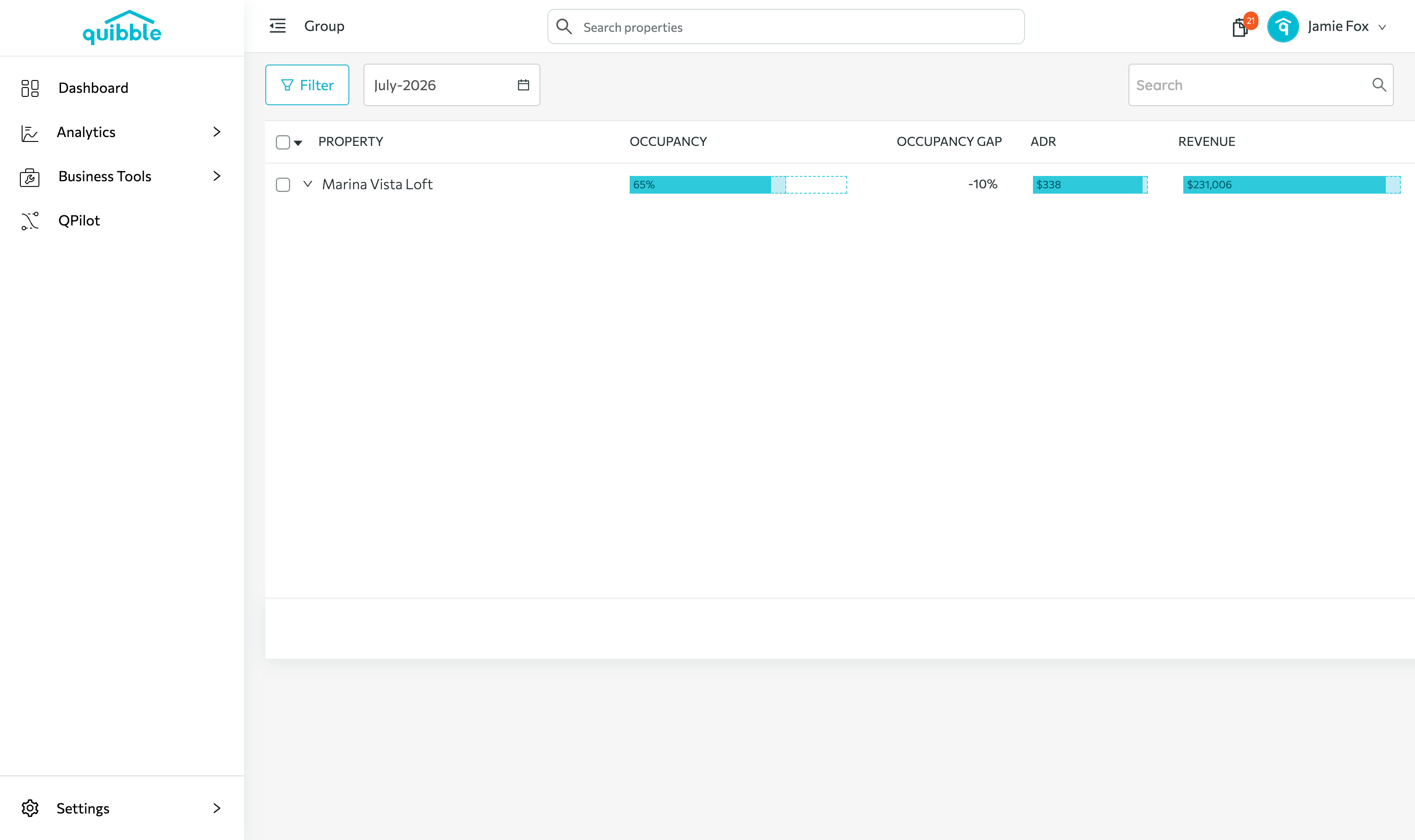
Select Analytics and click Group.
3
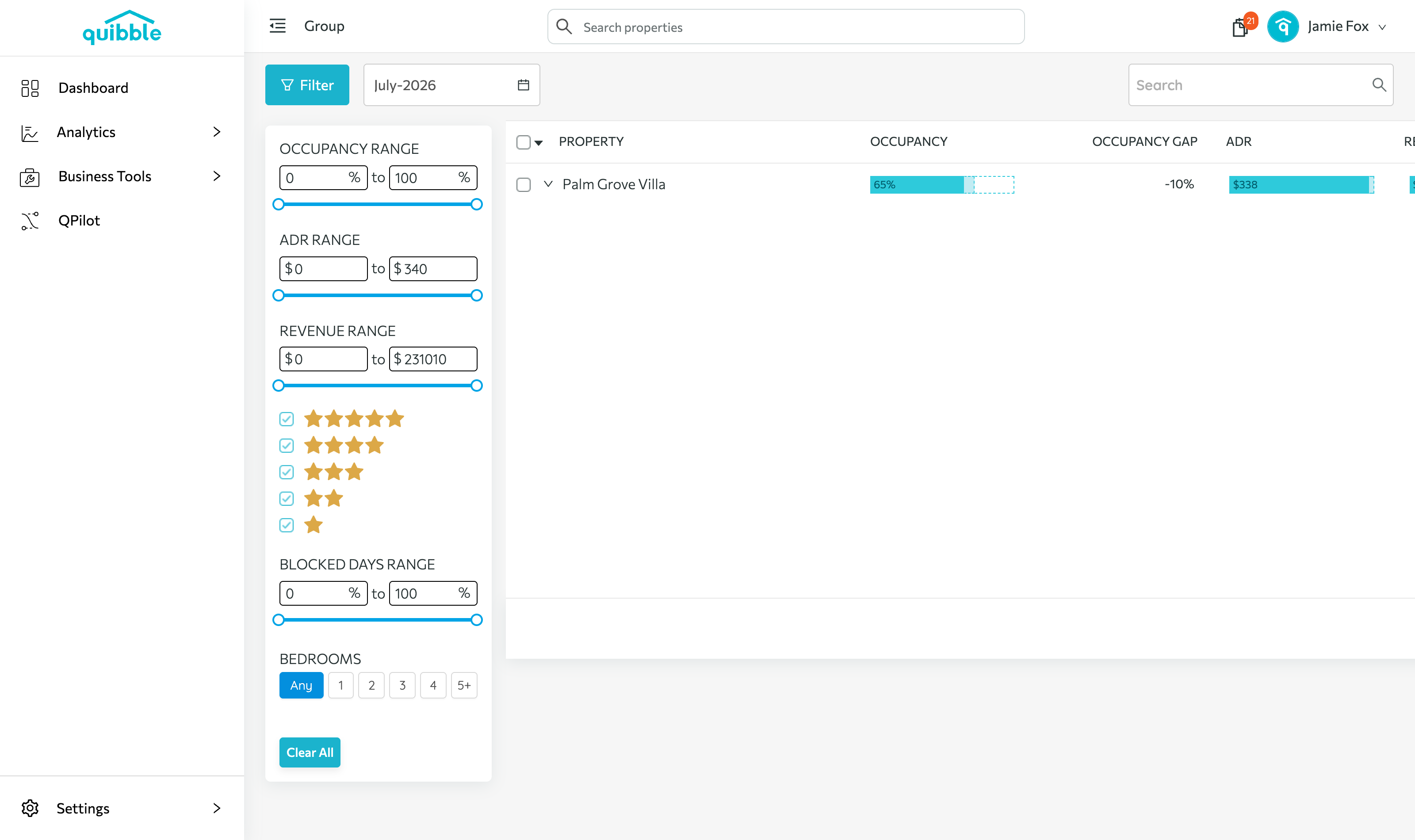
Use the Filter button to customize which data shows.
4
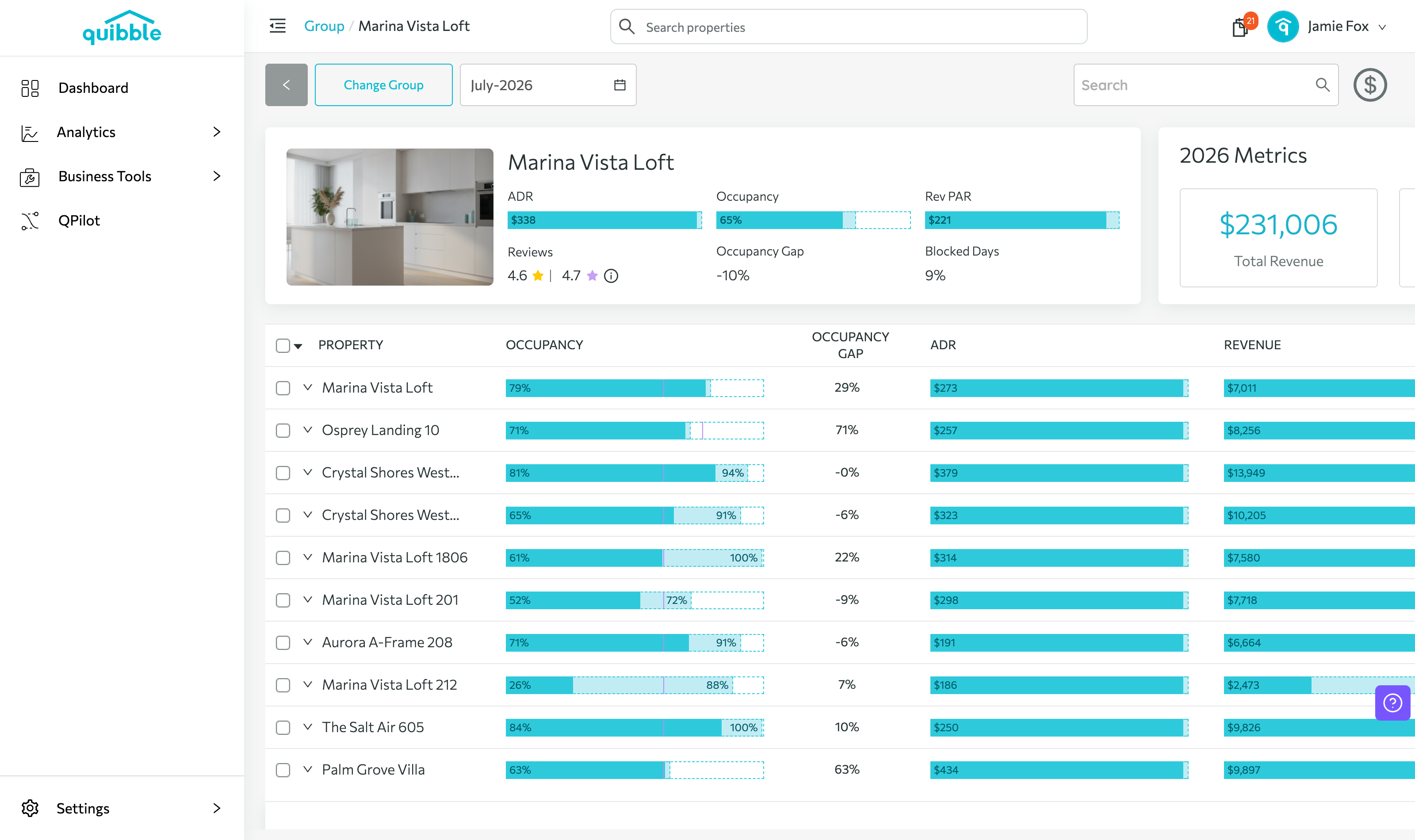
Click a group name to open its details — rolled-up ADR, occupancy, RevPAR, and blocked days, with every property in the group listed below. The $ button in the upper right starts a price adjustment for the group.
Didn’t find what you needed? Contact us.