Bookings and owner reports
Bookings
1
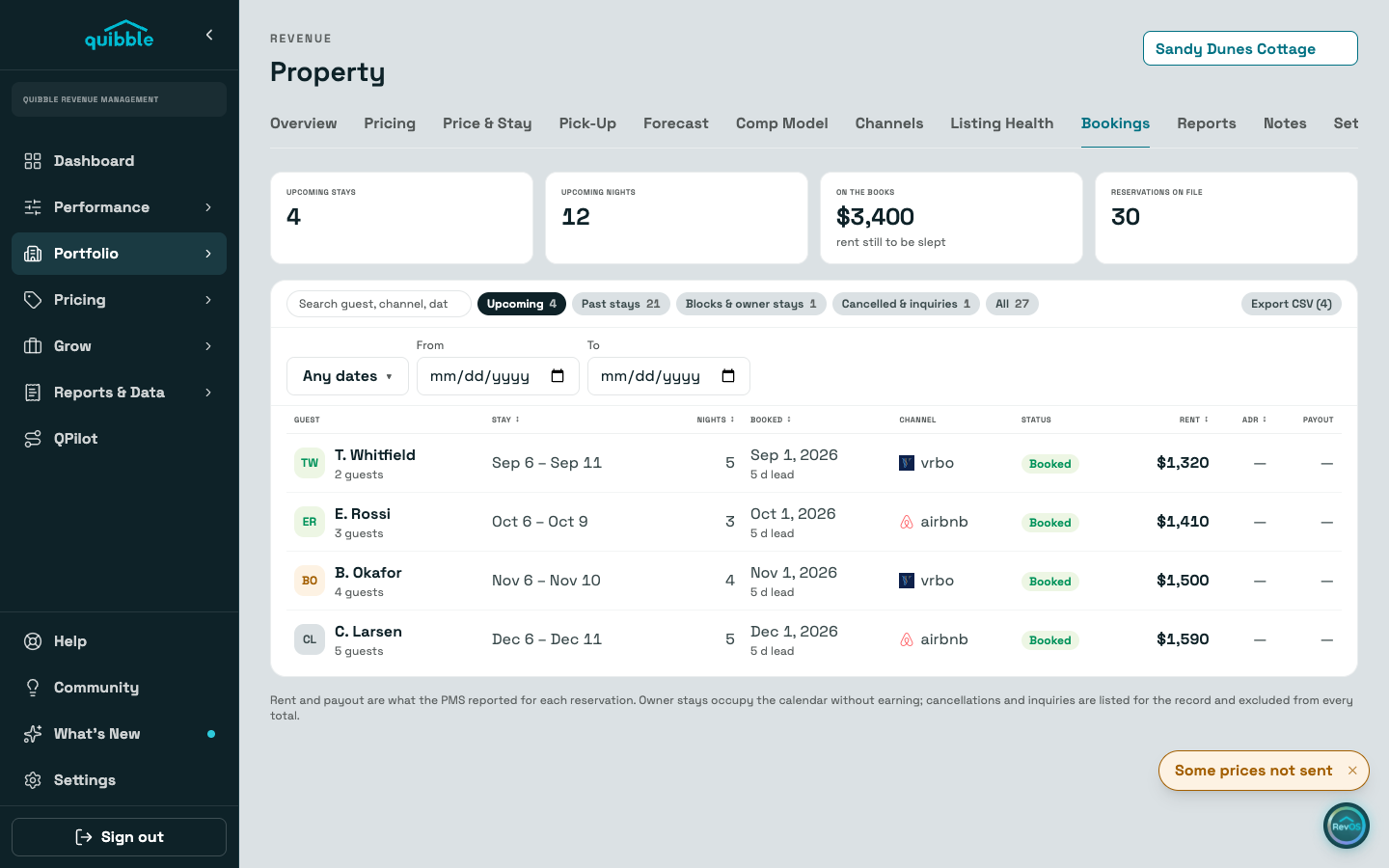
The Bookings tab is the property’s ledger: every reservation with stay dates, lead time, channel, status, rent, ADR, and payout.
2
Filter by upcoming, past, blocks and owner stays, or cancellations. Blocks are labeled — they never count as guest demand.
Reports
1
The Reports tab has two prepped reports — Owner monthly summary and Year in review — plus a builder to pick your own sections.
2
Pick any period: last month, a whole year, every reservation on file, or your own From and To dates. Occupancy, ADR, rent, the monthly rows and the ledger all follow the period. The Bookings tab has the same date filter.
3
Export as a branded PDF, CSV, or Excel. The PDF opens the print dialog; choose Save as PDF there.
Didn’t find what you needed? Contact us.