Reading demand on the calendar
Each night’s tint is that night’s market demand, read from the listings we track around you: teal is high, purple is medium, amber is low. An untinted night has no demand read yet.
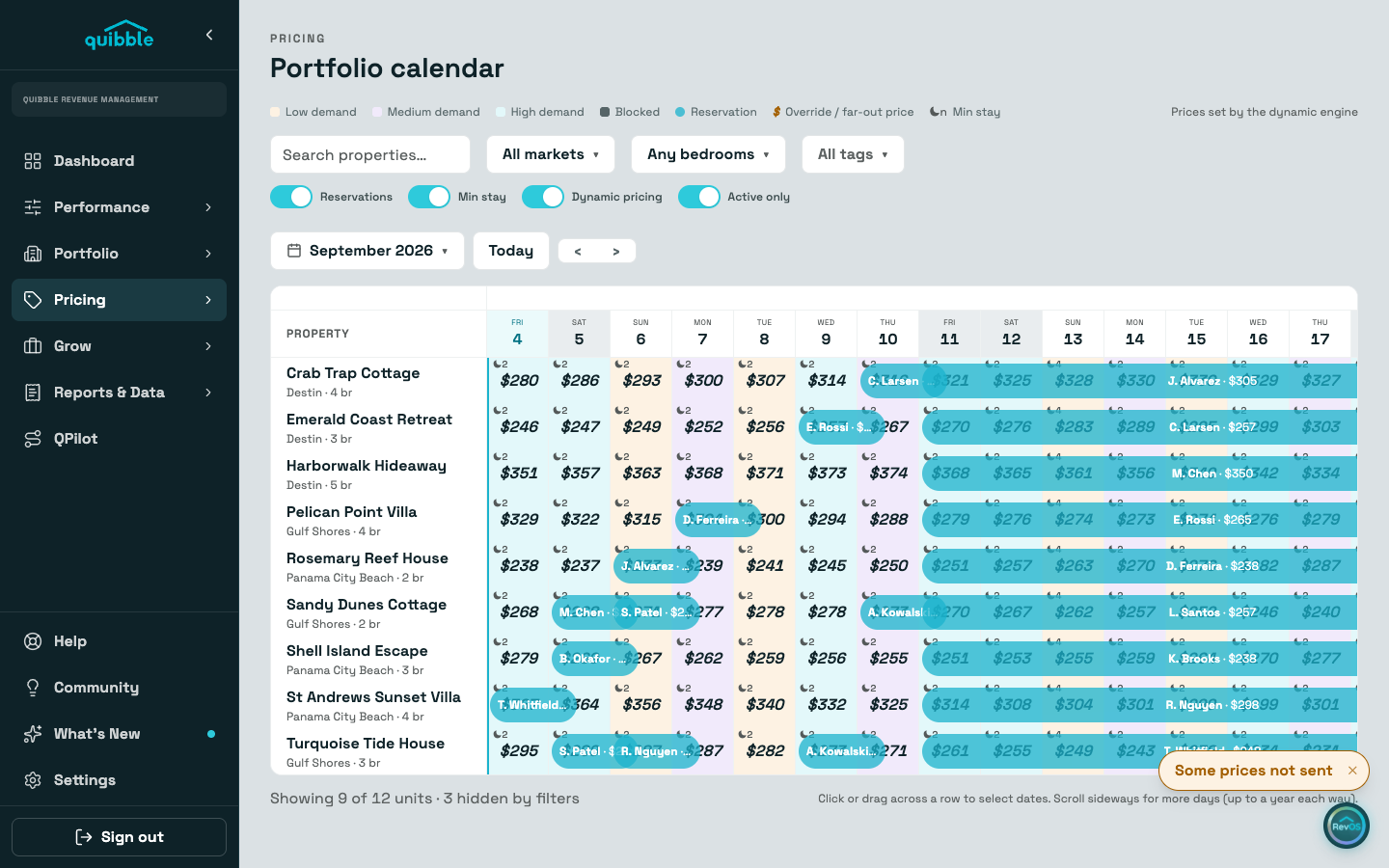
Blocked nights paint dark and past nights gray, whatever the demand. Rows shown dimmed are listings not enrolled in dynamic pricing.
A bold amber price marks an override or far-out price, and the moon glyph carries the night’s minimum stay. The legend above the grid keys all of it.
Select a night and open its price breakdown: the multiplier profile lists each level’s contribution, including an Event line when an event window covers that night.
Demand is the market’s temperature, not your own occupancy. A high-demand night you are still open on is exactly where price attention pays.