Connecting your PMS
Quibble works from the data your PMS already holds. Connecting takes a couple of minutes; the import that follows does the rest.
1
During sign-up, pick your PMS on the connection step and enter its credentials — or approve access in the provider window for one-click providers.
2
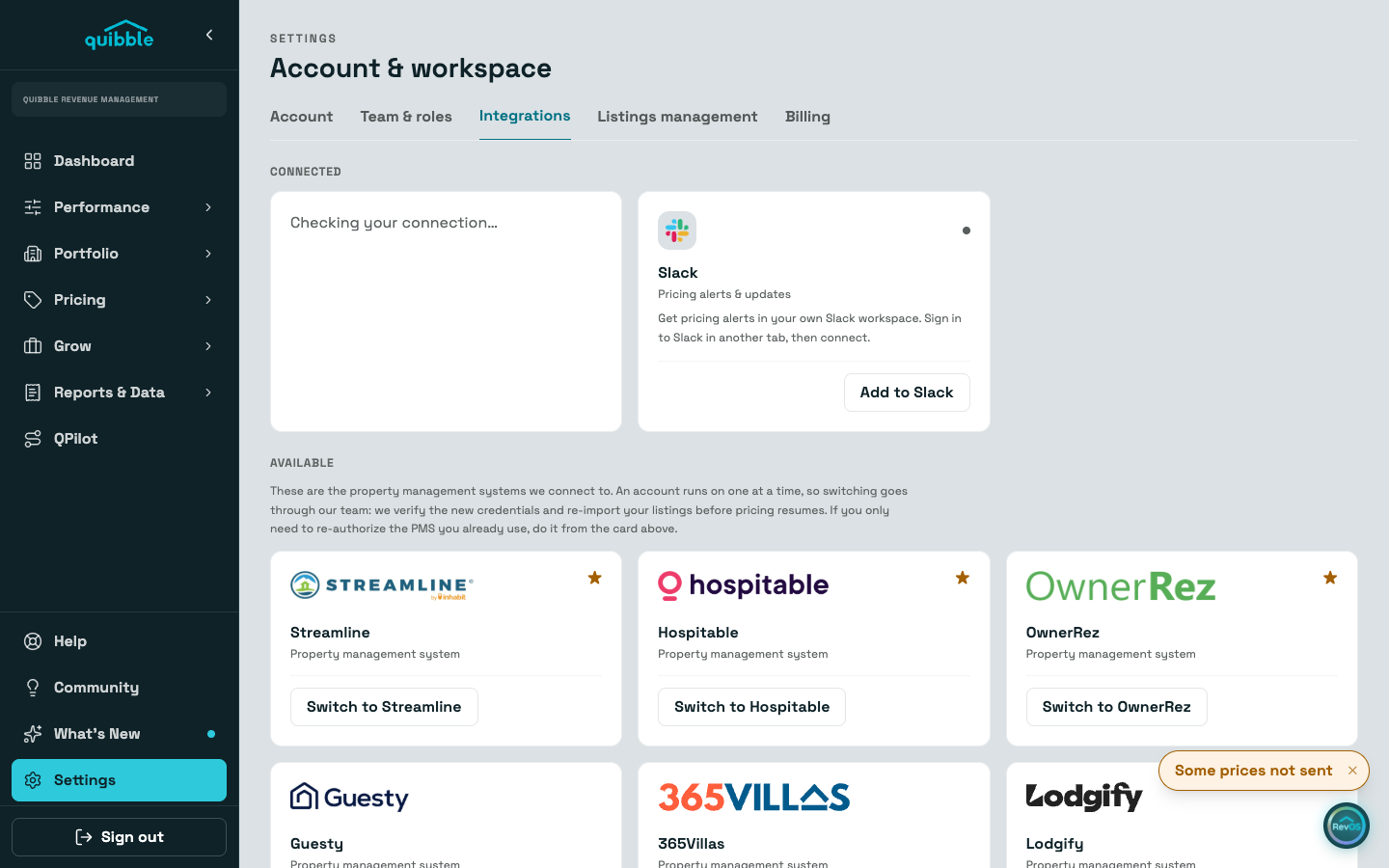
Already signed up? Go to Settings and open the Integrations tab to connect or re-connect.
3
Once the connection is accepted, the first import starts on its own — the progress view narrates each stage as it lands.
Some providers approve the connection on their side first; until they do, Quibble shows the connection as awaiting the provider.
Didn’t find what you needed? Contact us.