Data transfers
1
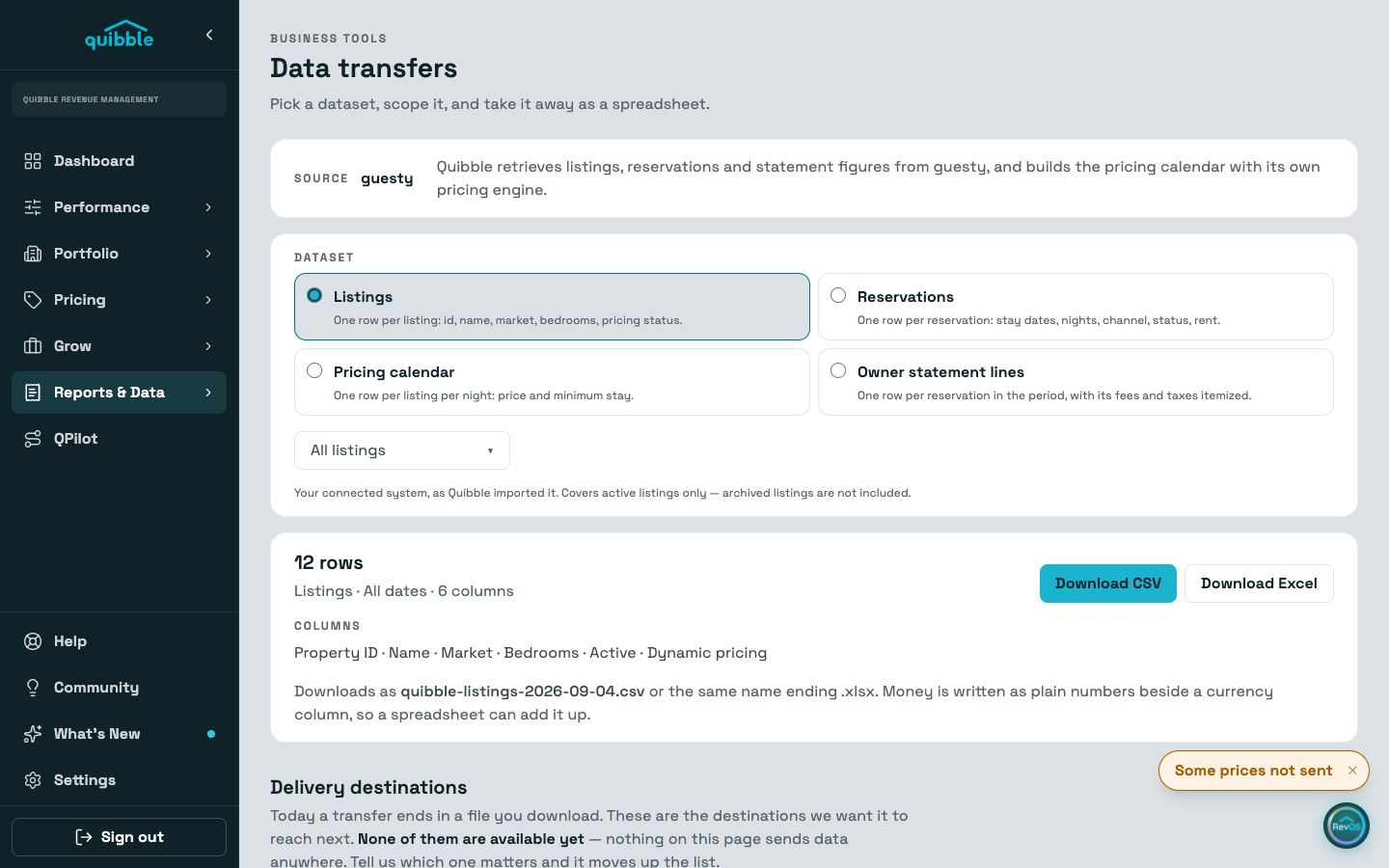
Open Data Transfers under Reports & Data and pick a dataset: listings, reservations, the pricing calendar (one row per listing per night), or owner statement lines.
2
Scope it to the listings and dates you need. The preview shows the row count and every column before you download anything.
3
Download as CSV or Excel. Money is written as plain numbers beside a currency column, so a spreadsheet can add it up.
Today a transfer ends in a file you download; scheduled deliveries to other systems are not built yet. The page lists the destinations we want next, and the community board is where to push yours up the list.
Blank money cells in statement lines mean your PMS sent no figure, not zero.
Didn’t find what you needed? Contact us.