Setting min and max prices by month
1
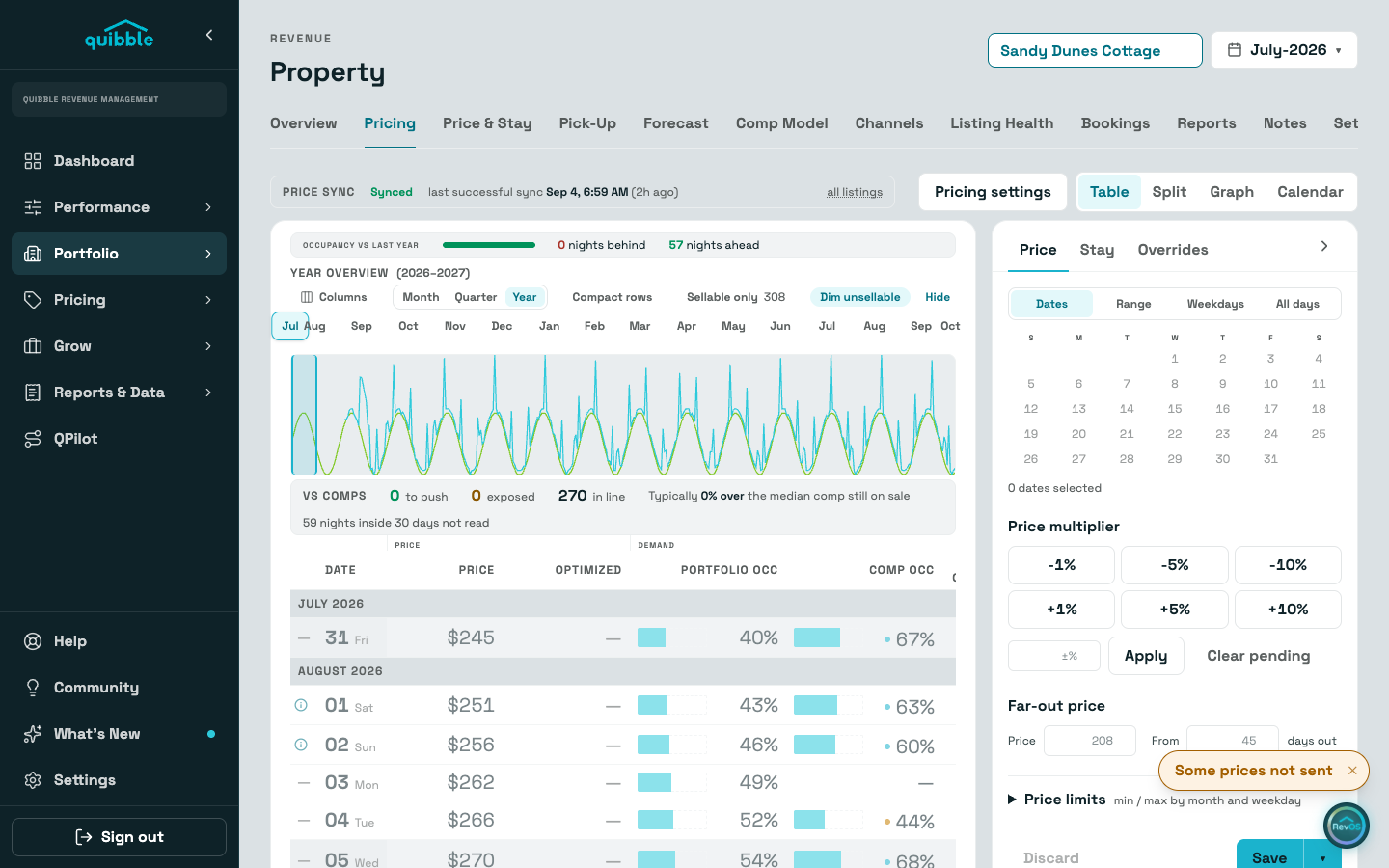
Open the property’s Pricing tab and select any night to open the editor.
2
In the Price limits section of the drawer’s Price tab, set the minimum and maximum for each month. Day-of-week limits are available for finer control; the listing’s Pricing settings drawer holds the same limits.
3
Save. The model prices freely inside the bounds and never outside them.
A floor that is too high quietly becomes the price. If Listing Health flags many nights sitting at minimum price, the floor is doing the pricing — not the market.
Keep booked rate as final, in the same Pricing settings drawer, is a different kind of limit: once a night books, no further price updates are sent for that date, and the night shows locked on the pricing table and calendar.
Didn’t find what you needed? Contact us.