QPilot Portfolio Steering
For each stay month, steering compares a listing’s on-the-books occupancy with a reference curve: by default the portfolio’s on-the-books occupancy for that month, or last year’s portfolio occupancy at the same point if your account uses the last-year curve. A listing that trails the reference by more than the discount start point earns a discount. A listing that runs 10 or more points above it earns an increase recommendation. Each direction has its own switch, start point, and ceiling, so nothing moves a price outside rules you set.
Reading the page
Open QPilot in the menu. The hero tracks your annual revenue goal from Goal Planning; below it, on the books vs. last year by market shows each market’s year-over-year gap.
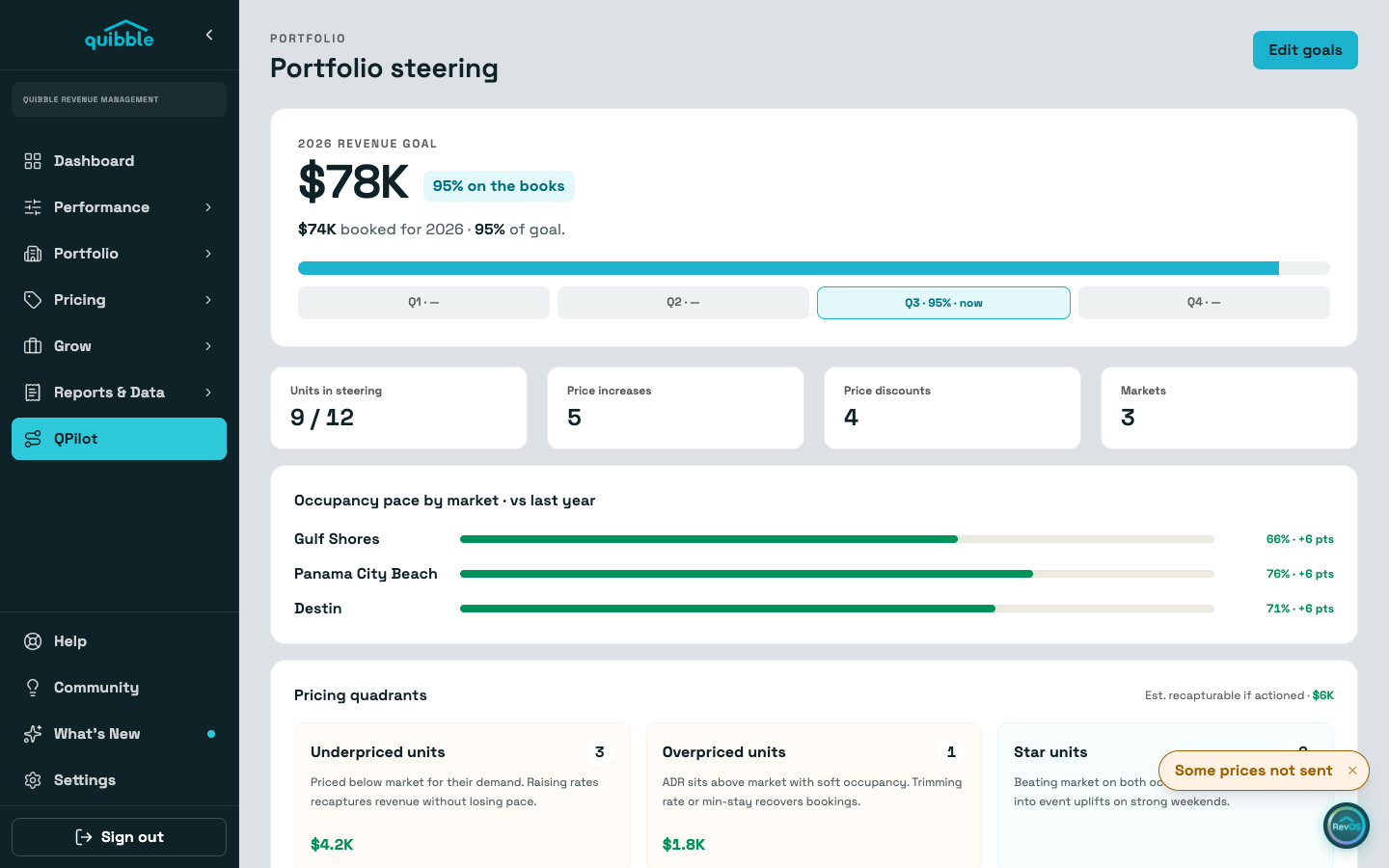
The pricing quadrants count your underpriced, overpriced, and star units, with the revenue you could recapture by acting on the first two.
Increase opportunities lists the listings running 10 or more points above the reference curve, with the recommended increase and the projected price. The recommendation scales toward your maximum increase as the gap grows. Increases are advisory unless automatic increases are on; while they are advisory, projected prices are marked proposed and nothing is applied.
Configuration
Automatic discounts and Automatic increases are separate switches. Discounts apply automatically by default; increases start as recommendations only, until switched on.
Set the window in future months, the reference curve (this year’s portfolio on-the-books occupancy, the default, or last year’s at the same point), and whether event and holiday nights are exempt from steering.
Each direction has a start point (how many occupancy points from the reference before it kicks in), a maximum, and, for discounts, a standard or aggressive action. A standard discount takes 1% off for each point past the start point; an aggressive one starts at 2% and adds 2% for each point; both stop at the maximum discount. The increase curve flattens as the gap widens, so a big gap never becomes a big hike.
Included properties decides what steering touches. Only listings pushing dynamic pricing are eligible, and removing one stops both its discounts and its increase recommendations.
Save opens a confirmation that spells out exactly what changes and when. Nothing reaches a nightly price until the next pricing run, so you can still change your mind.
- Only the account owner can flip the automation switches; other changes follow the account’s edit permissions, and some accounts are managed by our revenue team.
- Steering works toward its own reference curve. Goal Planning goals are reported against, never priced toward.