Price adjustments at every level
Adjustments stack: a portfolio multiplier, a market multiplier, and a property multiplier all fold into the final nightly price. They add as percentage points: price = clamp(optimized × (1 + Σ multipliers ÷ 100), floor, max), unless an override is set.
Open Price & Stay under Pricing — it lands on Adjust pricing. Switch the workspace between Table, Split, Graph, and Calendar as you like; Portfolio settings in the header holds the portfolio-wide rules.
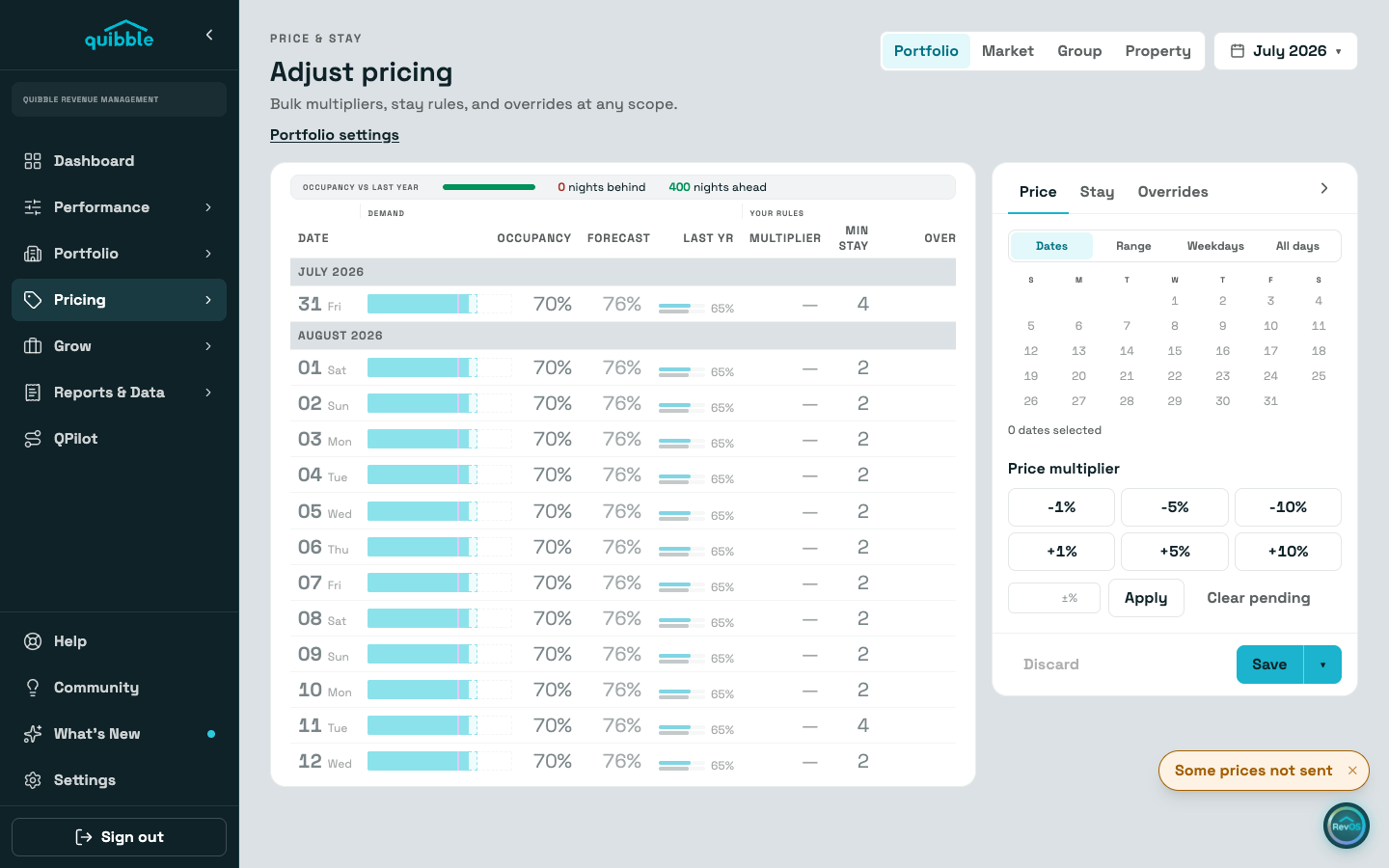
Pick the scope: portfolio, a market, a group, or a single property.
Select dates on the calendar — drag for ranges, or use day-of-week selection for patterns like every Friday and Saturday.
Set the multiplier on the drawer’s Price tab and save. The preview shows the effect on real nights before you commit; the Stay and Overrides tabs sit beside it.
- Multipliers add as percentage points, not as compounding percentages. Portfolio +5 and property +10 make a +15 adjustment, so an optimized $200 becomes $230 before the floor and max apply.
- Multipliers save as absolute values at each scope, so what you set is what stays.
- Use Save and send to PMS, then confirm, when the change should reach your channels right away.
- In Graph view, booked nights draw dotted and nights carrying a multiplier get marks under the axis, each attributed to the scope that set it.