Property groups
Open Groups under Portfolio and use New group. A group blends its listings into one KPI row: blended ADR, occupancy, RevPAR, and month-to-date revenue.
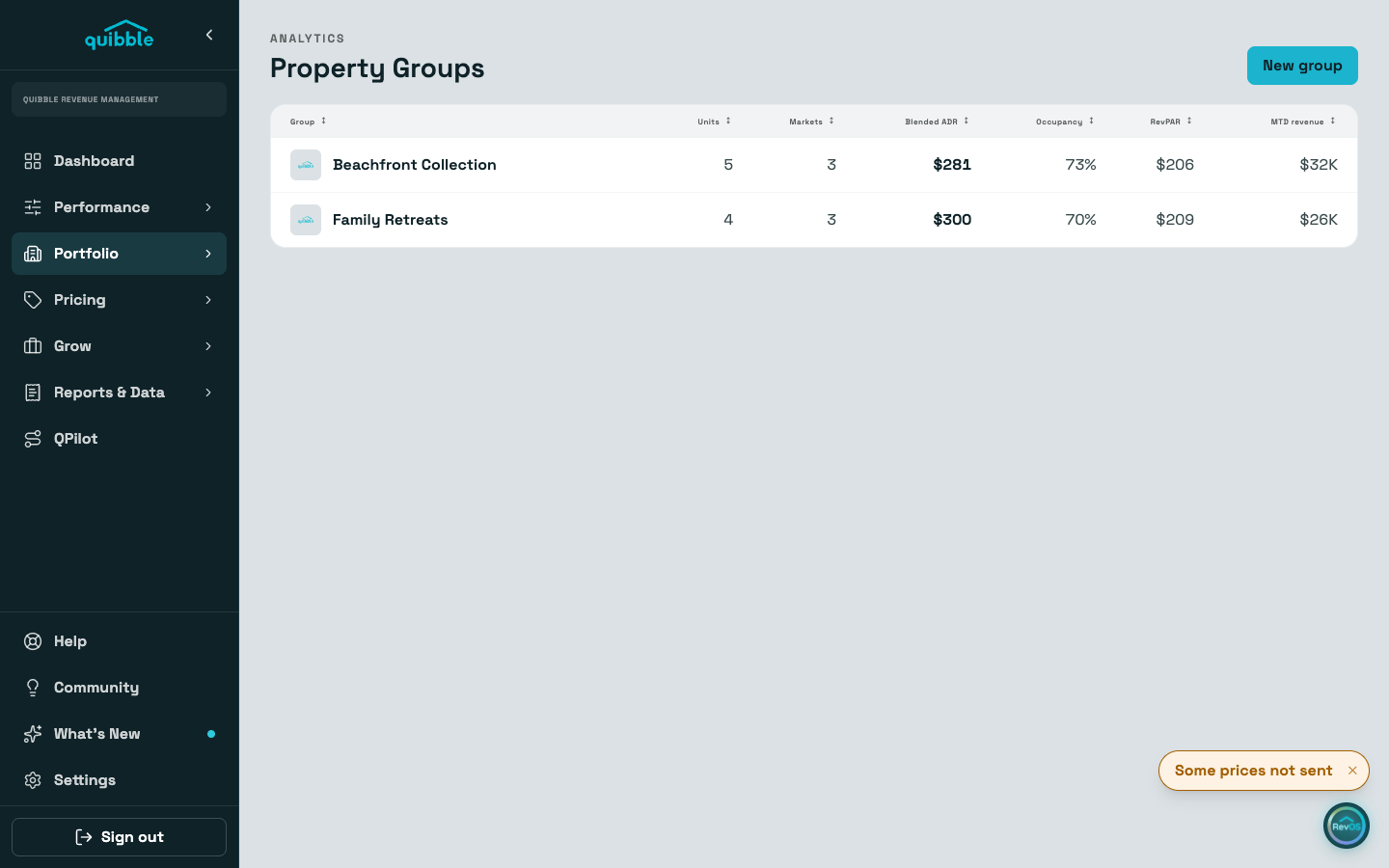
Pick the type once at creation. A plain group is listings that report and price together, each still booked on its own. A nested group is one listing booked as the whole place, with the units inside folded under a parent.
Add listings from the picker (Add properties on a plain group, Add units on a nested one). A listing belongs to one group at a time; remove it from its current group to move it.
The group page shows the blended KPIs and a member table with per-listing figures. Selecting rows enables moving listings between groups or removing several at once.
Groups are also a pricing scope: Price and Stay’s Adjust page can set a multiplier and minimum stay for a whole group.
Deleting a group never deletes its listings. They stay in your portfolio ungrouped, and the group’s multiplier and minimum stay stop applying, so their prices recalculate.