Property Scout: estimate any address or market
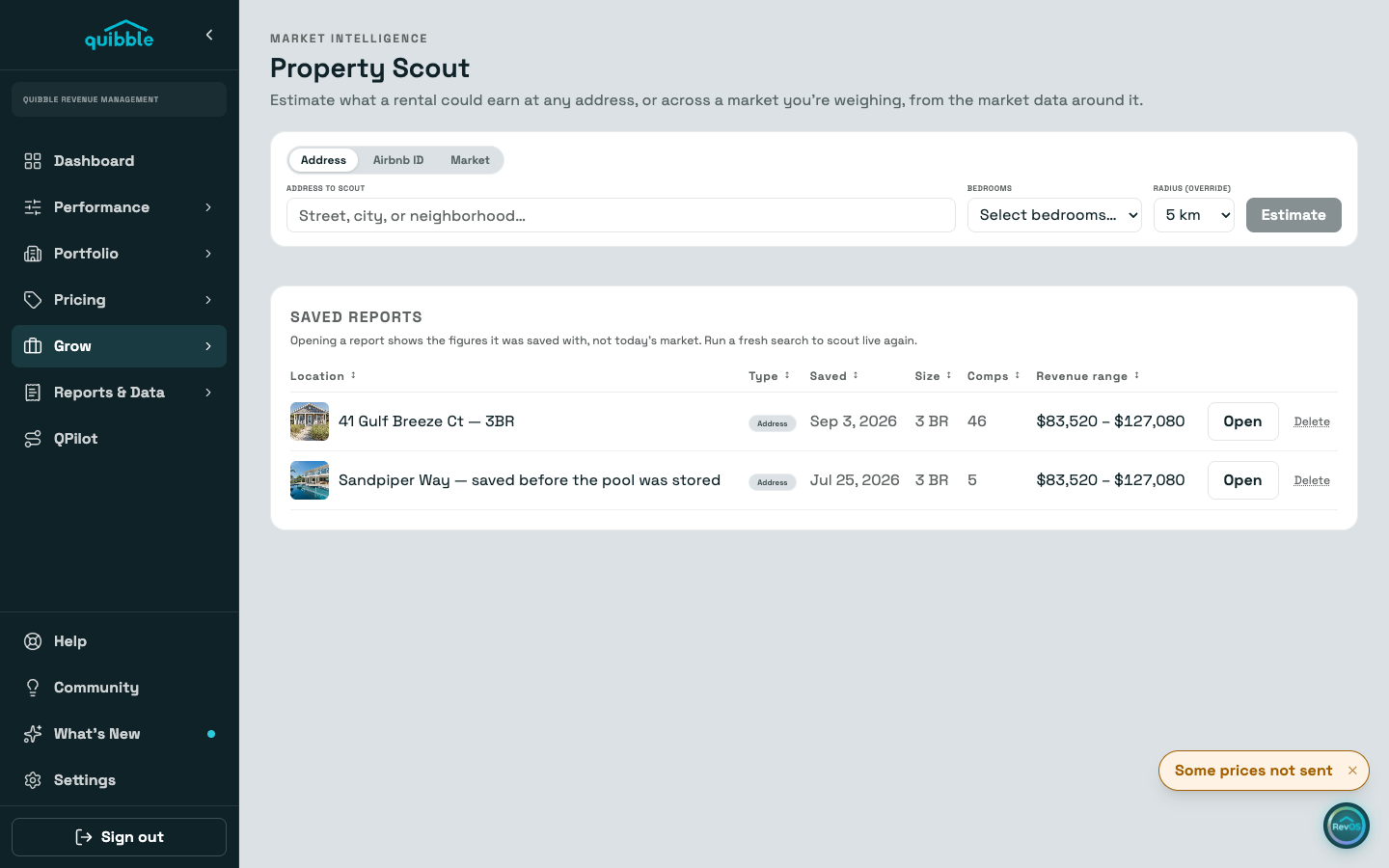
Open Property Scout under Grow — the search bar has three modes: Address estimates any street address, Listing ID (or a pasted listing link) locks onto one exact listing, and Market models a market you already operate. Pick the bedroom count for any mode; Address and Listing ID also let you set a radius from 2 to 25 km, while Market mode searches a wide fixed radius of its own.
The estimate builds three pricing bands — Conservative, Balanced, and Premium — from the comp pool nearby. Each comp card carries a tier chip showing where that listing itself prices within the pool, and the scenario you are viewing highlights the comps that back it.
Swap any comp for another nearby listing without moving the estimate — the numbers are drawn from the whole pool, not just the cards on screen.
Target annual occupancy seeds from the comp pool’s market average; the caption under the slider says whether you are on that average or your own number. Leave the price-affects-demand toggle on to nudge occupancy scenario by scenario — Conservative fills more nights, Premium fewer.
Month by month shows occupancy, ADR, nights, and revenue. Months without enough comp data are excluded from totals rather than guessed.
Add a property photo in any mode — it carries onto the saved and printed report.
Saved scouts and market forecasts now live together in one report table on the page, so past work in either mode is in one place.