Quibble Direct: show guests what booking direct saves them
The widget only ever appears when booking with you is genuinely cheaper. Every figure it shows carries one sentence saying what we checked and what we assumed, so a guest can tell a verified price from an estimate — and when we cannot be confident, it shows less rather than more. It uses the same site key as the website tag, so if you already have that installed there is nothing new to provision.
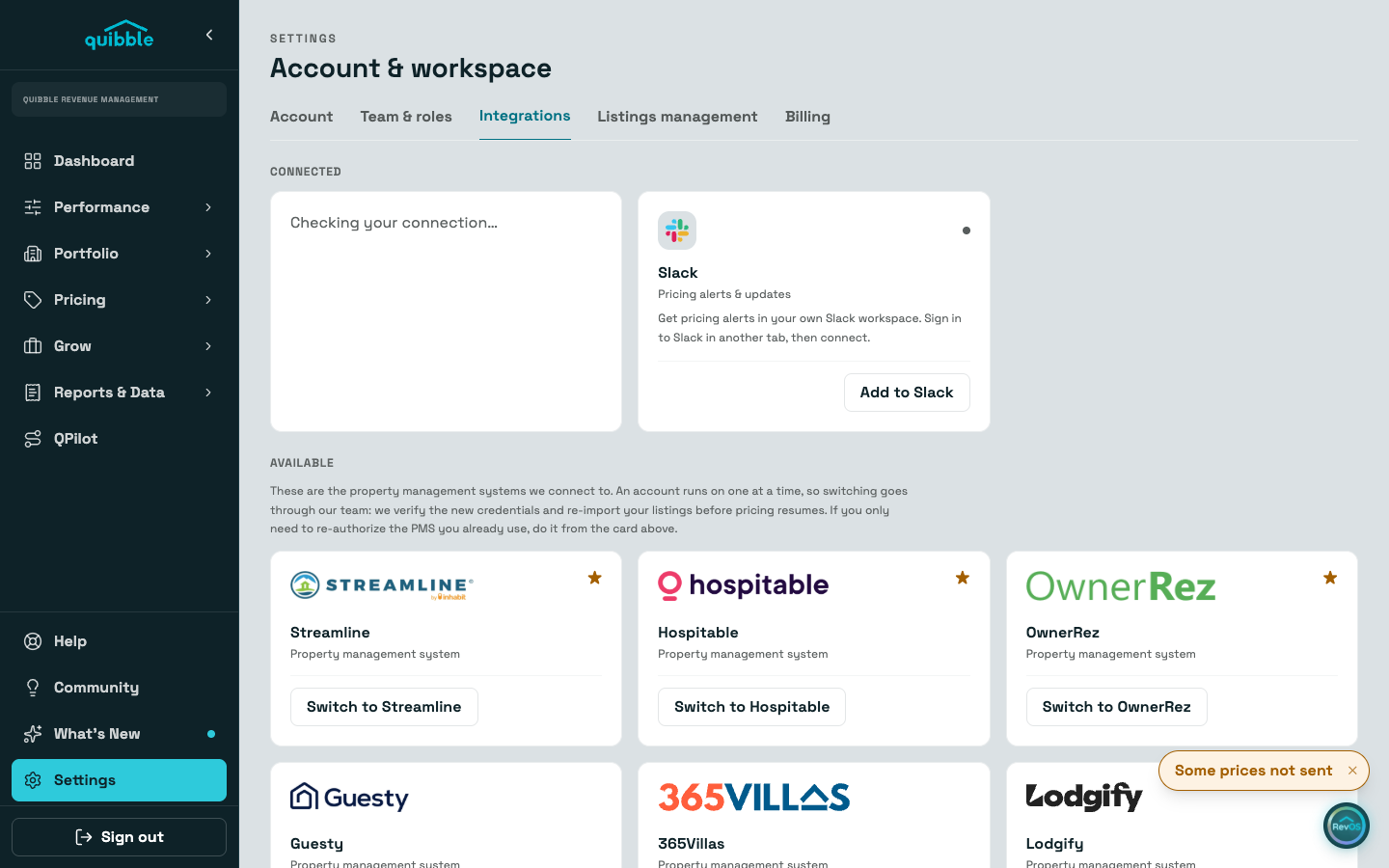
Open Settings, go to the Integrations tab, and find the Quibble Direct card. The ready-to-paste snippet is there.
Paste the listing-page snippet into your listing template, filling data-listing with your site's template variable for the listing's ID in your PMS, and data-total with the total your page is quoting for the selected dates.
Add data-accommodation with the lodging-only part of that total, before cleaning, fees and tax. It is optional, and it is the single most useful thing you can give us.
On your checkout and confirmation pages, use the variants under "Checkout and confirmation pages" — the same script with data-event added. The stylesheet belongs once in your layout and does not need repeating.
Set your listings’ fee model on the card. Choose "Guests pay the service fee" only if that is how your listings are set up; if you absorb the fee instead, say so and we will never tell a guest they are avoiding one.
Under "Your premium per channel" on the same card, enter how much higher you price on each channel than on your own site, for example 12 for a 12% premium on one of them, then click "Save premiums". Leave a channel blank to keep it off.
A declared premium is the widget’s fallback, not its first choice. On dates we hold a rate for that channel, the guest sees the checked figure. On dates we do not, the guest sees an "about" figure built from your premium, in grey, with one line saying it is your statement and was not checked. It never appears on a date where we found the channel cheaper than you, and it never fires for a channel you are not listed on.
Optionally add your own book-direct line. It shows with no numbers and is attributed to you, so nobody mistakes your promise for a price we measured.
Browse your own listing page once with dates picked, then check the card: the status flips to "Showing comparisons" when the first events land.
Nothing renders when the OTA is not more expensive than you. That is deliberate: we will not put a number on your booking page that gives a guest a reason to go elsewhere. If it keeps happening on a listing, the card tells you, and the comparison stays off your site rather than working against you.
Like the website tag, this captures trip details only: dates, party size, device, and country. It never collects names, emails, IP addresses, or anything that identifies a visitor.