Settings and your team
Around the tabs
Open Settings at the bottom of the menu. Five tabs: Account (profile, organization, notifications, security), Team & roles, Integrations (your PMS connection, API keys, the Website tag), Listings management (per-listing pricing switches and imports), and Billing.
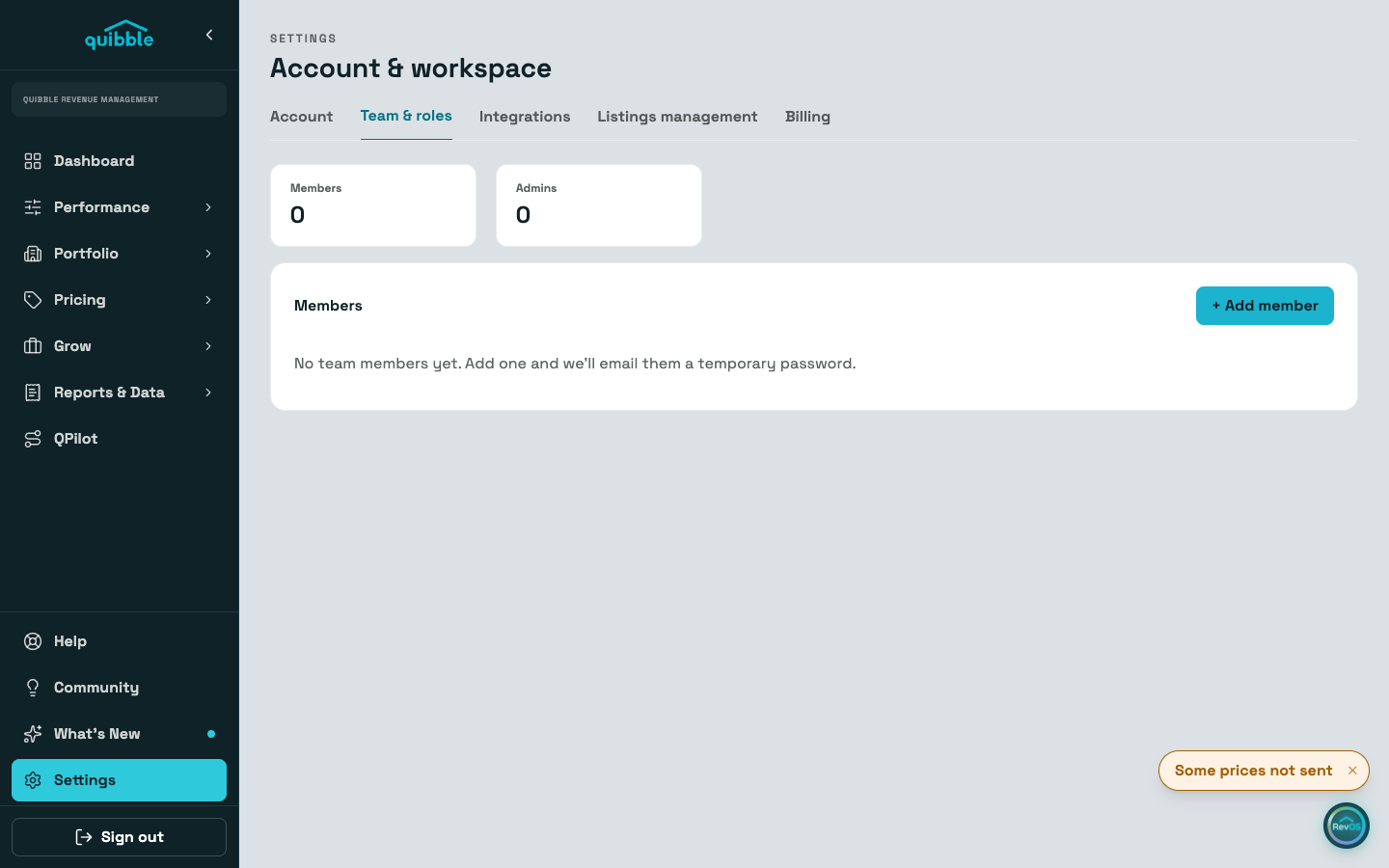
Each tab is linkable: the address bar carries the tab, so you can bookmark the one you live in.
Adding a teammate
On Team & roles, use Add member: their name, email, and a role. Admins can manage team members; users cannot.
The account is created right away and they receive a temporary password by email. There is no invite link to forward.
From a member’s row you can reset their password (a new temporary one is emailed) or disable the account when someone leaves.
Listings management is where Dynamic Pricing is switched per listing; the guide "Going live: turning on Dynamic Pricing" walks that flow. Reconnecting your PMS lives on the Integrations tab.
Own more than one Quibble account? The switcher above Help in the sidebar moves between them, and All accounts shows the combined view. Accounts stay separate: linked, not merged.